
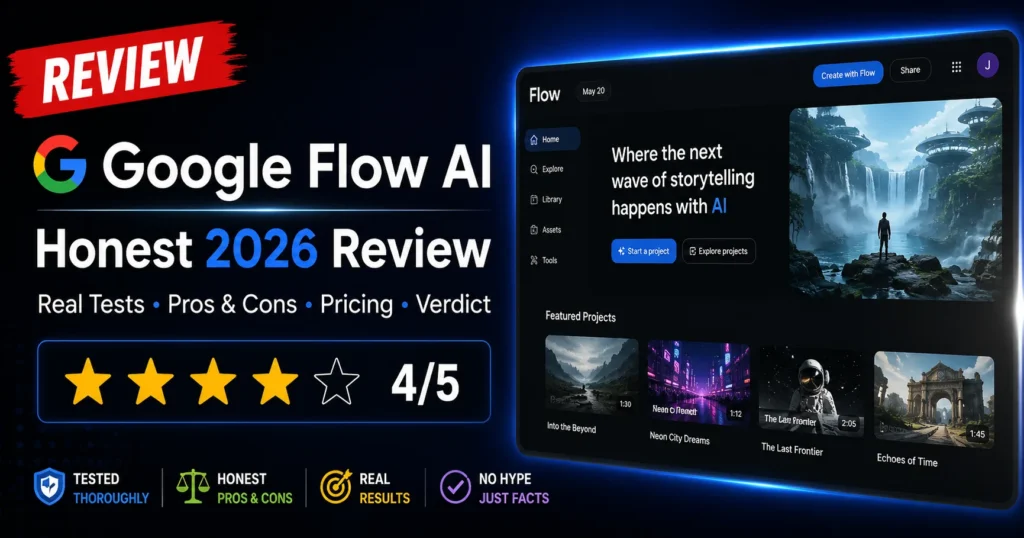
Google Flow AI Review 2026 — Honest, Tested, No Hype (Read Before You Pay)
Most Google Flow AI reviews fall into one of two categories: breathless “this changes everything” posts written by people who used it for 20 minutes, or bitter one-star complaints from users who expected a fully finished production tool and got an AI that sometimes ignores their prompts.
This review is neither.
I’m going to tell you what Google Flow AI actually is in 2026, what it does well, where it genuinely frustrates users, exactly what you get for your money at each plan, and the type of creator this tool is — and isn’t — built for.
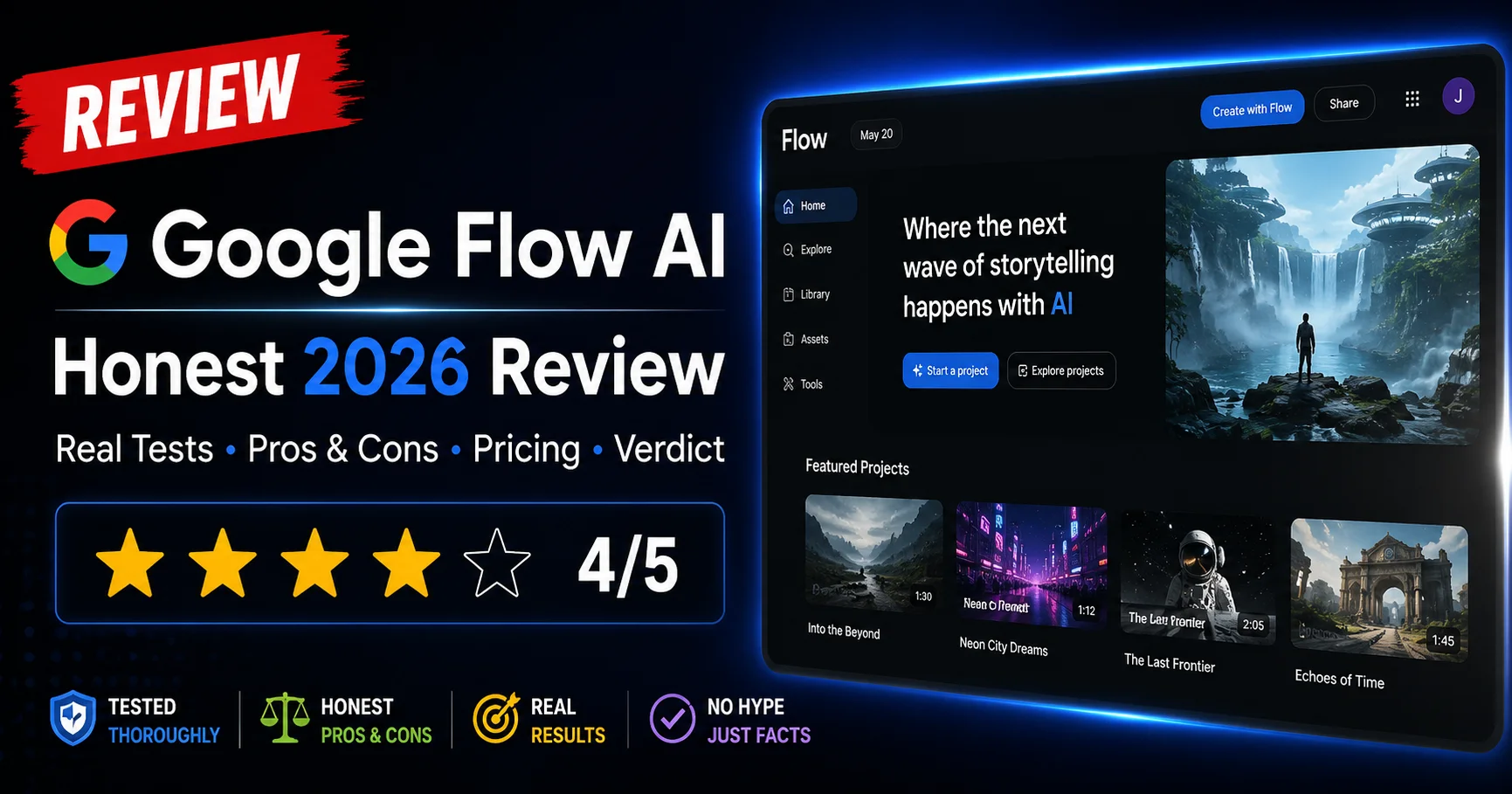
My overall rating: 4.1 / 5.0
That number will make more sense by the end. Let’s break it down.
What Is Google Flow AI — Quick Summary
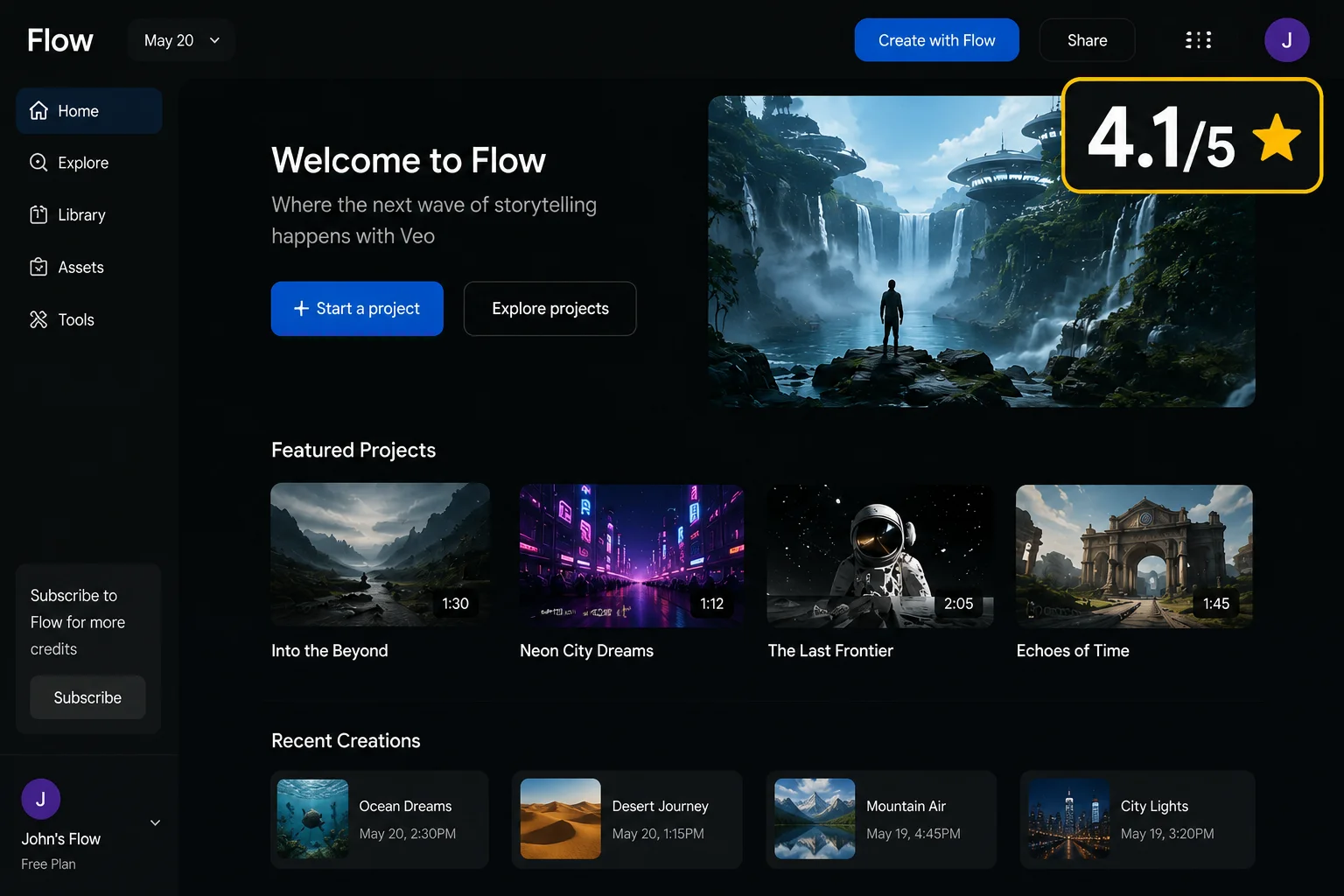
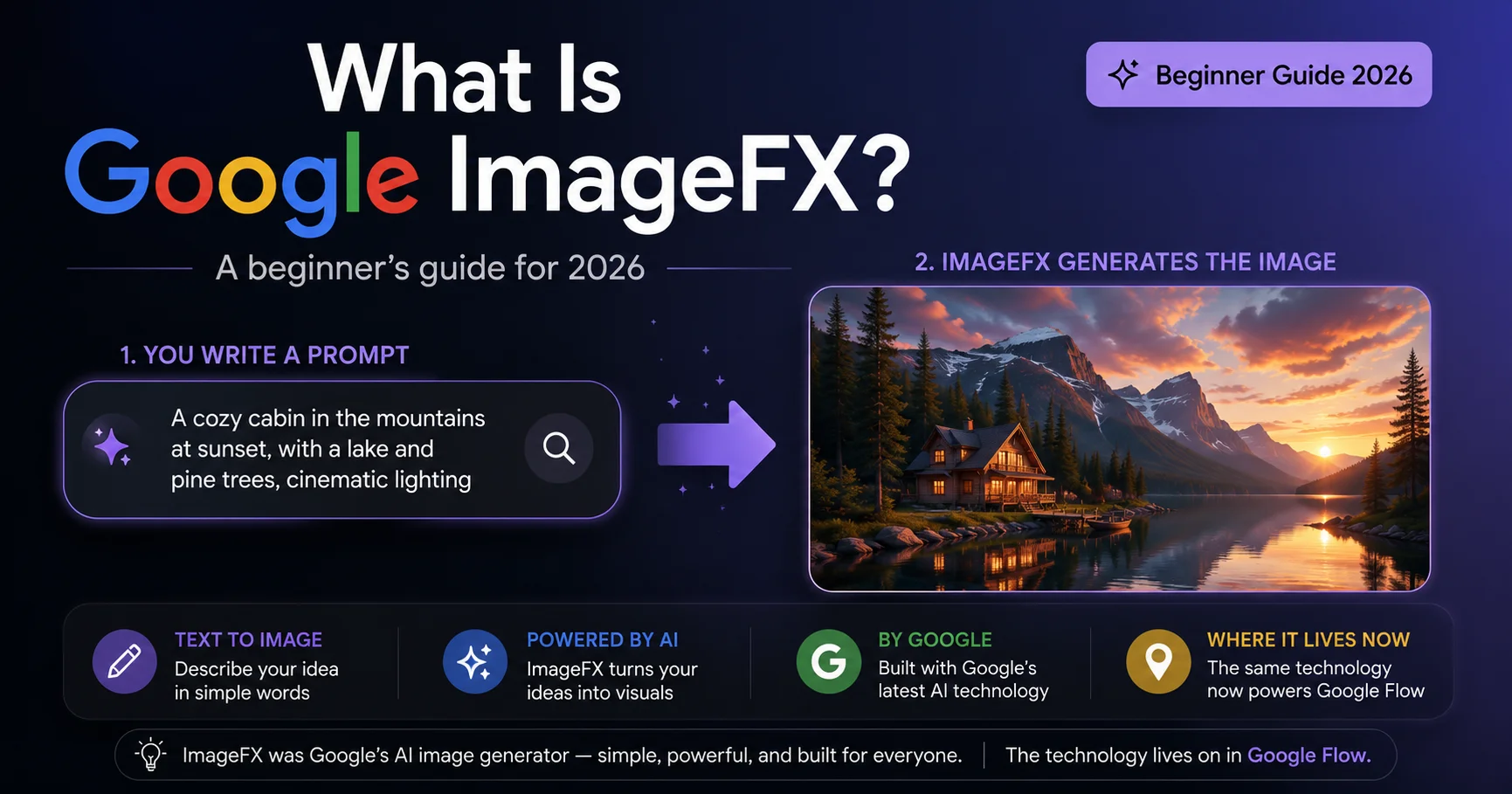
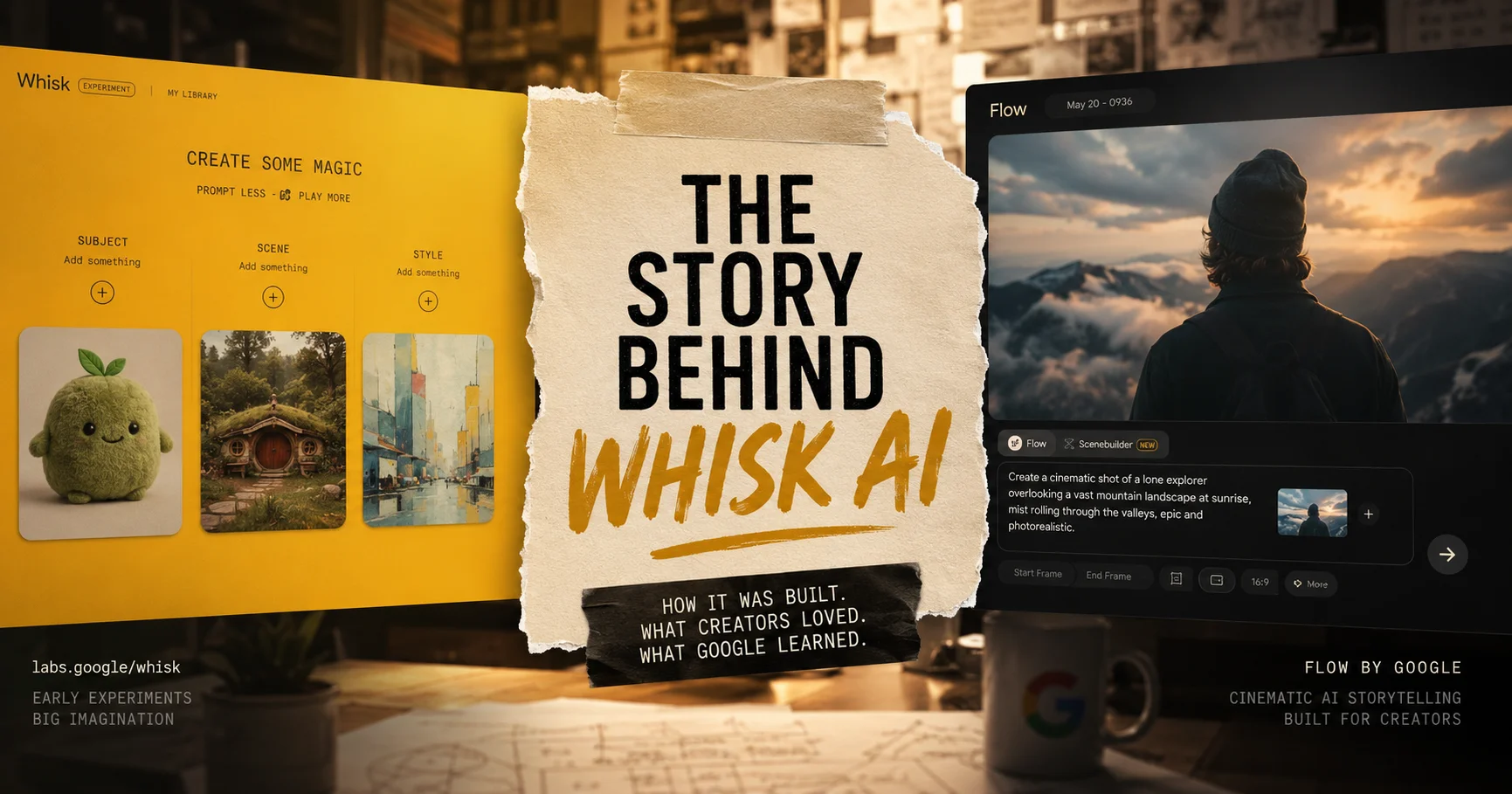
Google Flow AI is Google’s unified AI creative studio, available at flow.google. It launched in May 2025 and was massively updated in February 2026 when Google merged three previously separate tools — Whisk AI, ImageFX, and the original Flow video tool — into one platform.
It runs on three AI models working together:
- Veo 3.1 — video generation with native audio
- Nano Banana / Imagen 4 — image generation
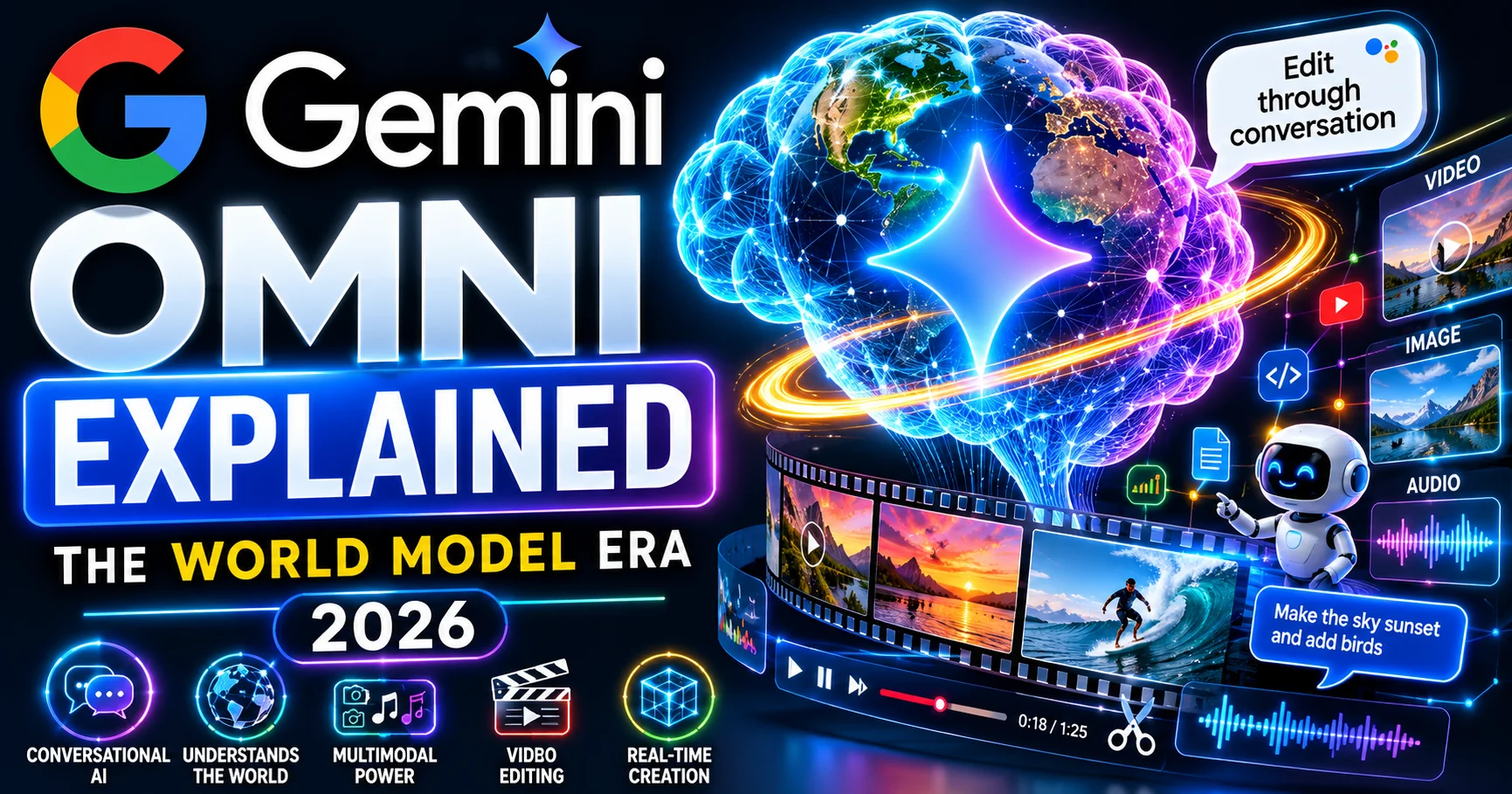
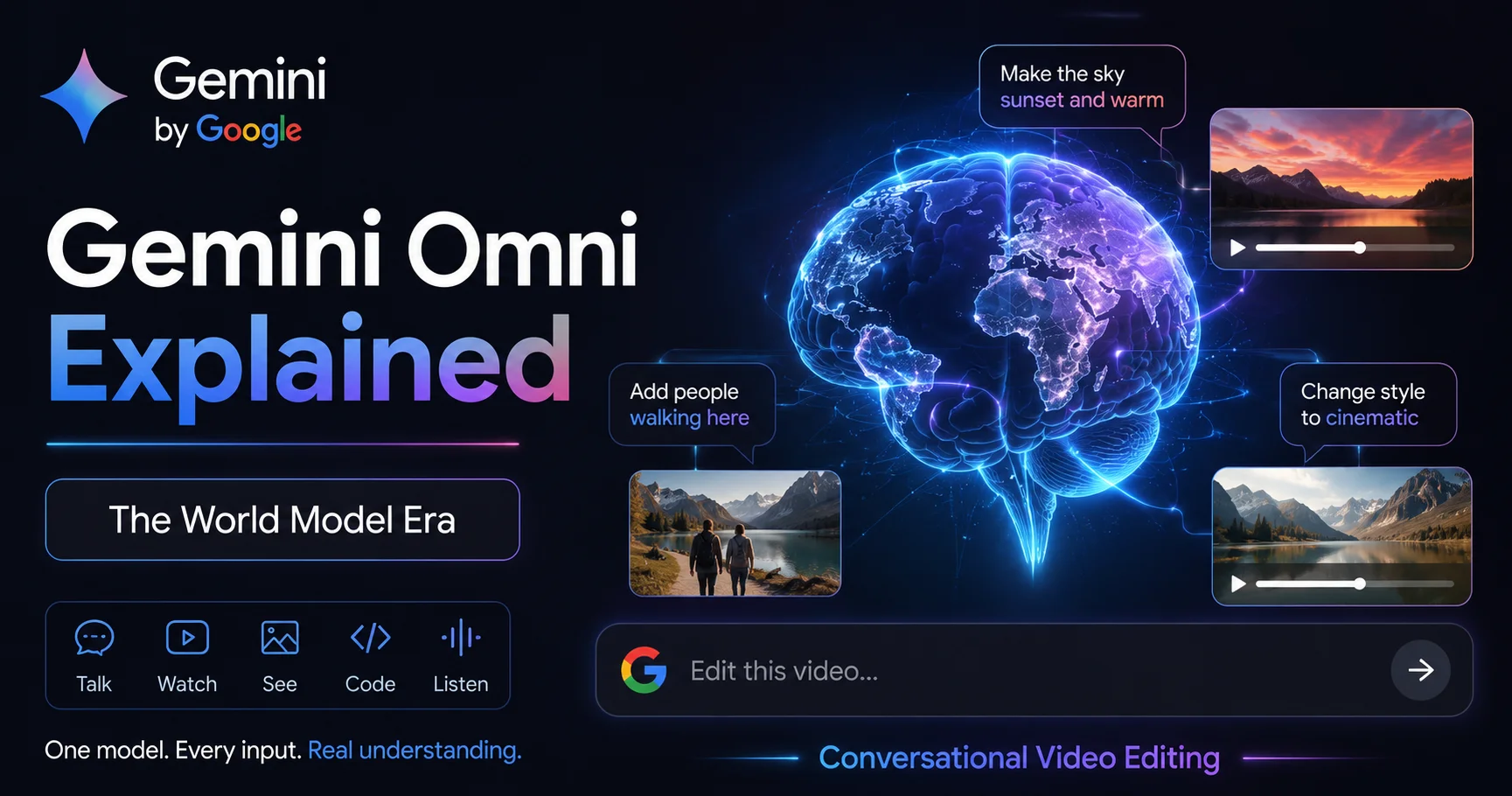
- Gemini Omni — conversational editing and reasoning
The result is a platform where you can go from a text idea to a finished image to an animated video clip with sound — without leaving one workspace. That workflow continuity is Flow AI’s most distinctive feature, and it genuinely works.
Who makes it: Google DeepMind and Google Labs — two of the most well-resourced AI research organizations in the world. This matters because when Google updates Flow, the updates are significant and backed by real research, not just prompt tweaks.
Google Flow AI Pricing — The Real Numbers
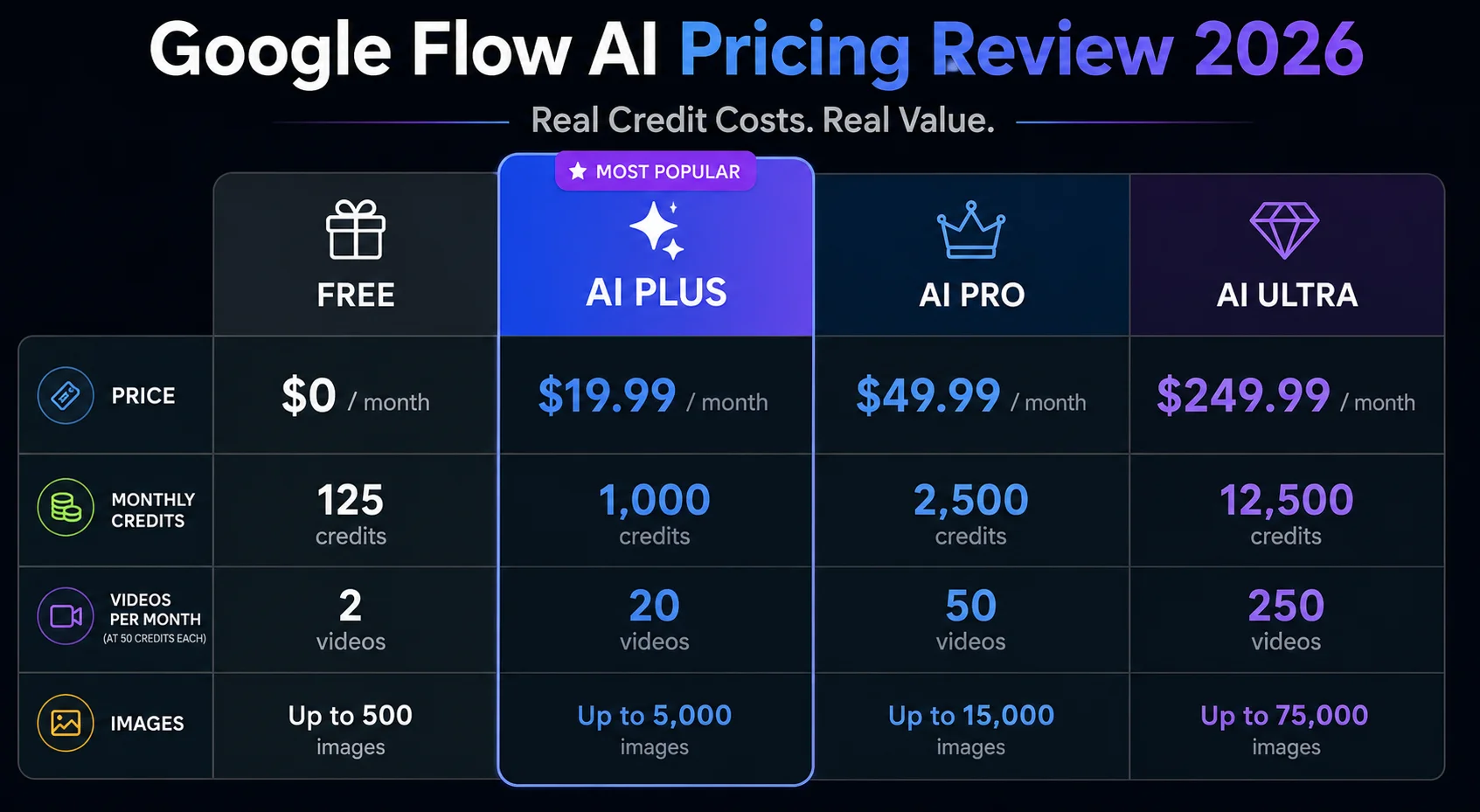
Let’s start with pricing because it’s the first thing people get confused about.
Free Tier: Image generation is genuinely free with no daily credit expiry. You get Nano Banana 2 image generation plus a small credit allocation for limited video experimentation. This is not a stripped-down demo — it’s a real working tier for image creation. For video, it’s limited but lets you test the quality before paying.
Google AI Plus — $19.99/month (Rs. 1,400/month in Pakistan): This is the tier most creators land on. You get roughly 1,000 credits per month. At 50 credits per Veo 3.1 video generation, that’s about 20 video clips per month. Sounds like a lot — until you realize building one polished 60-second video can require 8-15 clip attempts plus scene extensions. Heavy users hit the limit within 2-3 weeks.
Google AI Pro — $19.99/month: Wait — same price as Plus? Yes, and this creates significant confusion. The distinction is that Pro includes additional Google services (Gemini Pro, expanded NotebookLM, Workspace integrations) alongside Flow. For creators who only want Flow, Plus and Pro offer comparable Flow-specific credits.
Google AI Ultra — $249.99/month: Designed for power users and enterprises. Higher credit allocation, 4K upscaling, priority queue access, and early access to new features. At this price, it only makes sense if you’re using the entire Google AI ecosystem heavily, not just Flow.
The honest credit math: One Veo 3.1 video generation = 50 credits. One image = 5-10 credits. On the Plus plan with 1,000 credits, you can generate approximately 20 videos per month if you use nothing else. A basic video generation costs between 20 and 50 credits, so your credit count can vary significantly based on what you’re making. Real creators doing daily content work will find credits run out faster than the monthly price suggests.
What Google Flow AI Does Well — The Real Strengths
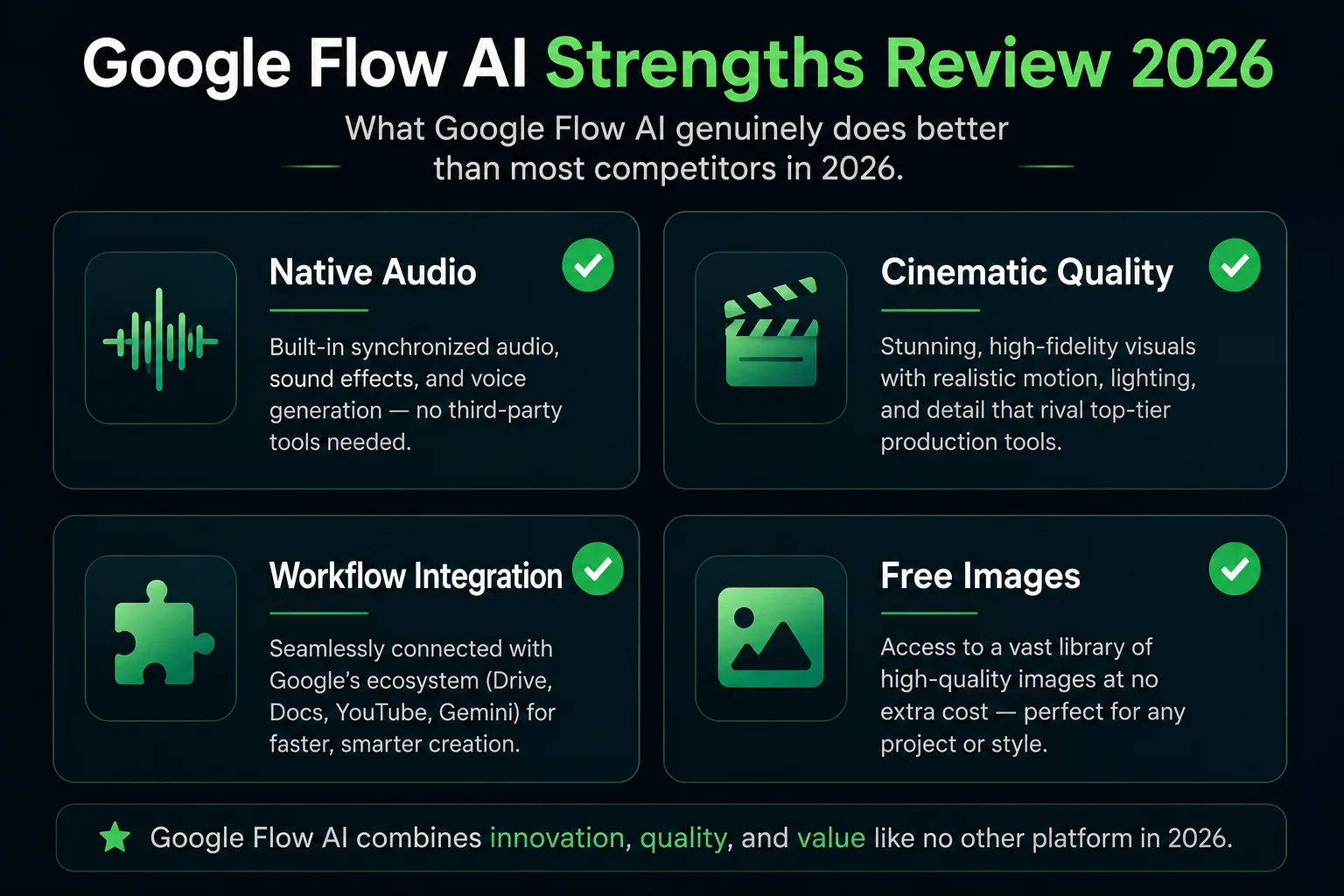
1. Native Audio — The Clearest Win
Veo 3.1’s native audio generation is genuinely impressive and has no equivalent in most competing tools. When you generate a video of a rainy street, you hear rain. When a character speaks, they actually speak. When the scene is tense, the audio is tense.
The audio isn’t perfect — some reviewers note it lacks the professional polish needed for broadcast-quality work, and audio quality isn’t always consistent across generations. But the fact that it exists at all — fully synchronized, generated alongside the video in a single step — is a real competitive advantage that saves hours of post-production work for content creators.
2. Cinematic Video Quality
Veo 3.1 produces footage that professional reviewers consistently describe as “cinematic quality” — realistic lighting, accurate physics, skin tones that look real, and camera movement that feels intentional rather than generated. The Veo 3.1 update brought significant improvements to all of these areas.
This is where Google’s training data advantage shows. Veo 3.1 was trained on an enormous dataset that gives it a deep understanding of how real-world footage actually looks — how water moves, how shadows behave, how faces change expression. The result is video that holds up to close inspection in a way that earlier AI video tools didn’t.
3. The Integrated Workflow
Before Flow AI, making AI video required multiple tools: generate an image in ImageFX, download it, upload it to a video generator, add audio in a separate app. Flow collapsed this into one workspace. The Ingredients to Video with Audio workflow — where you upload reference photos for character, setting, and style, then generate a video — is genuinely novel and works well.
Professional reviewer Chase Jarvis described it as “a workspace where you build” rather than a one-shot generator — and that’s accurate. Flow’s scene builder and timeline let you assemble multi-clip sequences within the same interface where you generated them.
4. Free Unlimited Image Generation
This is genuinely underrated. Unlimited Nano Banana image generation at no cost means you can use Flow AI heavily for visual development, mood boarding, and creative exploration before spending a single credit on video. Many creators use the free image tier daily and only pay for video when they need it.
5. Google Ecosystem Integration
For teams already using Google Workspace, the integration is seamless. Projects, assets, and exports work naturally with Drive. The Gemini Avatar setup works through your Google account. The Flow Agent uses Gemini’s reasoning capabilities to help manage your project. If Google is already your operating environment, Flow slots in naturally.
What Google Flow AI Gets Wrong — The Real Weaknesses
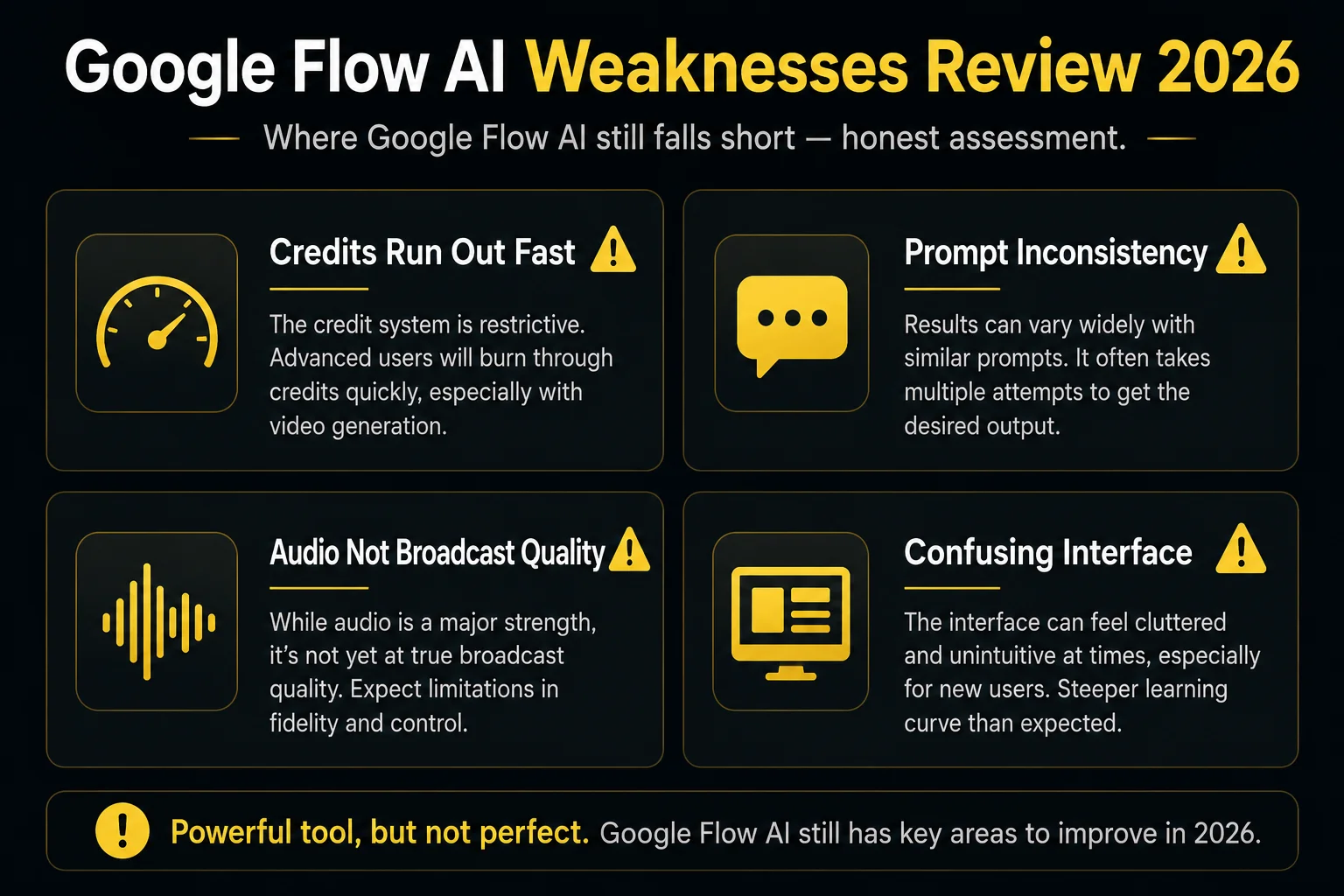
1. The Credit System Creates Real Frustration
This is the most consistent complaint from real users. The credit system isn’t transparent enough — you don’t always know exactly how many credits an action will cost before you take it. Real users on review platforms note: “I need clear answers: how many credits will this cost? What’s my current balance? What will I have left after?”
The anxiety of watching credits disappear, not knowing exactly how fast, creates a poor experience — especially for users who paid $19.99/month expecting more than 20 videos.
2. Prompt Inconsistency
One of the most honest reviews put it plainly: “It reflects 85% of what you want and you spend most of your time correcting it.” Another frustrated user wrote: “The videos produced do NOT follow your instructions AT ALL.”
Both are partially true and partially exaggerated. Flow AI follows clear, specific prompts well. It struggles with complex multi-element prompts, scenes requiring specific character behaviors, or anything requiring exact compositional control. The gap between what you imagine and what gets generated is real, and narrowing it takes practice and prompt refinement.
3. Audio Quality — Good But Not Professional
While native audio generation is a strength in that it exists and mostly works, the audio quality itself isn’t at professional broadcast level. One reviewer noted: “For professional work, you must edit the audio independently.” Environmental sounds are convincing; dialogue and music generation are improving but still have moments that feel artificial. For social media content, it’s more than adequate. For commercial broadcast, you’d likely want to layer or replace the audio.
4. Credits Expire Too Fast for Heavy Use
A basic video generation costs between 20 and 50 credits. That means 1,000 credits per month (AI Plus) translates to approximately 20-50 video generations. If you’re building a short film requiring 40+ clips, you’ll be out of credits in a week. Google doesn’t offer a simple “buy more credits” top-up without upgrading your entire plan tier.
5. Interface Learning Curve
Multiple reviewers — including professionals — noted finding the interface confusing initially, particularly the Scene Builder and timeline. “I personally found this pretty confusing to use,” wrote one professional photographer turned AI video creator. The platform does a lot, and the organization of those features isn’t always intuitive. New users often spend their first session clicking through the interface rather than creating.
6. Output Inconsistency
The same prompt can produce noticeably different quality results between generations. Using the same prompt twice doesn’t guarantee similar output. This unpredictability makes it harder to build reliable production workflows — you’re always generating 4 variations and picking the best one, rather than directing a consistent tool toward a known outcome.
Real User Scores — What Actual Users Say
| Source | Rating | Key Feedback |
|---|---|---|
| BotBunch (hands-on test) | 4.2/5 | “Cinematic quality, best integrated workflow” |
| AI Tool Analysis | 3.8/5 | “Wins on audio, loses on absolute photoreal quality” |
| Chase Jarvis (pro photographer) | Positive | “Version 1 moment — promise is real, reliability coming” |
| SourceForge user review | 1/5 | “Videos don’t follow instructions, don’t waste money” |
| TechSikho (7-day test) | 4/5 | “Credits expire quickly, audio needs polish” |
The range from 1/5 to 4.2/5 tells you something important: Google Flow AI is a tool where your experience depends heavily on how you use it. Users who treat it as a production-ready, instruction-following video editor are frustrated. Users who treat it as a creative exploration and iteration tool get strong results.
Google Flow AI vs Competitors — Where It Stands
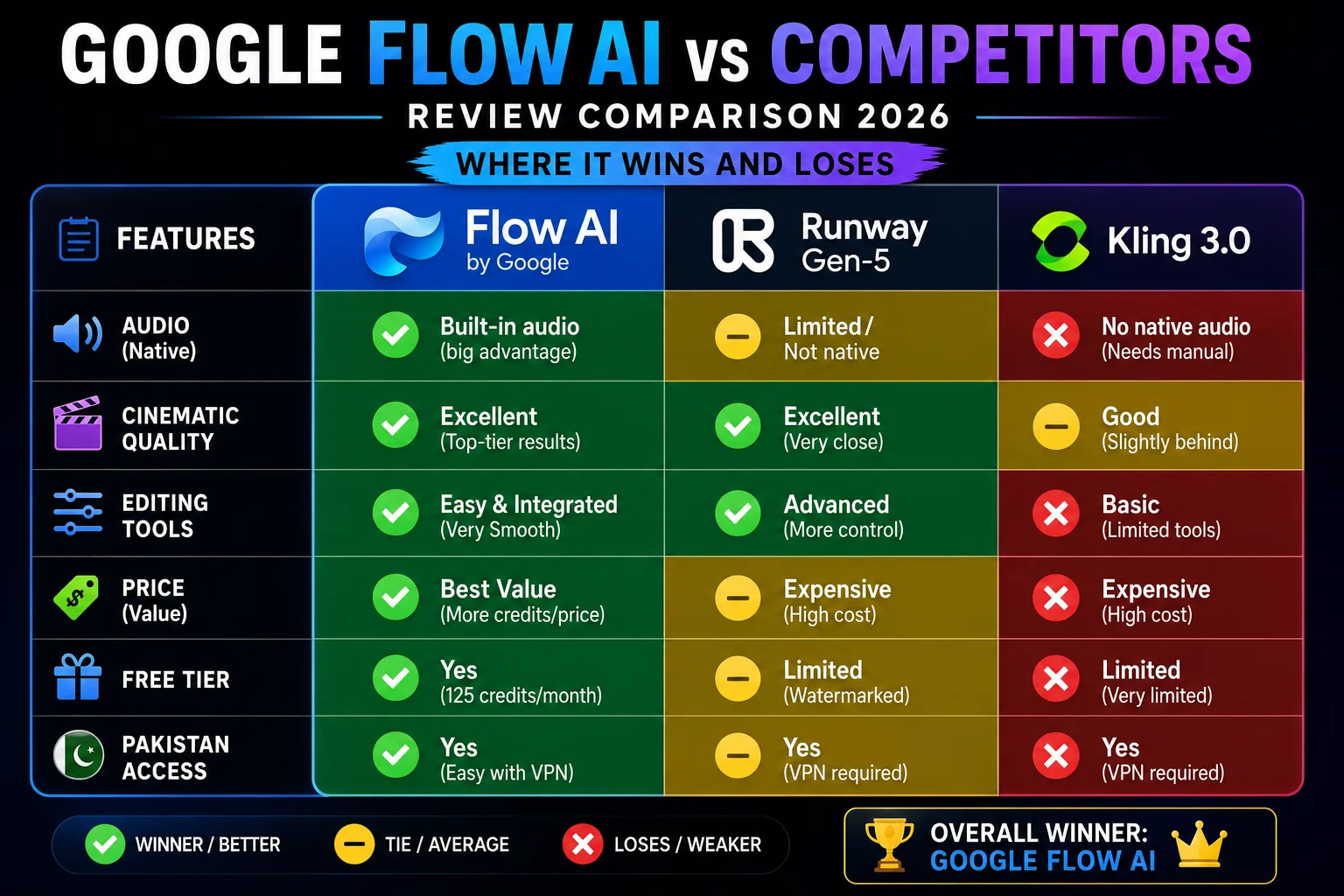
vs. Runway ML Gen-5: Runway holds the #1 ELO ranking on Video Arena benchmarks. It has superior editing tools (Motion Brush, precise Camera Controls, Adobe integration) and is better for professional production workflows. Flow AI wins on audio and ecosystem integration. Full comparison in our Google Flow vs Runway ML guide.
vs. Kling AI 3.0: Kling is 2-5x cheaper per video and offers 4K output on standard plans. Flow AI wins on audio quality and free image generation. For high-volume production where cost matters, Kling is worth considering. Full comparison in our Google Flow vs Kling AI guide.
vs. Sora (was): Sora 2 shut down April 26, 2026. It’s no longer an option. Full breakdown in our Veo 3.1 vs Sora 2 comparison.
The honest summary: Flow AI is “genuinely competitive in 2026 — wins native audio and narrative video, ties on cinematic control, loses on absolute photoreal quality” compared to the best alternatives. “Credible alternative with distinct strengths” is the accurate positioning, not “best AI video tool period.”
Who Should Use Google Flow AI
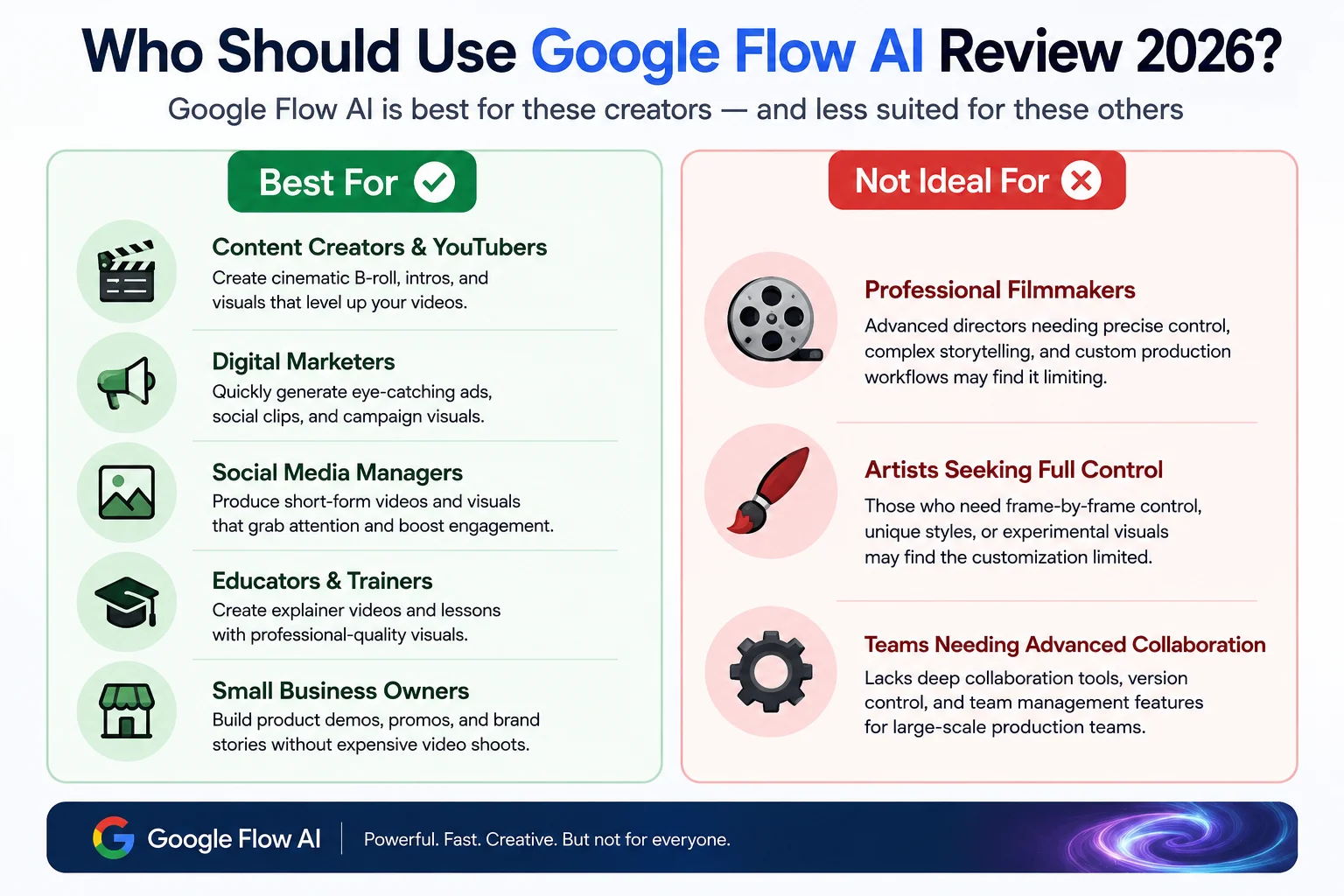
Flow AI is the right choice if you:
- Create social media content (YouTube Shorts, Reels, TikTok) where native audio saves significant time
- Are in the Google ecosystem and want seamless integration with Gemini, Workspace, Drive
- Want the best AI platform for narrative video — story-driven content where pacing and audio matter
- Need free, unlimited image generation alongside occasional video work
- Are in Pakistan and want straightforward, affordable access ($19.99/month, no complicated setup)
- Are new to AI video and want a guided, integrated workspace rather than prompt-and-pray generation
Flow AI is less ideal if you:
- Need precise, predictable production where every output must closely match your brief (use Runway)
- Produce 50+ videos per month and need low per-video cost (consider Kling AI)
- Need 4K output without paying for Ultra tier (Kling offers 4K on standard plans)
- Do professional broadcast work where audio quality is critical (add dedicated audio tools)
Is the $19.99/Month Subscription Worth It?
This is the real question, so let’s answer it directly.
Worth it if: You’re a content creator making 10-20 videos per month for social media. The native audio alone saves you significant sourcing and editing time. The free image generation is a genuine bonus. The cinematic quality is competitive with anything available at this price.
Not worth it if: You expect to generate 50+ videos per month without hitting limits, you need exact prompt adherence for commercial production, or you only need a simple text-to-video tool without the full workflow.
The honest verdict from our testing: For most individual creators making content for YouTube, Instagram, or TikTok — $19.99/month for Google AI Plus is reasonable value, especially combined with the free image tier. The experience improves significantly once you understand prompt structure and stop expecting exact literal interpretation of complex scenes.
Students should note: Google offers AI Pro free for 12 months to eligible college students with verification — a compelling option if you qualify.
Frequently Asked Questions
Q: Is Google Flow AI worth it in 2026?
For social media content creators and narrative video work — yes. The native audio, cinematic quality, and integrated workflow make it competitive at $19.99/month. For high-volume or precise production work — Runway or Kling may be better choices depending on your specific needs.
Q: What’s the rating for Google Flow AI?
Based on our testing and aggregated user feedback: 4.1/5 overall. Strongest on audio (4.5/5), workflow integration (4.5/5), and image generation (4.5/5). Weakest on credit transparency (3.2/5) and prompt consistency (3.5/5).
Q: Is Google Flow AI free?
Image generation is completely free with no daily limit. Video generation requires a paid plan starting at $19.99/month. A small credit allocation for video testing is available on the free tier.
Q: What are the biggest complaints about Google Flow AI?
The most consistent complaints are: credits running out faster than expected, prompt inconsistency (results don’t always match the brief), audio quality not being professional grade, and the interface having a learning curve for new users.
Q: Is Google Flow AI available in Pakistan?
Yes, fully available. Image generation is free. Video requires Google AI Plus at approximately Rs. 1,400/month. See our Pakistan access guide.
Q: How does Google Flow AI compare to Runway?
Runway has better editing tools and wins on benchmark rankings. Flow AI wins on native audio and price. Full breakdown: Google Flow vs Runway ML.
Q: Can I cancel anytime? Yes. Google AI subscriptions can be cancelled at any time through your Google account. You keep access until the end of your billing period.
Final Verdict — 4.1 / 5.0
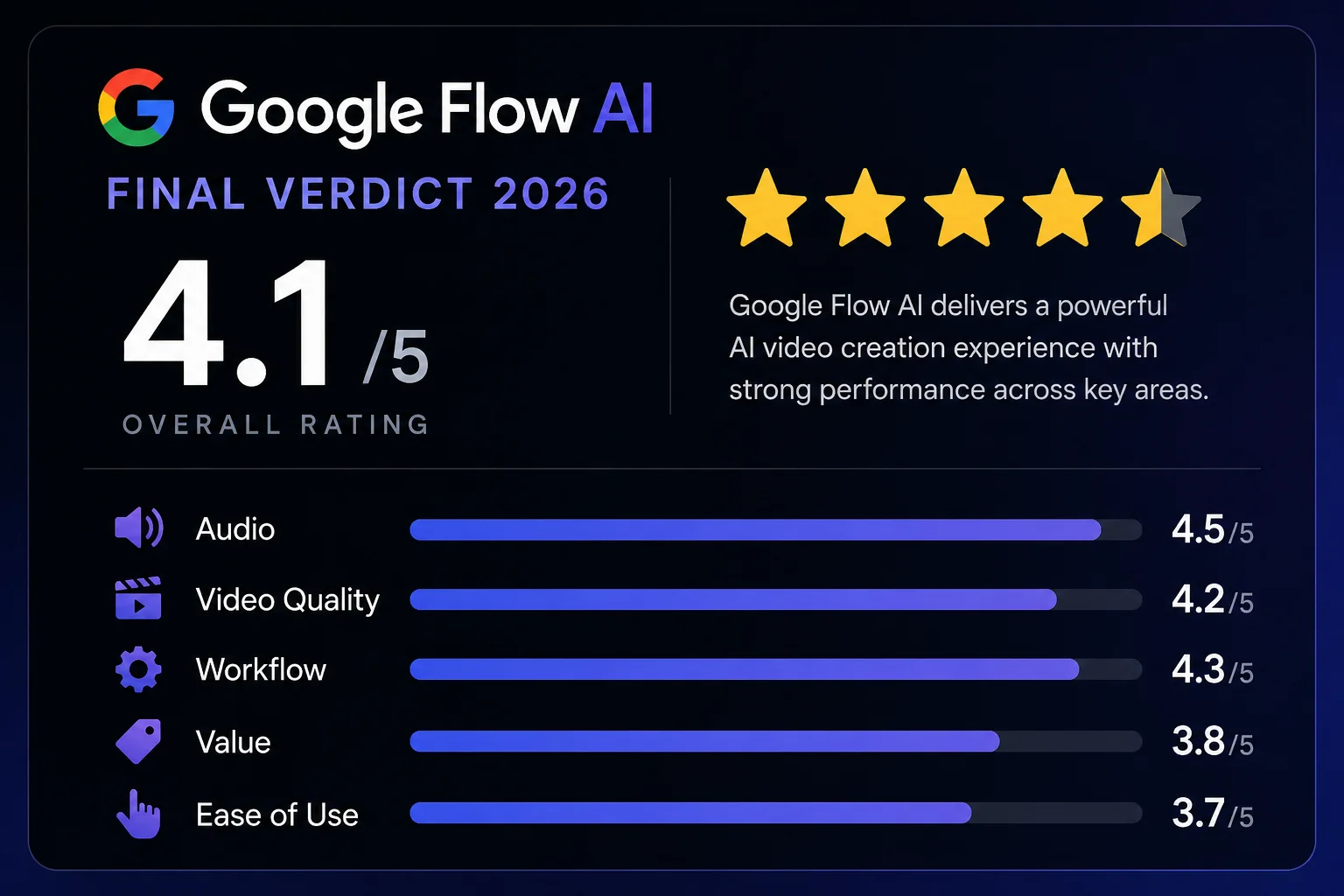
| Category | Rating | Notes |
|---|---|---|
| Audio Generation | ⭐ 4.5/5 | Best native audio of any consumer AI video tool |
| Video Quality | ⭐ 4.2/5 | Cinematic, realistic, competitive with top tools |
| Workflow Integration | ⭐ 4.3/5 | Best integrated image-to-video pipeline |
| Free Image Generation | ⭐ 4.5/5 | Genuinely unlimited, high quality |
| Value for Money | ⭐ 3.8/5 | Good for moderate users; credits run out fast for heavy use |
| Ease of Use | ⭐ 3.7/5 | Learning curve; interface takes time |
| Prompt Consistency | ⭐ 3.5/5 | Best results with simple, specific prompts |
| Overall | ⭐ 4.1/5 | Recommended for most content creators |
Google Flow AI is the best AI creative studio for content creators who value workflow integration, native audio, and cinematic video quality. It’s not the cheapest option, not the most precise, and not the most powerful on every benchmark — but it’s the most complete package for the kind of creative work most individual creators actually do.
Start with the free tier at flow.google. Use the free images to explore the platform. Then decide if $19.99/month makes sense for your video workflow. Most creators who do this end up subscribing — and most who subscribe keep it.
Related Articles on WhiskAILabs:
- Home — WhiskAILabs.net
- What Is Google Flow AI? Complete Guide
- Google Flow AI Tutorial — Step by Step
- Google Flow AI Pricing 2026
- Veo 3.1 Update 2026 — All New Features
- Google Flow AI vs Runway ML 2026
- Google Flow AI vs Kling AI 2026
- Veo 3.1 vs Sora 2 Comparison
- Ingredients to Video with Audio
- Gemini Avatar in Google Flow AI
- Best Google Flow AI Prompts 2026
- Pakistan Access Guide
- News & Updates — WhiskAILabs
Official Sources:

1 thought on “Google Flow AI Review 2026 — Honest, Tested, No Hype”
Pingback: Google Flow Tools 2026 — Build Custom AI Workflows Free