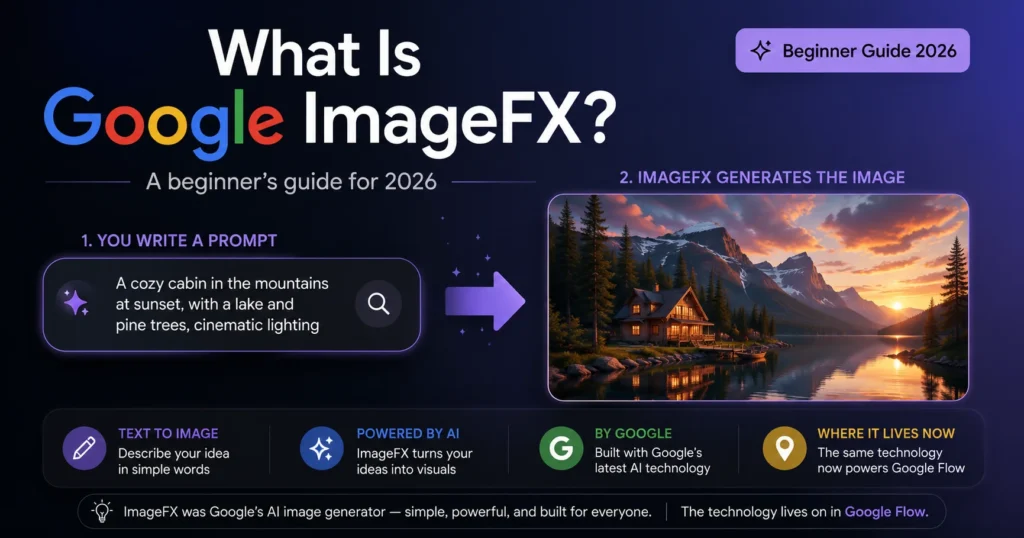
What Is Google ImageFX? The Short Answer
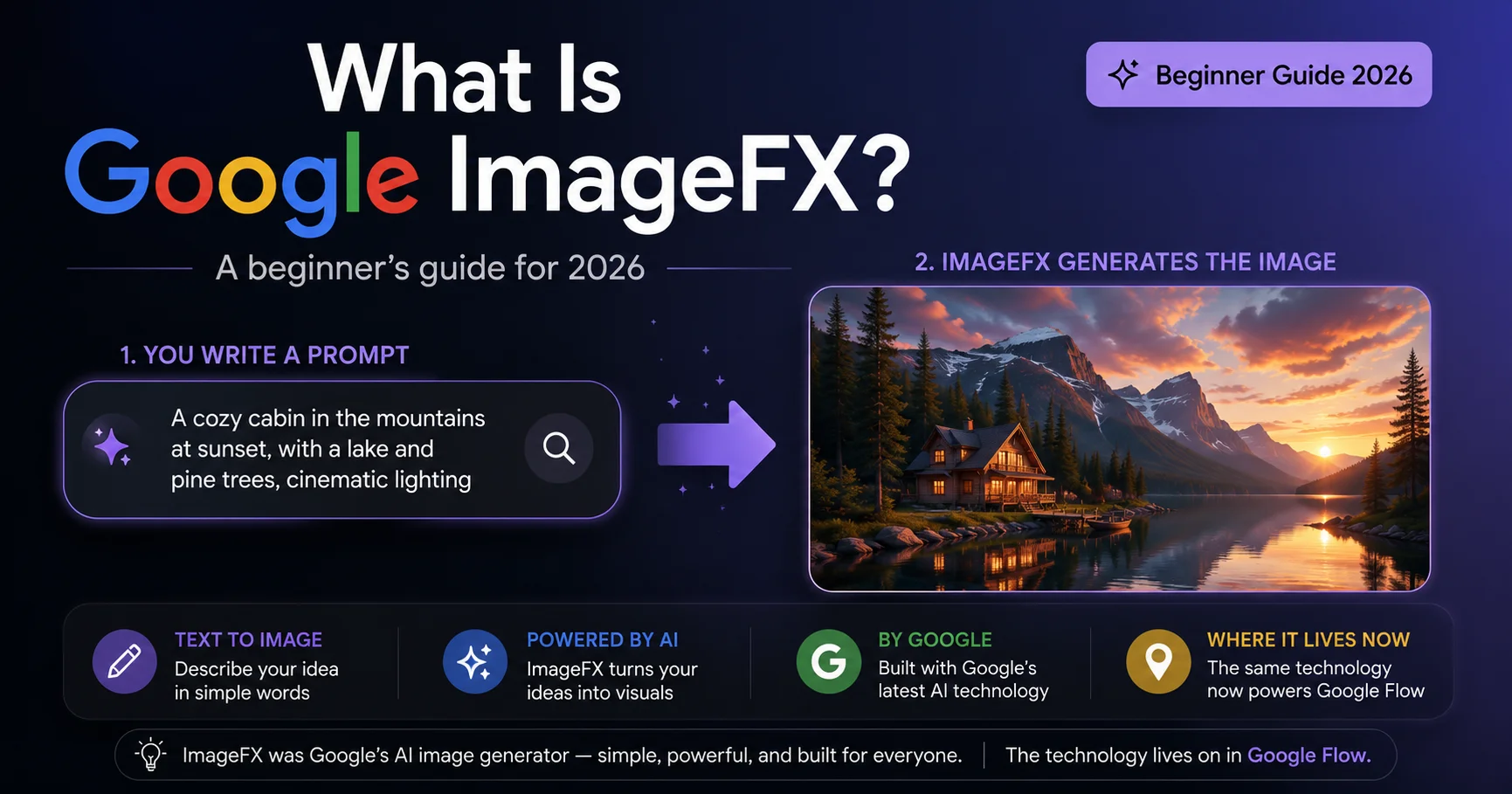
If you’re asking what Google ImageFX is because you saw the name somewhere and have no idea what it does, here’s the short version: Google ImageFX was a free AI tool from Google that turned written descriptions into images. You typed a sentence like “a golden retriever puppy sitting in a sunlit garden, watercolor style,” and within a few seconds, ImageFX generated an actual image matching that description. It ran on Google’s Imagen 3 model and was part of Google Labs, Google’s testing ground for experimental AI tools.
One thing worth knowing upfront if you’re new to this: ImageFX itself is no longer running as a standalone tool. Google retired it on April 30, 2026, and folded its image-generation technology into a bigger platform called Google Flow. If you’re trying to actually use the tool today, jump to Chapter 5 for exactly where to go. If you want to understand what ImageFX was and how this whole category of AI tool works — which is genuinely useful background whether or not the original tool still exists — keep reading from here.
Chapter 1 — What “Text-to-Image AI” Actually Means
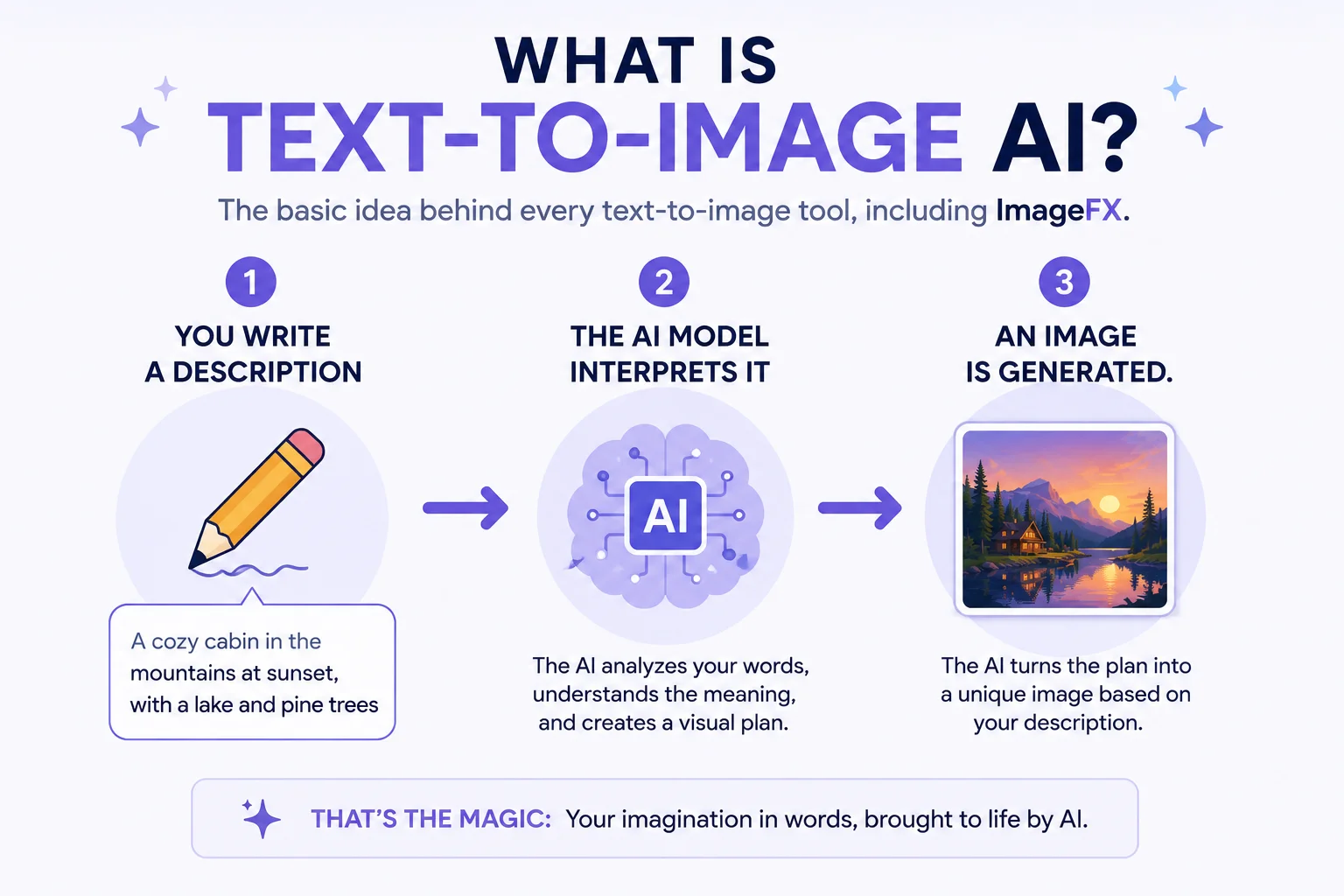
Before getting into exactly what Google ImageFX is at a technical level, it helps to understand the category it belongs to. If you’ve never used an AI image generator before, the concept is simpler than it sounds. You type a description of an image in plain English — not code, not special syntax, just normal sentences — and an AI model trained on millions of image-and-caption pairs predicts what pixels would match that description. It then builds an actual image from scratch, pixel by pixel, based on that prediction.
This is different from searching for an image online. A search engine finds a photo that already exists somewhere. A text-to-image tool like ImageFX creates a brand-new image that has never existed before, generated specifically from your description.
ImageFX used a Google model called Imagen 3 to do this. Imagen 3 was, at the time, one of Google’s most capable image-generation models, known for producing realistic lighting, accurate text rendering inside images (a notoriously hard problem for AI image models), and a wide range of artistic styles.
Chapter 2 — How ImageFX Actually Worked
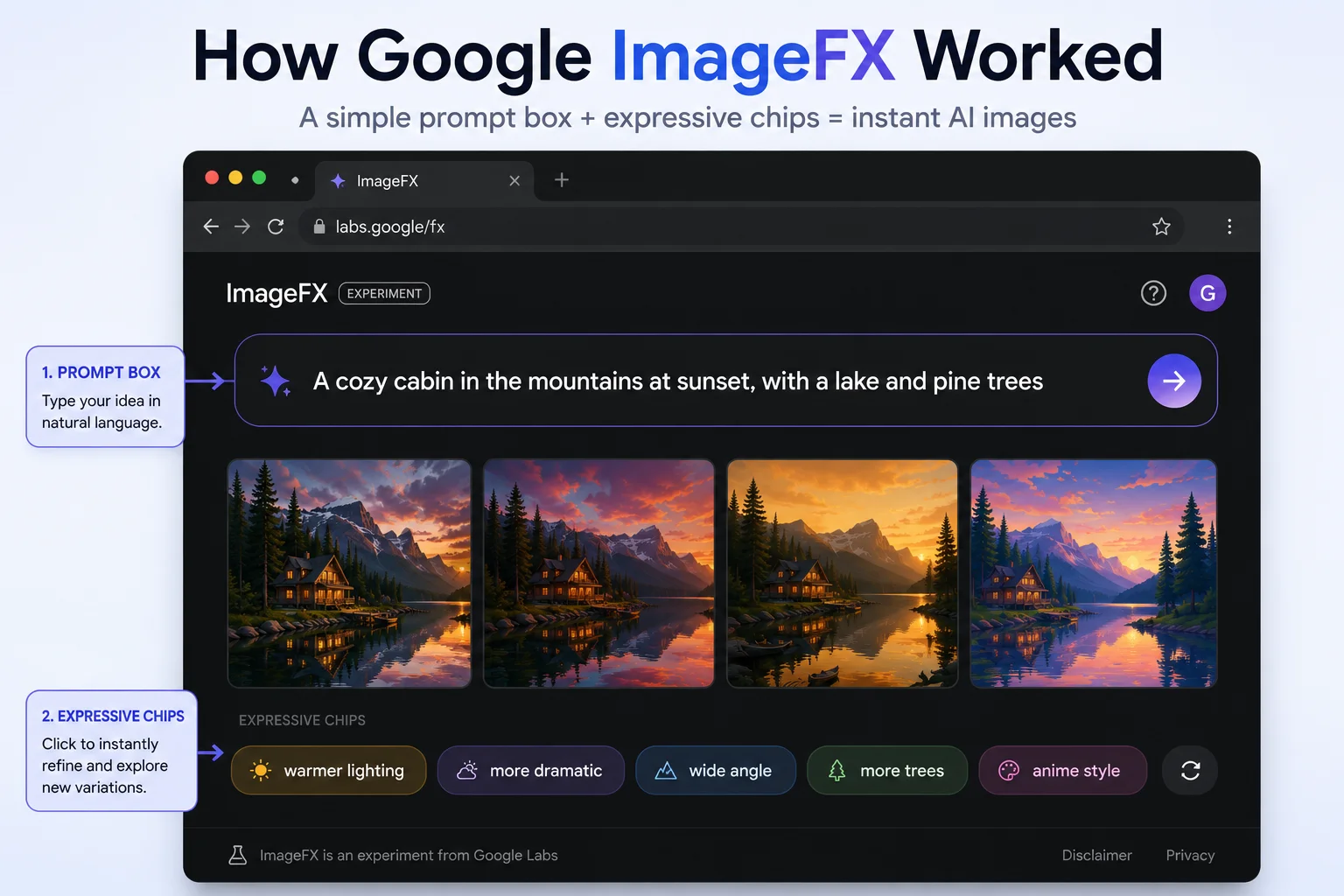
Understanding what Google ImageFX was in practice means looking at the actual day-to-day workflow. Using ImageFX, in practice, looked like this:
- You signed in with a personal Google account at labs.google/fx/tools/imagefx. No subscription, no credit card.
- You typed a prompt describing the image you wanted — ideally including the subject, the setting, and a style reference.
- ImageFX generated a small batch of image variations based on that prompt, usually within a few seconds.
- You could refine the result using “expressive chips” — small clickable tags that appeared after generation, letting you nudge the lighting, mood, or style without retyping your whole prompt.
- You downloaded whichever image you liked as a PNG file.
That last step mattered more than it sounds. ImageFX didn’t promise permanent cloud storage for your creations — the expectation was always that you’d download what you wanted to keep, a detail that turned out to matter a great deal once the tool eventually shut down.
A small technical detail worth knowing: every image ImageFX generated included an invisible digital marker called SynthID, Google’s system for identifying AI-generated content. It didn’t affect how the image looked, but it meant the file could be identified as AI-generated by tools built to detect SynthID.
Chapter 3 — What Made ImageFX Different From Other AI Image Tools
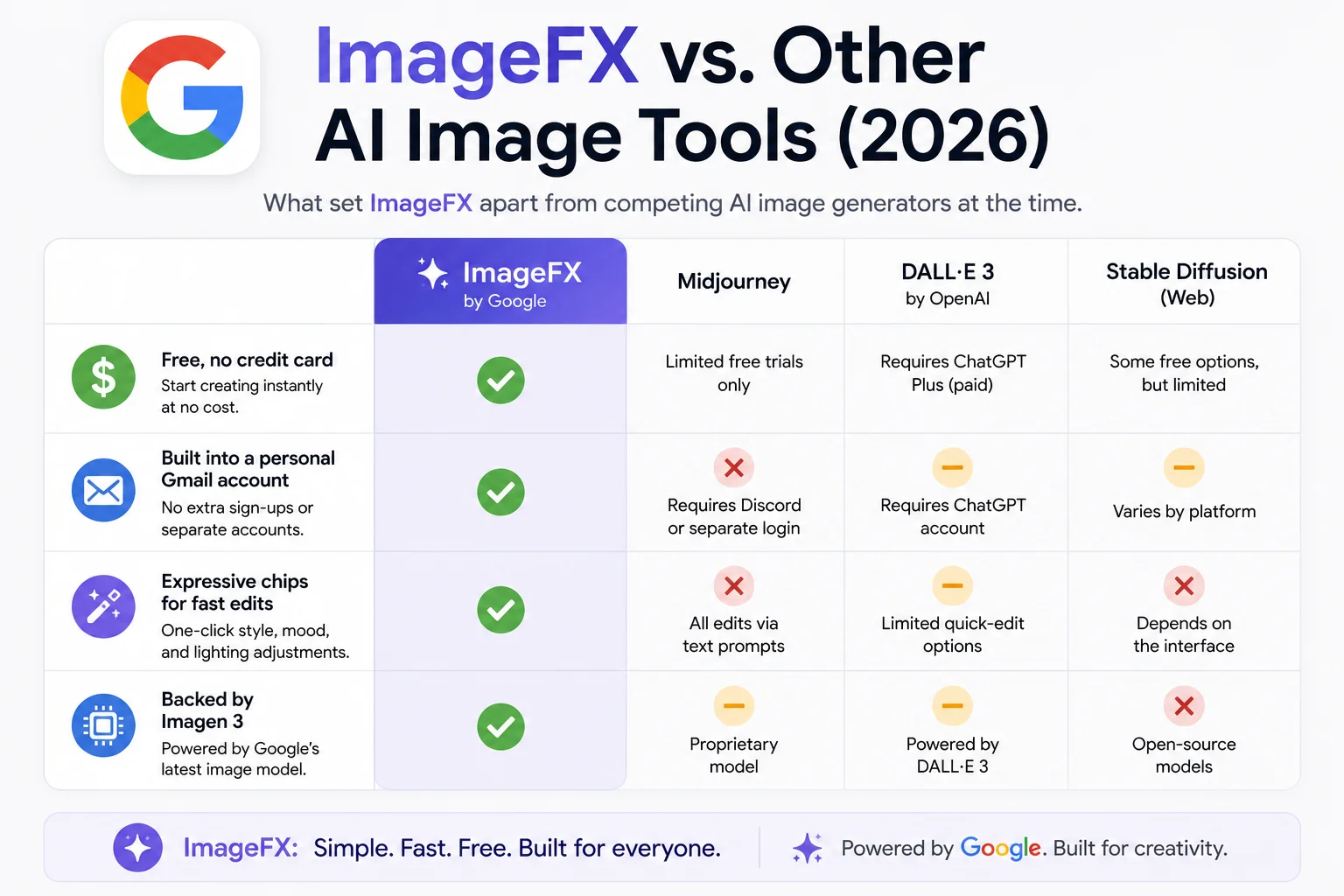
By the time ImageFX existed, there were already several well-known AI image generators on the market. Part of understanding what Google ImageFX is as a beginner-friendly tool comes down to its accessibility:
- It was completely free, with no credit card required to start, unlike several competitors that gated image generation behind a paid tier from day one.
- It only required a personal Google account, which most people already had.
- The expressive chips system made iterating on an image faster than retyping an entire prompt from scratch — a small UX detail that mattered a lot for beginners who weren’t yet comfortable writing detailed prompts.
- It was explicitly framed as an experiment, which set expectations that features (and the tool itself) could change without much warning — a detail that, in hindsight, explains exactly what eventually happened to it.
For a beginner specifically, ImageFX functioned as a genuinely good entry point into AI image generation precisely because there was so little to learn before you could get a usable result.
Chapter 4 — What Happened to ImageFX
To fully understand what Google ImageFX is today, you also need to know what happened to the original tool.
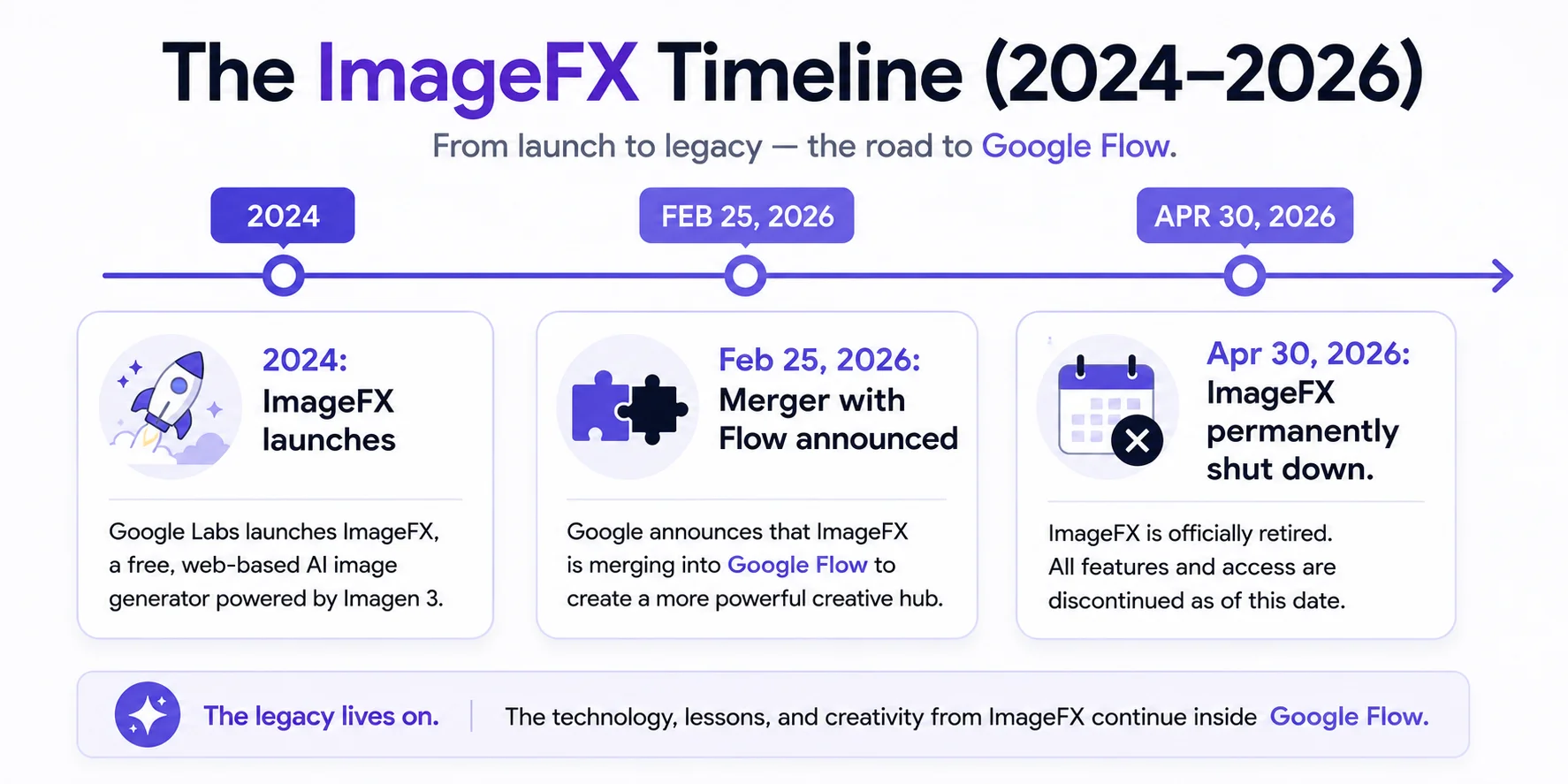
ImageFX ran from 2024 until April 30, 2026. On February 25, 2026, Google announced that ImageFX, along with a related tool called Whisk, would be folded into Google Flow, a broader creative studio Google had been building around video generation. Users were given a migration window through March 2026 to move their saved projects into Flow before the older tools were switched off.
On April 30, 2026, Google shut ImageFX down for good. The URL stopped working entirely — it now returns a plain 404 error — and anything left in an ImageFX account that hadn’t been downloaded or migrated was permanently deleted from Google’s servers.
This wasn’t a failure or a bug. It followed the same pattern Google Labs has used with other experiments: build something, learn from how people actually use it, then fold the best of it into a more permanent product. For the full story of why this happened and what specifically changed, see our detailed ImageFX shutdown guide.
Chapter 5 — How to Do the Same Thing Today {#chapter-5}
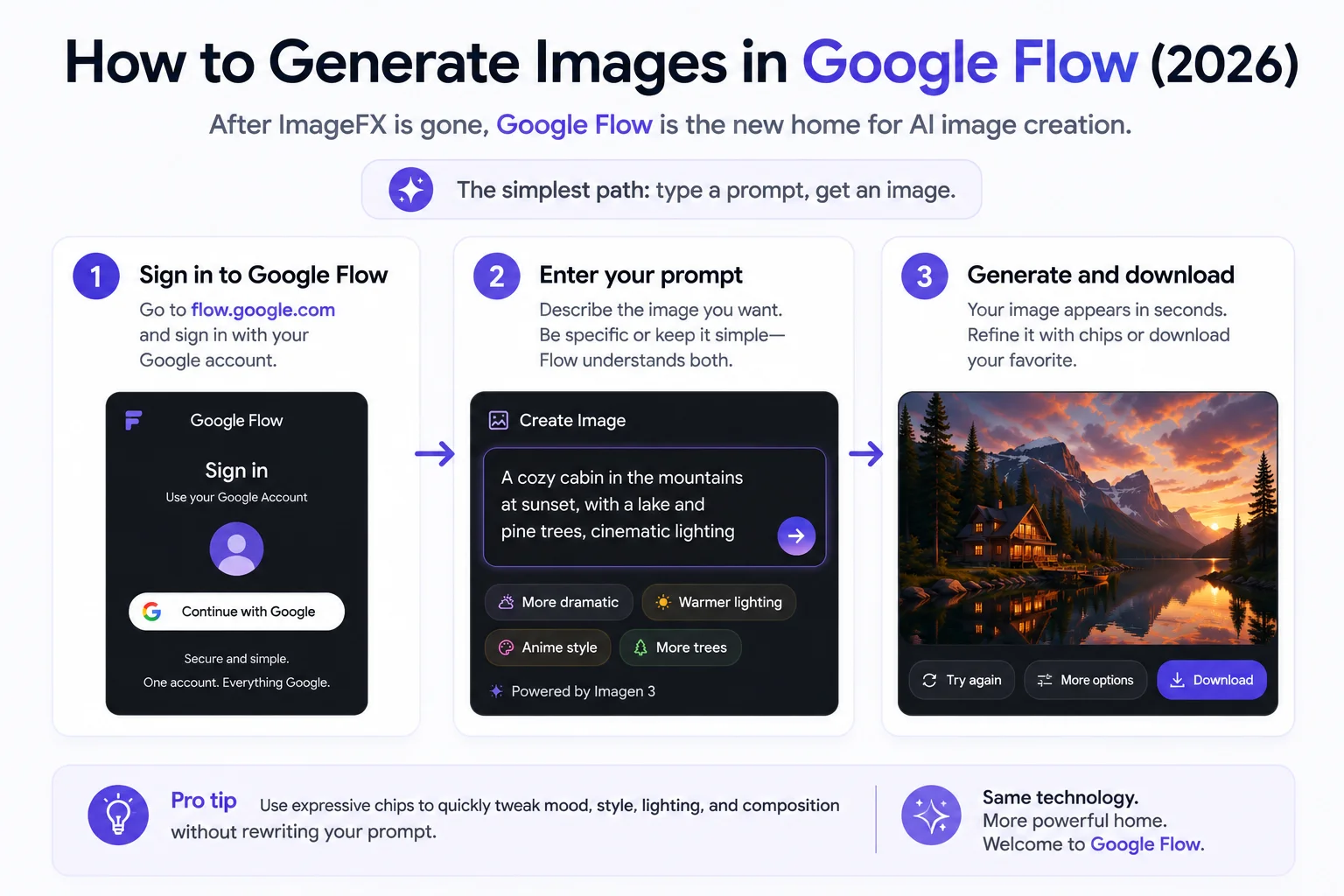
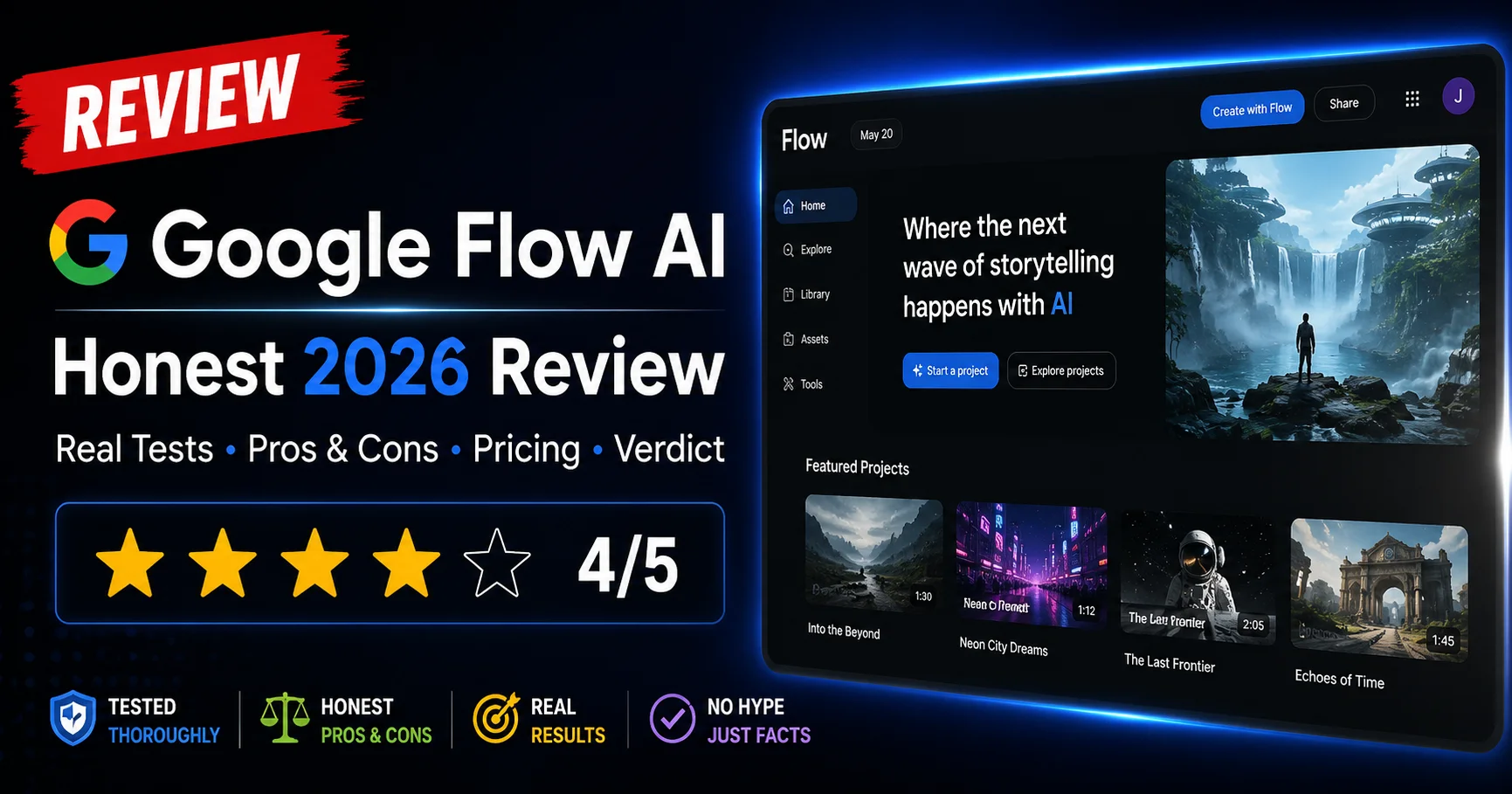
Now that you know what Google ImageFX was, here’s how to do the same thing today, since the original tool no longer exists.
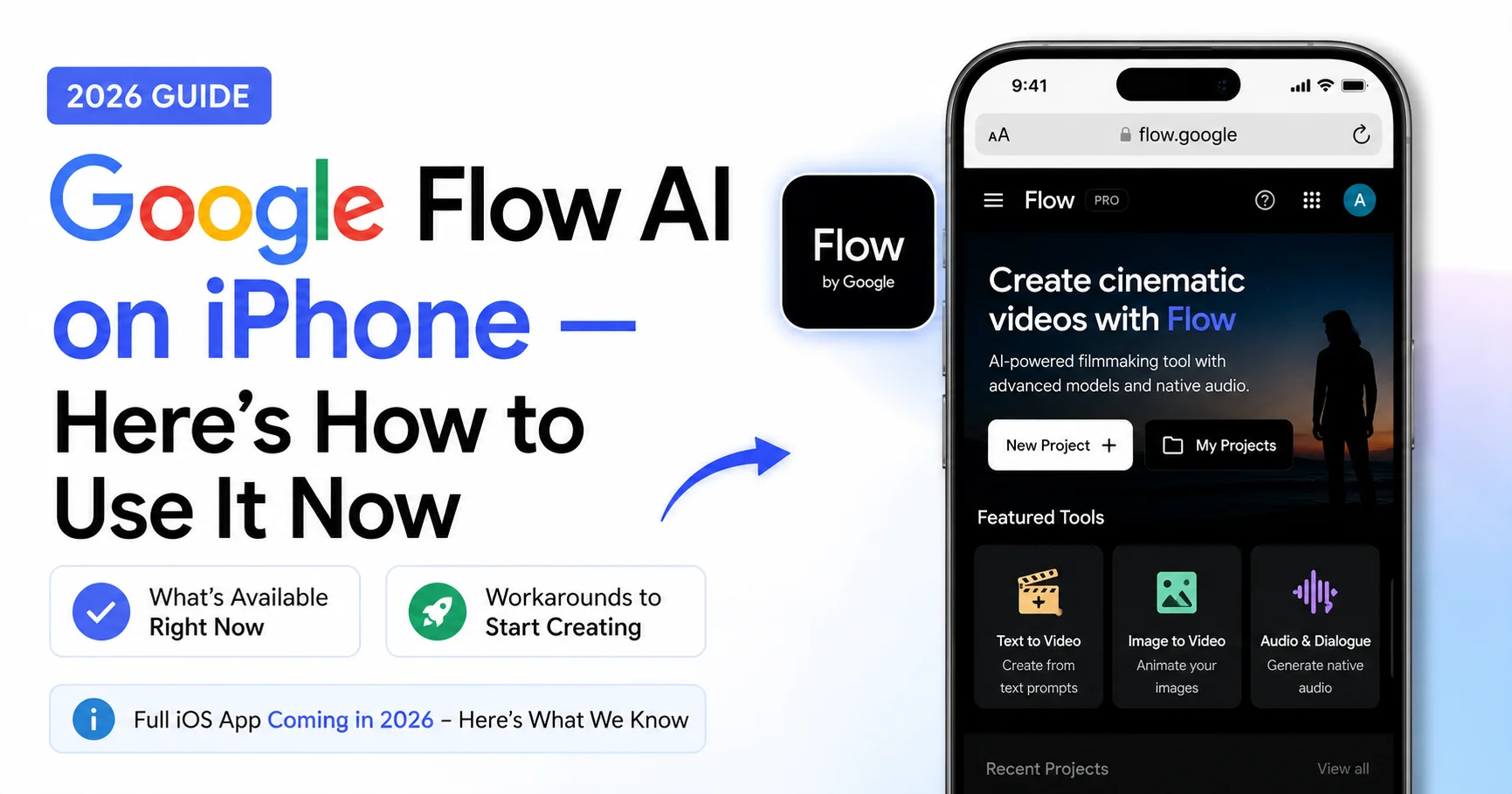
If everything above made you want to actually try this, here’s the current path — since ImageFX itself is gone:
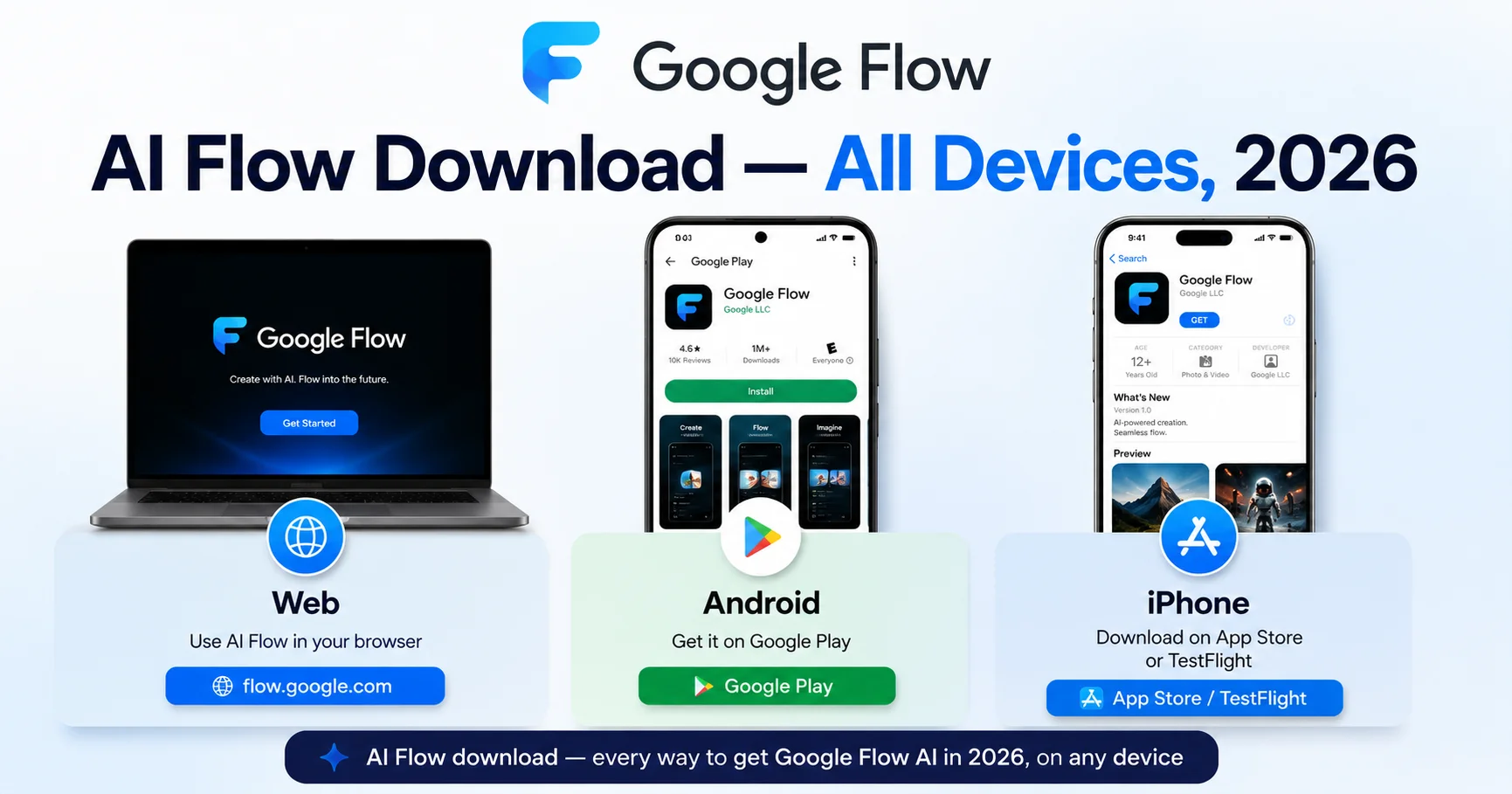
- Go to flow.google and sign in with a personal Google account.
- Open a new project and find the image-generation panel. You don’t need to touch the video or audio tools if all you want is a still image.
- Type a plain-language prompt, the same way you would have in ImageFX — subject, setting, and style work well as a starting structure. For example: “A small lighthouse on a rocky coastline at sunset, warm orange light, oil painting style.”
- Download your result as soon as you’re happy with it, rather than relying on Flow’s library as long-term storage.
The underlying image model has changed — Flow uses Google’s newer Nano Banana model rather than Imagen 3 — but the basic beginner experience of typing a description and getting an image back is still the same.
Frequently Asked Questions
Q: What is Google ImageFX, in one sentence?
Google ImageFX was Google’s free, browser-based AI tool for turning text descriptions into images, powered by Imagen 3 — now retired and replaced by Google Flow.
Q: Is Google ImageFX still available?
No. Google ImageFX was permanently shut down on April 30, 2026. The technology that powered it now lives inside Google Flow at flow.google.
Q: What AI model did Google ImageFX use?
ImageFX was powered by Imagen 3, Google’s text-to-image model at the time. The current replacement tool, Google Flow, uses a newer model called Nano Banana.
Q: Did Google ImageFX cost money?
No, ImageFX was completely free and never required a credit card. It only required signing in with a personal Google account.
Q: What were “expressive chips” in ImageFX?
Expressive chips were small clickable tags that appeared after generating an image, letting you quickly adjust lighting, mood, or style without retyping your entire prompt.
Q: Is it still useful to learn how ImageFX worked if it’s shut down?
Yes. The core skill — writing a clear prompt with a subject, a setting, and a style — transfers directly to Google Flow and to almost every other text-to-image AI tool on the market.
Q: Where can I generate AI images for free now?
Google Flow at flow.google has a free tier that covers the same basic text-to-image function ImageFX used to provide.
Final Thoughts
Google ImageFX was, for a lot of people, the first AI tool that made text-to-image generation feel approachable rather than technical. You didn’t need to know specialized prompt syntax or pay for access — you typed a normal sentence and got a real result back in seconds. That simplicity is exactly why it’s still worth understanding, even though the tool itself has since been folded into something bigger.
If you’re just getting started with AI image generation in 2026, the good news is that everything that made ImageFX approachable — the plain-language prompts, the free access, the fast iteration — is still true of its replacement. You’re just doing it inside Google Flow now instead.
That’s the complete answer to what Google ImageFX is and why so many beginners still search for it today, even after the original tool shut down.
Related Articles on WhiskAILabs:
- Home — WhiskAILabs.net
- What Happened to Google ImageFX? Full Shutdown Story
- What Is Google Flow AI? Complete Guide
- Google Flow AI Pricing — Free vs Pro vs Ultra
- 100+ Best AI Image Prompts — Masterclass 2026
Official External Sources: