
Advanced Prompts A Practical Guide to
Creating Accurate AI Images
If you’ve already tried AI image tools and felt like the results were “almost right but not perfect,” then you’re ready to start using Advanced Prompts.
Most users begin with short instructions. Sometimes they work, but often the results feel random or incomplete. The truth is simple: AI gives better results when your instructions are clear.
That’s exactly what advanced prompts do they remove guesswork and give you more control over the final image.
If you are just getting started with the platform, you can first check this guide to access your account properly:
Whisk AI Login
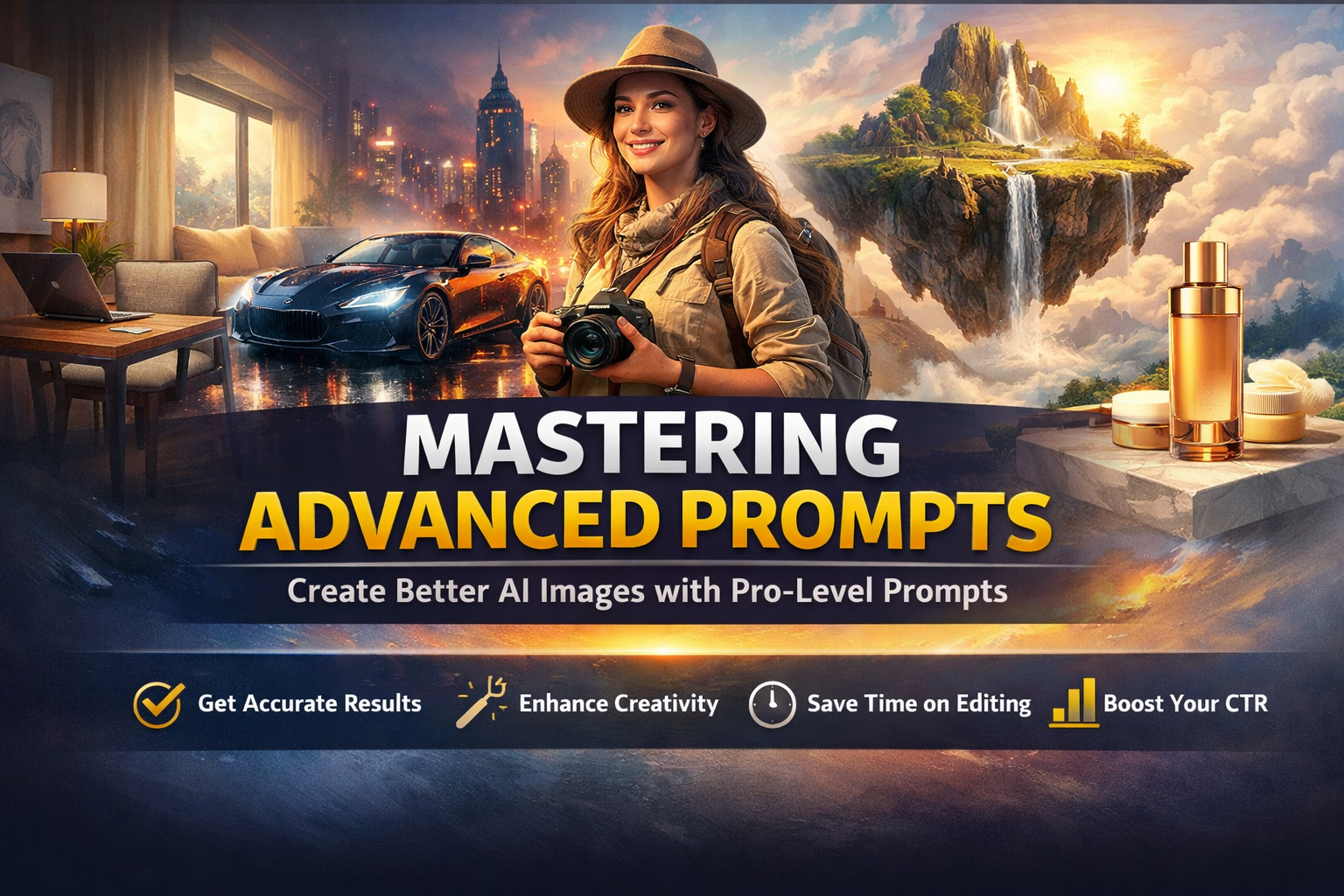
What Are Advanced Prompts?
Advanced Prompts are detailed instructions that guide AI tools step by step instead of using short or vague commands.
For example:
Basic prompt:
“Create a living room”
Advanced prompt:
“Modern living room with beige sofa, wooden floor, large window with soft natural sunlight, Scandinavian interior style, realistic photography”
The second version works better because it gives direction, mood, and detail.
Why Advanced Prompts Matter More Than You Think
Many users think AI tools are inconsistent. In reality, the issue is usually the prompt.
AI does not read your mind it follows your words.
When your instructions improve, your results improve.
Advanced prompts help you:
• Get more accurate images
• Reduce random outputs
• Control style and composition
• Save time on editing
• Create professional visuals
If you’ve already explored basic prompt writing, you can also check:
Whisk AI Prompts Guide
The Real Difference Between Basic and Advanced Prompts
Let’s make it simple.
Basic prompt:
“Create a car”
Advanced prompt:
“Luxury black sports car parked on rainy city street at night, neon reflections, cinematic photography style”
The difference is clear.
Basic prompts are open.
Advanced prompts are focused.
That focus creates better results.
A Simple Structure You Can Use Every Time
You don’t need complicated rules. Just follow this:
Subject + Environment + Style + Lighting + Detail
Example:
“Minimal office desk with laptop and coffee mug, clean modern style, soft morning window light, high detail”
This structure works in almost every situation.
Advanced Prompts That Actually Work (Real Examples)
Here are some useful examples you can try:
Product Prompt
“Luxury skincare bottle on marble surface, soft natural lighting, clean premium advertising style”
Social Media Prompt
“Bright product display with green leaves, white background, modern ad design”
Character Prompt
“Confident traveler wearing desert outfit, cinematic portrait, warm sunset lighting”
Interior Prompt
“Modern bedroom with soft beige tones, natural sunlight, minimal Scandinavian design”
Fantasy Prompt
“Floating island above clouds with waterfall, glowing sky, epic fantasy art style”
If you want more ready-made prompt ideas, explore:
Google Whisk AI Templates
Common Mistakes That Ruin Advanced Prompts
Even when trying to improve, many users make these mistakes:
Too Many Ideas in One Prompt
Mixing unrelated things confuses the AI.
Random Keyword Stuffing
Unnatural wording reduces clarity.
No Style Mention
Without style, results become inconsistent.
Ignoring Lighting
Lighting plays a huge role in image quality.
How Advanced Prompts Improve CTR
If you use AI images for blogs, ads, or websites, then CTR (Click-Through Rate) becomes important.
Better images attract more clicks.
Advanced prompts help create:
• Eye-catching blog thumbnails.
• Clear product visuals.
• Engaging social media creatives.
• Strong ad images.
For example:
A simple image may get ignored.
A detailed, high-quality image stands out.
That difference can increase traffic and engagement.
A Practical Tip That Works
Write your prompt like you are explaining the image to a friend.
Example:
“Peaceful mountain lake at sunrise with soft mist over water”
This feels natural and works better than robotic text.
Who Should Use Advanced Prompts?
Advanced prompts are useful for:
• Bloggers.
• Designers.
• Marketers.
• E Commerce sellers.
• Content creators.
Even beginners can use them easily. You don’t need technical knowledge just clear thinking.
How Advanced Prompts Save Time
Without good prompts, users generate many images and still don’t get the right result.
Advanced prompts reduce this problem.
You get:
• Better first results.
• Less editing work.
• Faster workflow.
• More consistency.
This is especially helpful for professional work.
Learn More About AI Technology
If you want to understand how AI image systems work behind the scenes, you can read: Google DeepMind Generative AI
Frequently Asked Questions (FAQ)
What are Advanced Prompts?
Advanced prompts are detailed instructions that help AI generate more accurate and high-quality images.
Are advanced prompts difficult to write?
No. They just require clear and structured descriptions.
Do advanced prompts always give better results?
In most cases, yes, because they reduce confusion.
Can advanced prompts improve CTR?
Yes. Better visuals attract more clicks and improve engagement.
How long should an advanced prompt be?
Long enough to clearly describe your idea, but not overloaded with unnecessary words.
Final Thoughts
Advanced prompts are not about writing complicated text they are about writing clear instructions.
When you describe your idea properly, AI performs much better.
If your results have been average so far, improving your prompt style can completely change your output.
Start simple, stay clear, and improve step by step.
That’s how better AI images are created.

Content on WhiskAILabs is created and reviewed by people who actively test AI image tools in real creative workflows.
Get Started free All tools with WhiskAILabs.
- © 2026 WhiskAILabs.net Independent educational resource. Not affiliated with Google or Google Labs.