Google Flow AI Filmmaking Tool — The Official Veo Guide Every Filmmaker Needs in 2026
google Flow ai filmmaking Tool is a new AI filmmaking tool built with creatives for the next wave of storytelling. It’s built by and for creatives, and it’s the only AI filmmaking tool custom-designed for Google’s most advanced models — Veo, Imagen and Gemini.
That’s Google’s own description. And for once, the official copy actually undersells what the tool has become.
When Google first introduced google Flow ai filmmaking Tool in 2025, it was powerful but specialized — a video generation tool for early adopters willing to work around its limitations. By 2026, after the February relaunch that unified Whisk, ImageFX, and Flow into one workspace, and the Veo 3.1 update that brought native audio to every generation mode, Google Flow has become something more significant: the most capable free-to-start AI creative tool available, with the highest quality ceiling set by Veo 3.1 with native audio in the consumer market.
This guide is specifically for filmmakers and serious video creators — not a general overview, but a deep dive into how Flow works as a production tool, what its filmmaking-specific features do, how real filmmakers have used it, and exactly how to fit it into a professional creative workflow.
Why Google Built Flow Specifically for Filmmakers
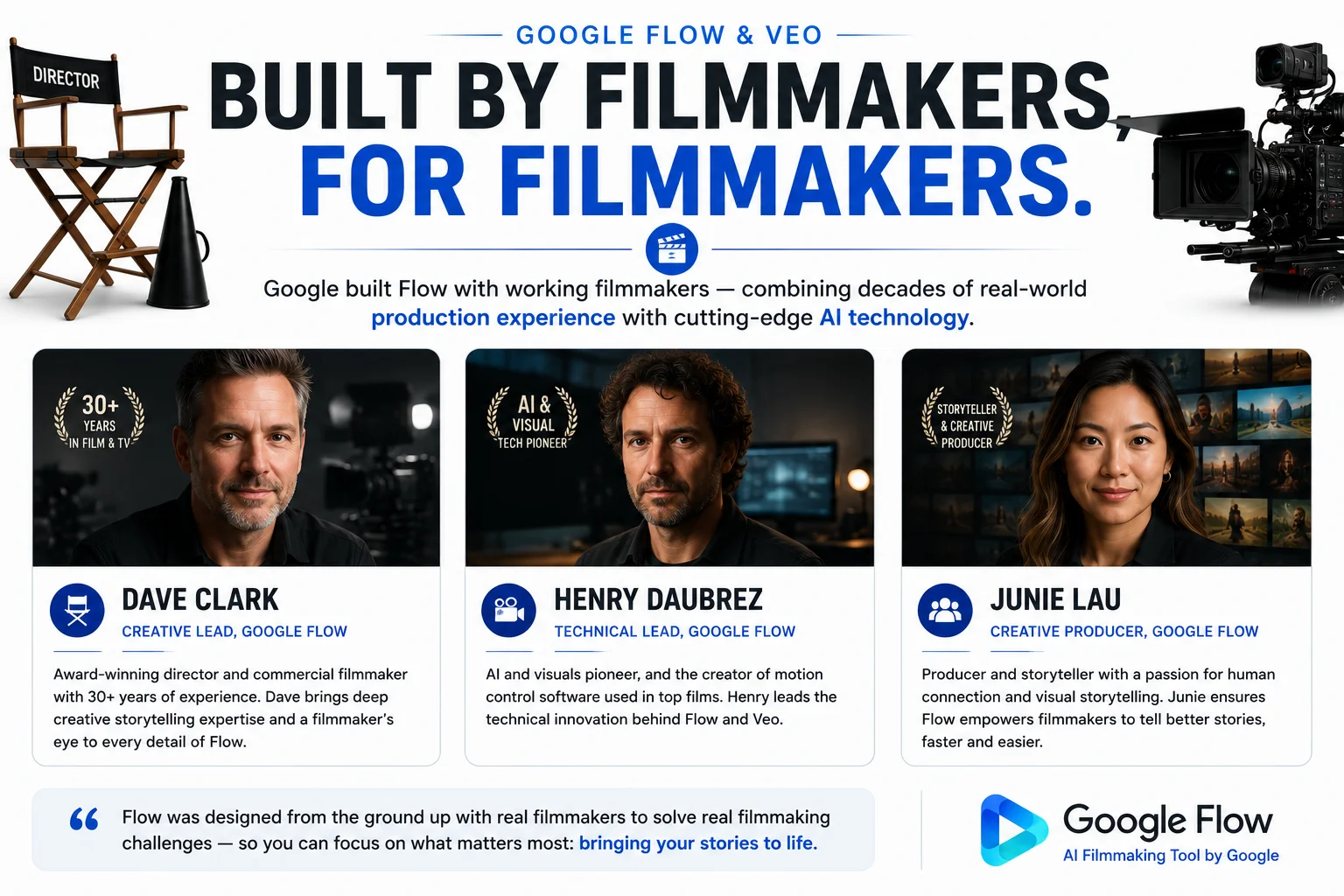
Most AI tools are built by engineers and tested by more engineers. Google built Flow with working filmmakers — Dave Clark, Henry Daubrez, and Junie Lau were all involved in shaping the workflow — and that pedigree shows in how the tool is structured.
By offering filmmakers early access to Flow, Google was able to better understand how their technology could best support and integrate into creative workflows — and they wove those insights into Flow.
This isn’t just marketing language. The filmmakers who shaped Flow’s development include:
Dave Clark — award-winning filmmaker who used Google AI tools to create short films including ‘Battalion’, ‘NinjaPunk’, and ‘Freelancers’. Dave is an award-winning filmmaker focused on embracing new technology as part of his filmmaking.
Henry Daubrez — tech-integrated artist who created ‘Kitsune’ using Veo 2, then used Flow to continue his creative journey in ‘Electric Pin’.
Junie Lau — a filmmaker whose work shaped how Flow handles character consistency and narrative structure.
For more insights on Flow and how AI helps storytellers take more risks in the creative storytelling process, Google released “Behind the Lens: AI, Creativity, and the Future of Filmmaking Tools” — a documentary featuring Dave Clark, Junie Lau, and Henry Daubrez.
This collaborative development process means Flow was designed around real filmmaking problems — character drift between scenes, the need for consistent environments, audio that matches visual mood — not just around benchmark scores.
The Full Google Flow AI Filmmaking Stack — What’s Actually Inside
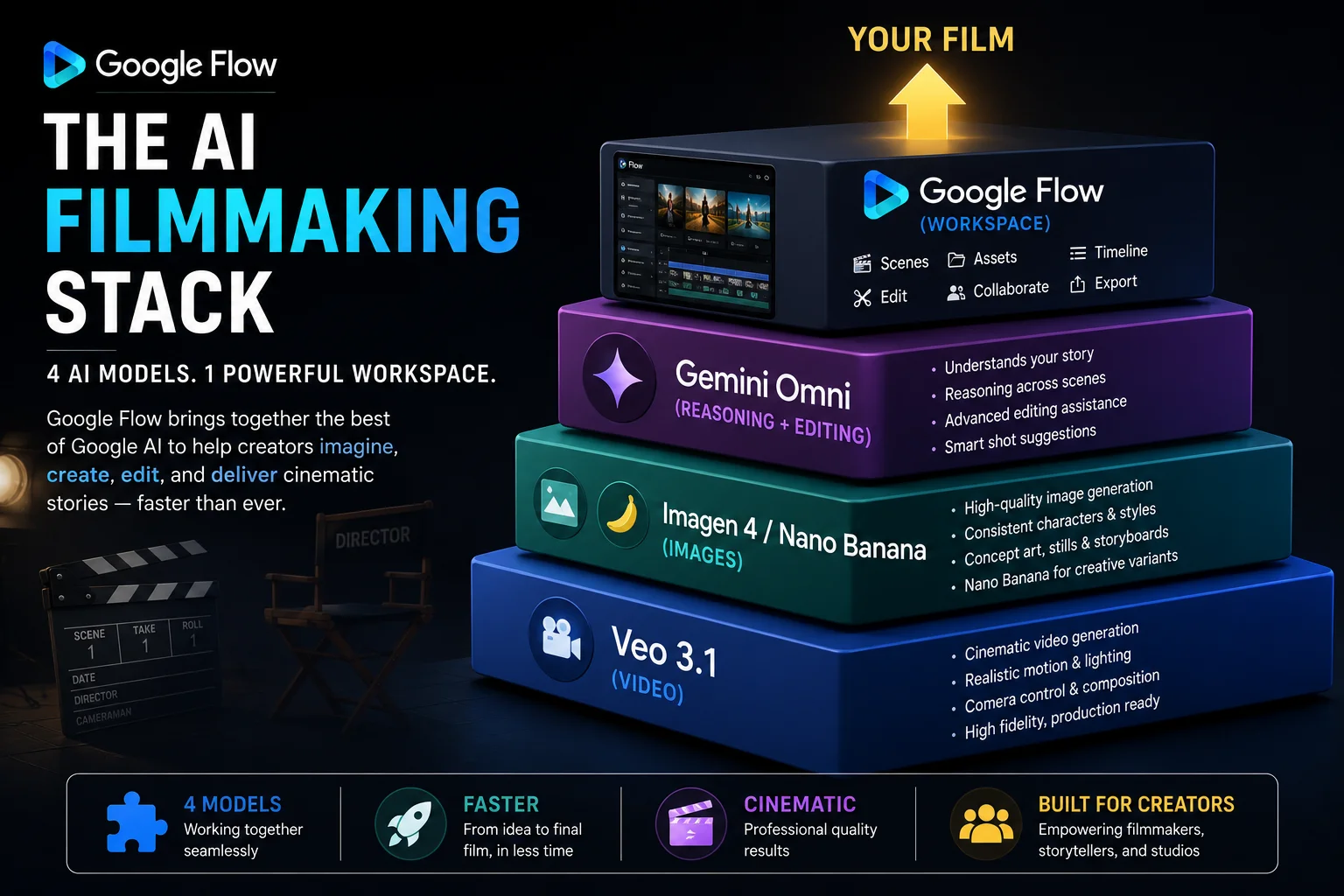
Understanding what’s powering Flow is essential for using it well. Veo 3.1 is the video generation engine inside Google Flow. Google Flow is the full creative workspace that puts Veo to work as part of a multi-model production environment.
Here’s what each model does in your filmmaking workflow:
Veo 3.1 — Video Generation Engine Veo 3.1’s defining capability is native synchronized audio — not added in post, not from a separate tool, but generated simultaneously with the visual content. Environmental sounds, character dialogue, and music that syncs directly to lip movement are all generated as part of a single output.
Veo 3.1 is capable of producing high-fidelity 8-second videos in 720p, 1080p, or 4K resolution. It uses a latent diffusion transformer architecture, compressing video data into spatio-temporal patches instead of working with raw pixels — that’s what makes it efficient enough to generate 4K output without excessive wait times.
Nano Banana / Imagen 4 — Image Generation The image model that generates your still frames, mood boards, and character references. Imagen 4 enhances Flow’s ability to generate realistic images from text descriptions. Users can create lifelike characters, environments, and objects that remain consistent across different scenes, ensuring a cohesive visual narrative.
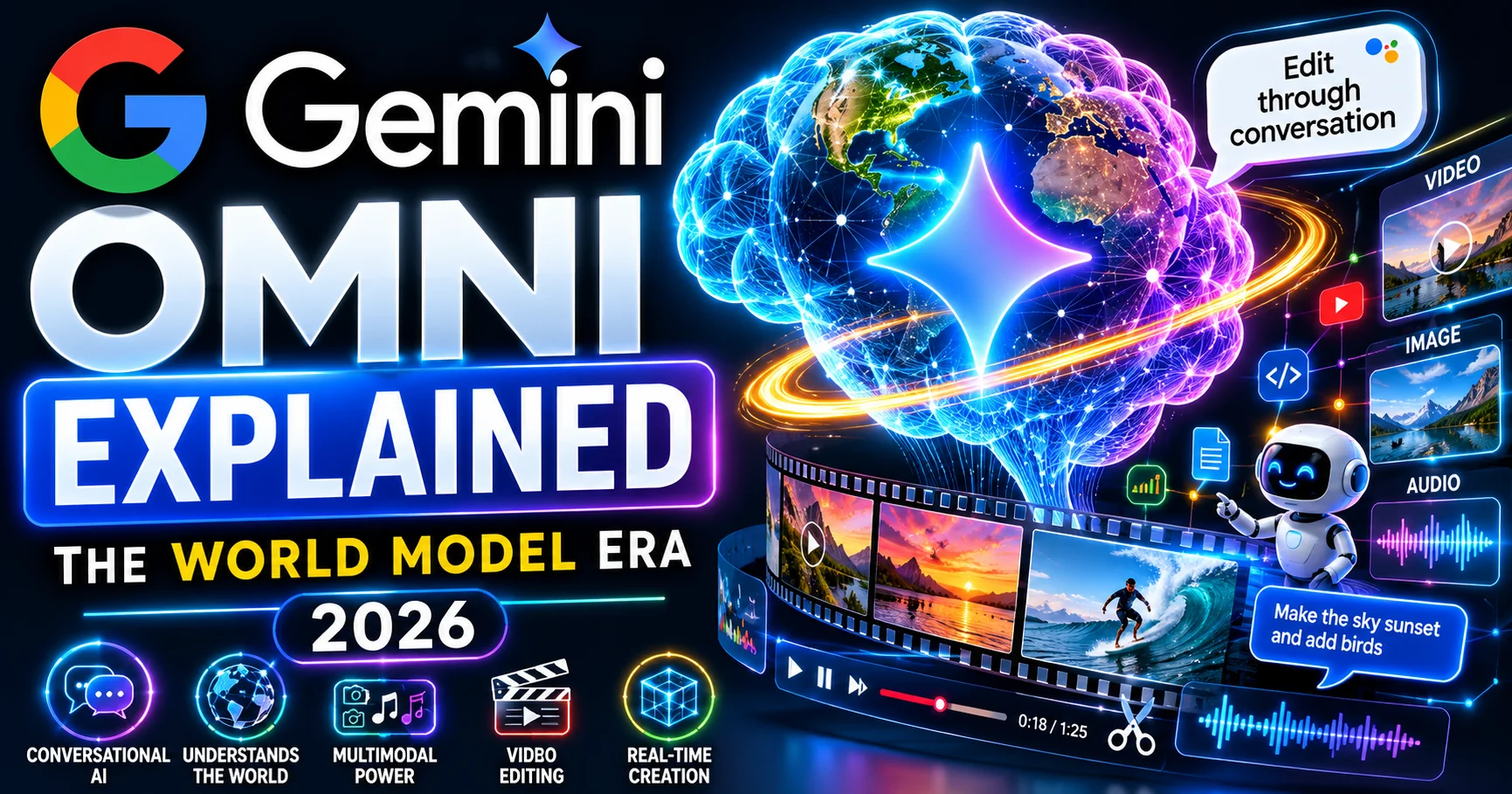
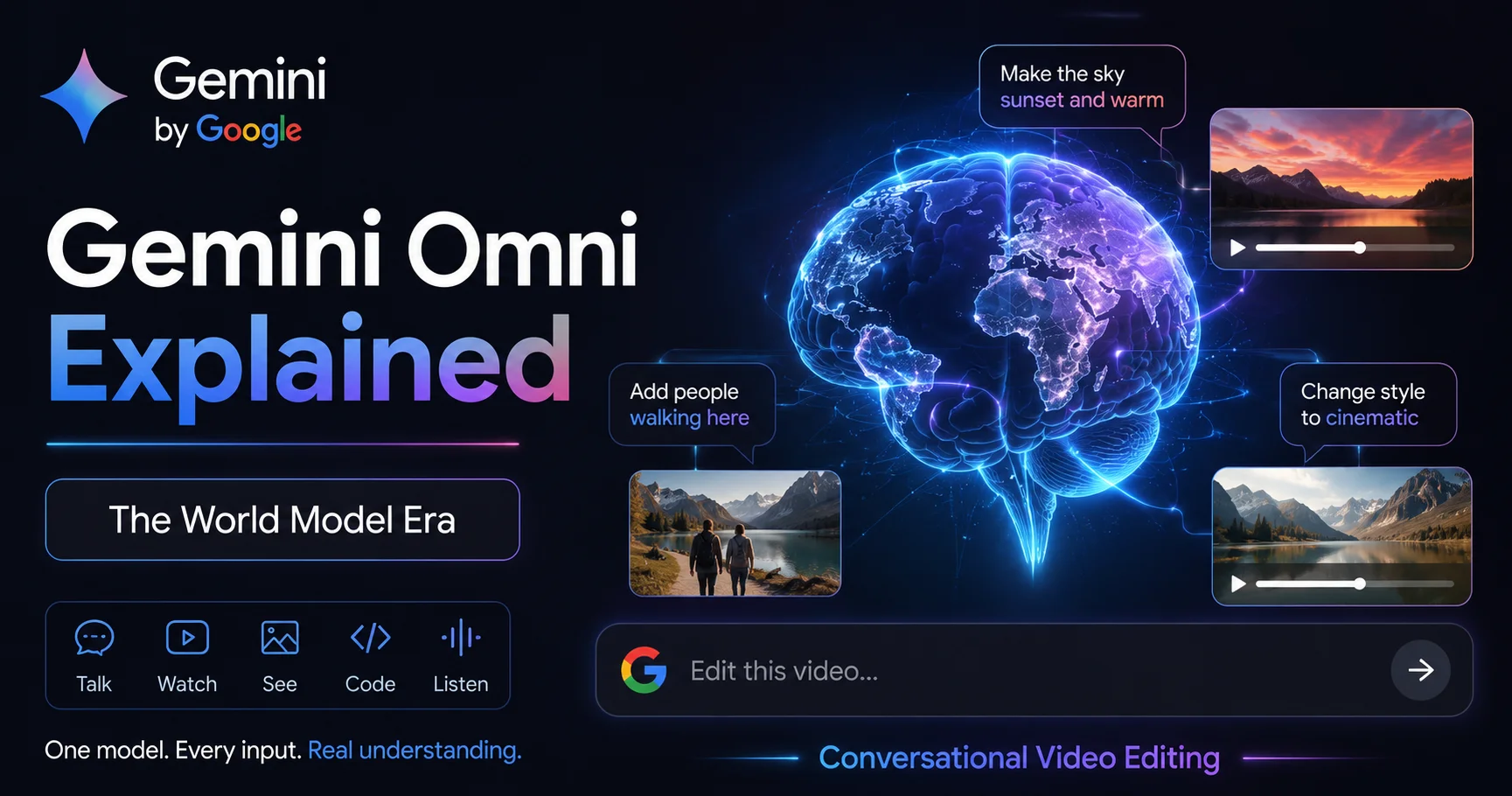
Gemini Omni — Reasoning and Conversational Editing Gemini powers the natural language processing capabilities of Flow, so users can interact with the platform using simple, everyday language. Gemini’s integration into Flow means the entire creative workflow becomes even easier because you have a super handy AI assistant at your disposal which can communicate in perfectly natural language.
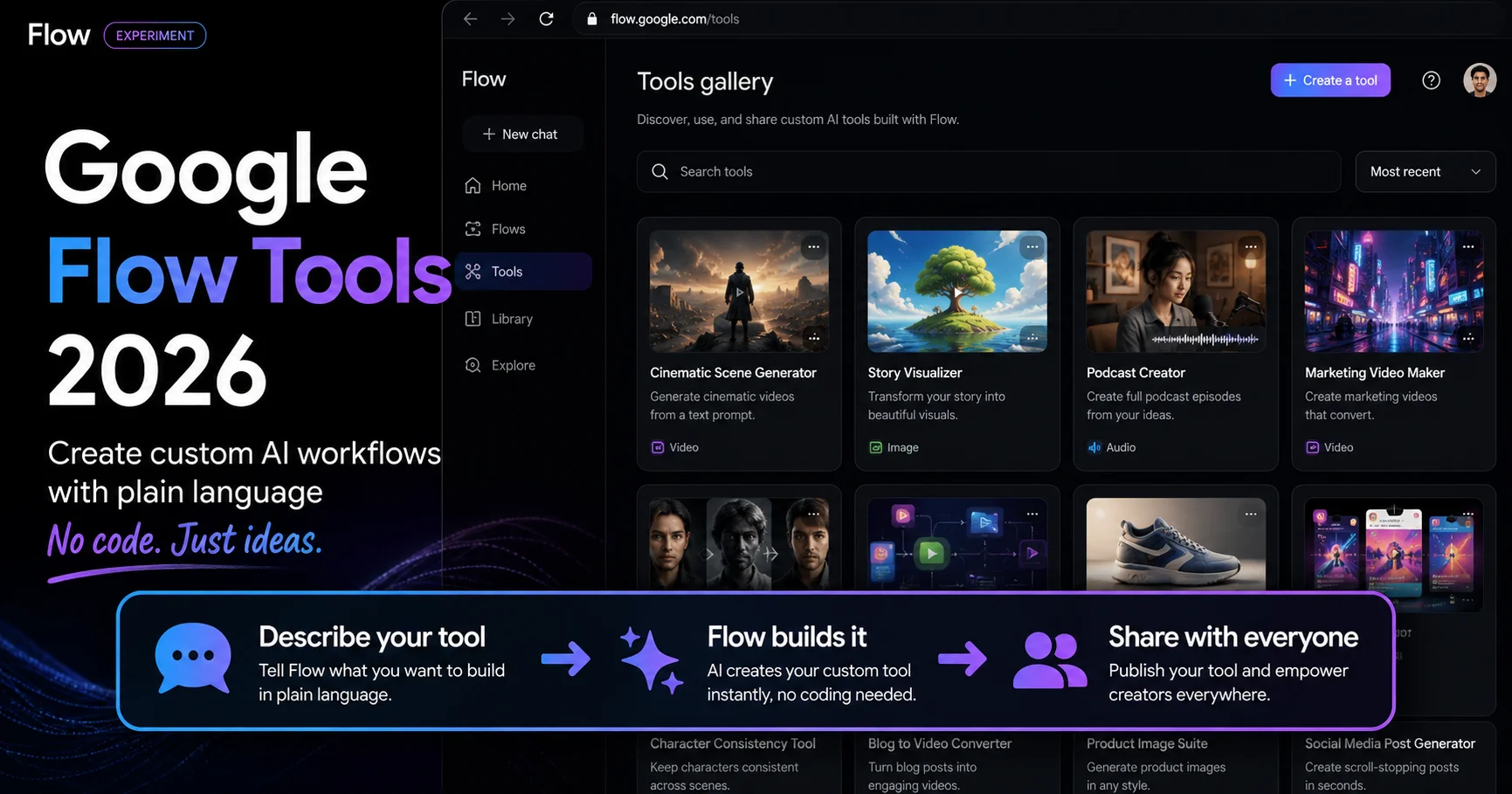
Flow (The Workspace) Flow adds the workflow layer — Ingredients for character consistency, SceneBuilder for timeline assembly, Camera Controls for directorial intent, Asset Management for project organization, Gemini for natural language editing, and Nano Banana for in-workspace image generation.
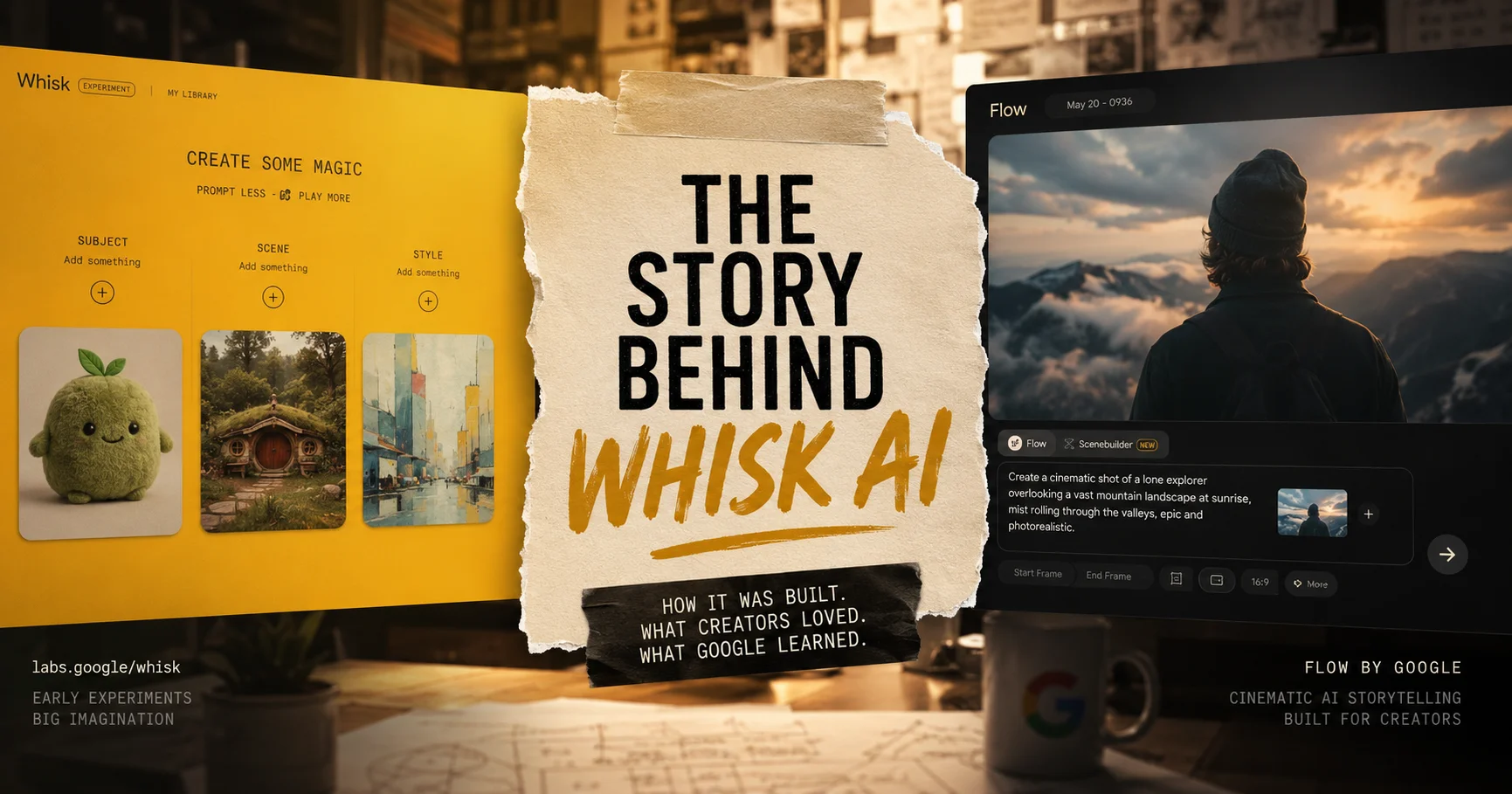
The new workflow: Build a visual mood board in Whisk → Generate static keyframes using Nano Banana → Animate those keyframes into video using Veo 3.1 → All inside Flow, without leaving the workspace.
The Filmmaking-Specific Features — What Flow Has That Generic Video Tools Don’t
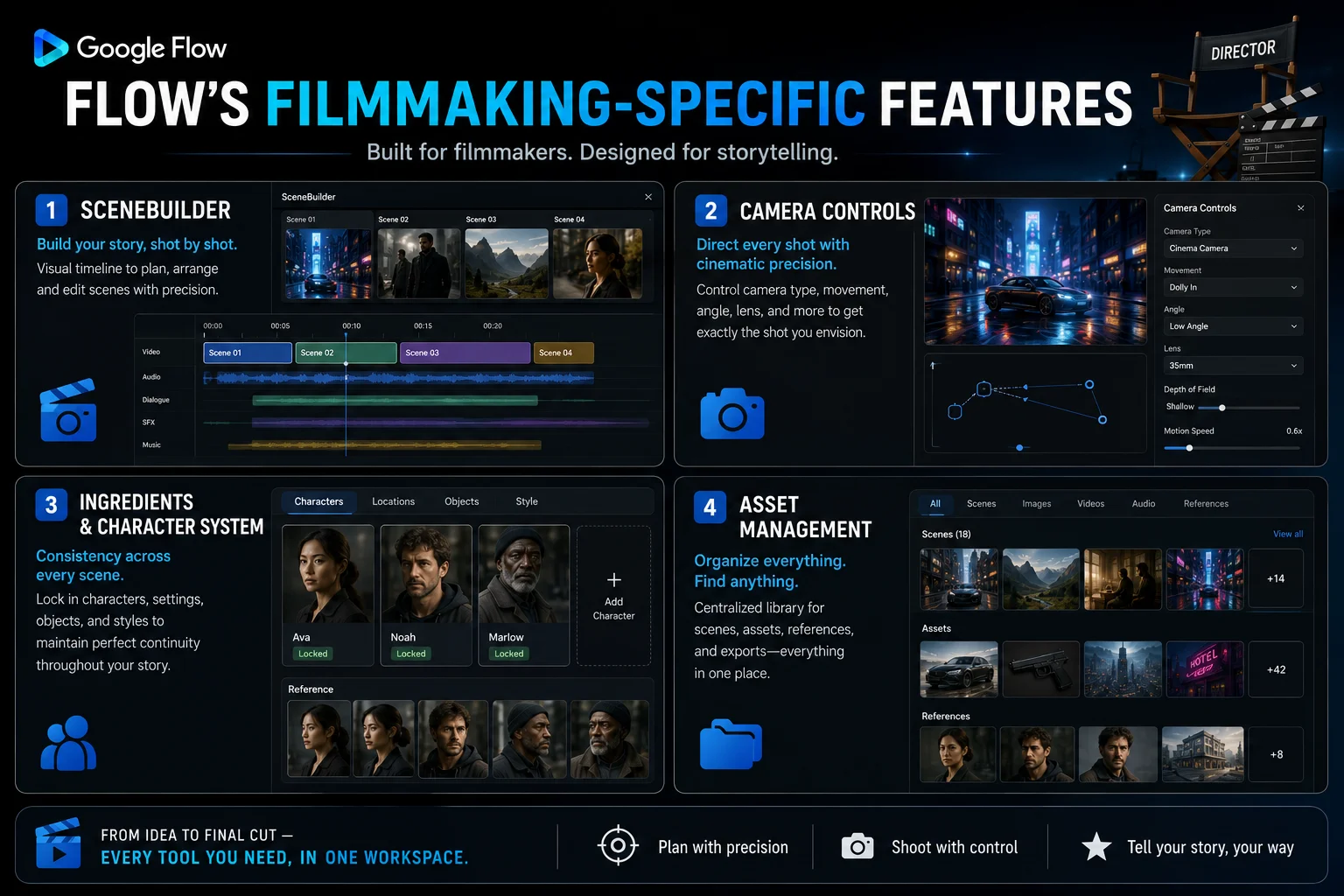
SceneBuilder — Your AI Timeline Editor
SceneBuilder is the feature that separates Flow from simple text-to-video generators. It’s a timeline-based editor where you arrange, sequence, and connect multiple generated clips into a coherent scene or film.
In SceneBuilder you can:
- Arrange clips in sequence order, dragging and dropping to restructure
- Use Scene Extension to continue a clip’s action beyond its initial duration
- Apply First and Last Frame to control the visual transition between consecutive clips
- Preview your assembled sequence as a continuous film
- Export the assembled sequence as a single video file
Scene Extension technology enables continuous narratives exceeding 60 seconds. Environmental elements maintain consistent appearance, lighting, and spatial relationships. Camera movements flow smoothly across segment boundaries without jarring cuts or discontinuity.
For filmmakers, SceneBuilder is where your individual generations become an actual film — not just a collection of unrelated clips.
Camera Controls — Directing With Words
AI Camera Controls let you adjust shot angles, zoom, and movements using text descriptions.
This is the feature that gives Flow its directorial quality. Instead of hoping the AI chooses an appropriate camera angle, you specify exactly what you want using the vocabulary of filmmaking:
- “Slow dolly push in toward the character’s face, shallow depth of field”
- “Wide establishing drone shot slowly descending”
- “Handheld following shot tracking the character from behind”
- “Static tripod medium shot, character centered”
- “Rack focus from foreground object to character in background”
Veo 3.1 wins on cinematic quality and native audio synchronization. Filmmakers and narrative creators who need character consistency across scenes and cinematic color science will find Veo 3.1’s output is closest to traditional film standards.
The Ingredients System — Character Consistency Across Scenes
The single hardest problem in AI filmmaking is keeping your main character looking the same from scene to scene. Flow’s Ingredients system was specifically designed to address this.
By uploading a reference photo of your character as a Subject ingredient, and reusing that same reference across every scene in your film, Veo maintains the character’s core appearance — face, body type, general aesthetic — across multiple generations.
The Ingredients to Video character consistency feature further enhances Scene Extension capabilities. By maintaining character appearance, clothing, and visual attributes across multiple segments, filmmakers can create narratives with recurring characters who remain recognizable throughout extended sequences.
For a full guide to the Ingredients workflow including how to use it for video with audio, see our Ingredients to Video with Audio guide.
Native Audio — The Game-Changer for Filmmakers
Over 275 million videos were generated in Flow in the first five months. Google heard that users wanted more artistic control within Flow, with increased support for audio across all features. The Veo 3.1 update brought audio to existing capabilities like “Ingredients to Video,” “Frames to Video” and “Extend.”
Veo 3.1 brings richer audio, more narrative control, and enhanced realism that captures true-to-life textures.
For filmmakers, native audio changes the economics of production dramatically. Before Veo 3.1’s audio system, every generated clip needed separate audio sourcing, licensing, and sync work. Now, environmental sound and even character dialogue generate alongside the video in a single pass.
Integrated audio includes synchronized 48kHz audio generation including ambient soundscapes, effects, and musical underscore.
Asset Management — Keeping Your Film Organized
Serious film projects generate dozens or hundreds of individual assets — character reference photos, scene backgrounds, style references, individual video clips, revised versions. Flow’s Asset Management system keeps all of this organized within a single project, with your full history accessible and no creative work lost between sessions.
Starting in March 2026, users can opt in to transfer all existing Whisk and ImageFX projects and assets directly into their Flow library — no creative work lost in the transition.
Veo 3.1 Technical Specs — What Filmmakers Need to Know
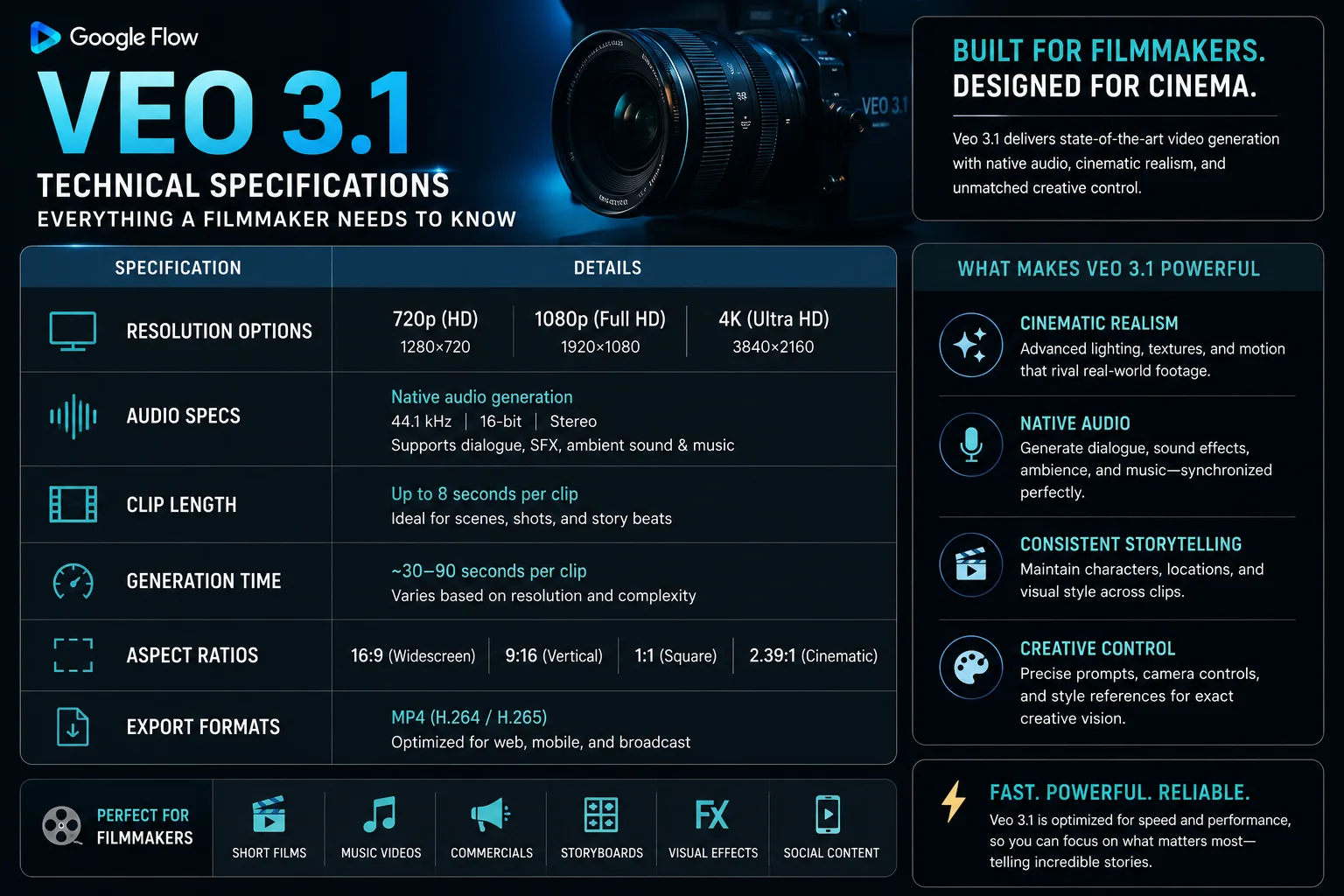
Official release: January 13, 2026, marked Google DeepMind’s launch of professional-grade AI video generation.
| Specification | Detail |
|---|---|
| Resolution | 720p (base), 1080p (AI Plus), 4K (AI Ultra) |
| Audio | 48kHz synchronized audio — ambient, dialogue, music |
| Clip length | 8 seconds per generation (extendable via Scene Extension) |
| Extended narrative | 60+ seconds via Scene Extension chaining |
| Aspect ratios | 16:9 (landscape), 9:16 (vertical), 1:1 (square) |
| Architecture | Latent diffusion transformer — spatio-temporal patches |
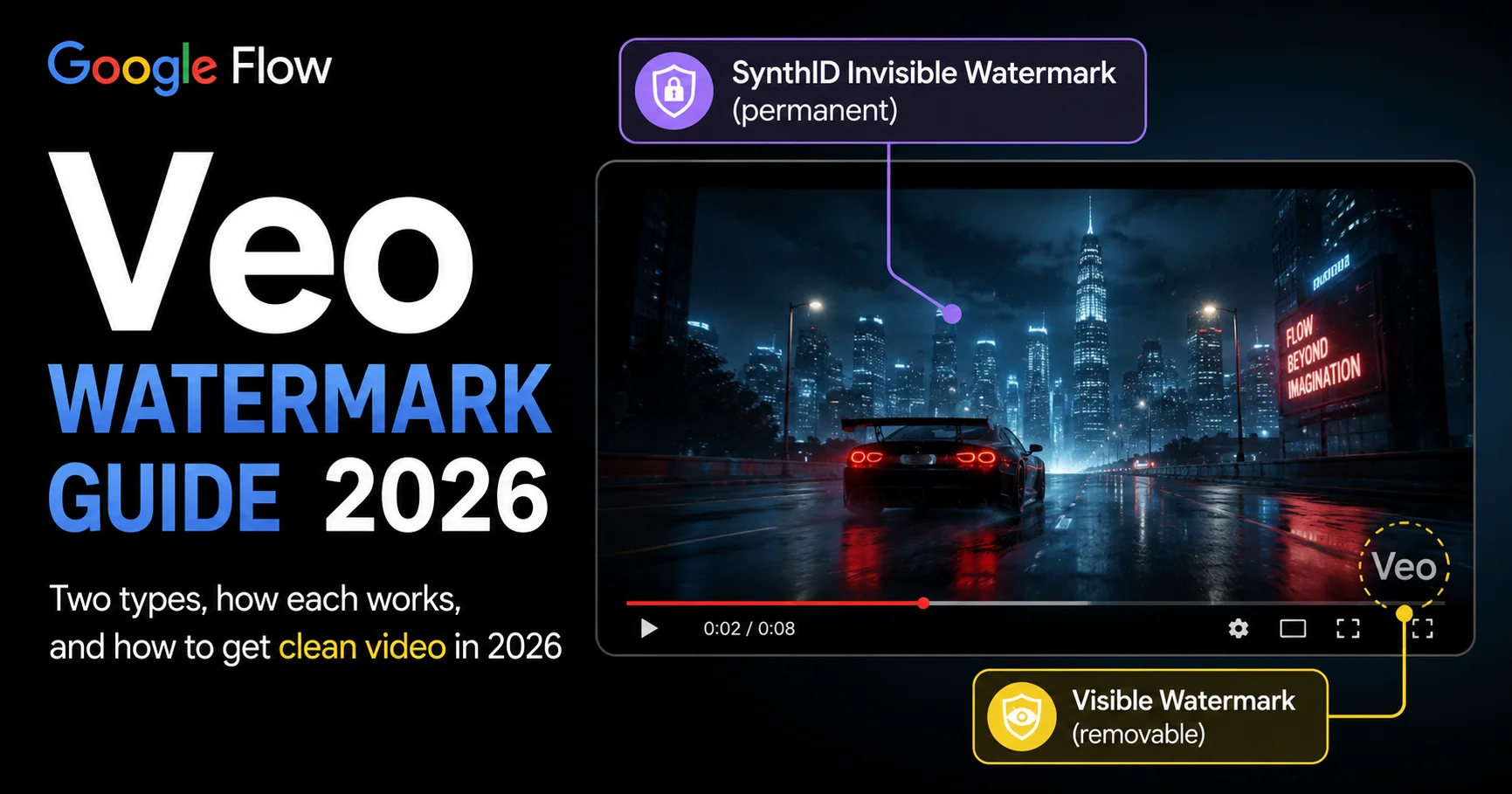
| Watermarking | SynthID invisible watermark on all outputs |
| Generation time | 30-90 seconds typical |
4K upscaling uses state-of-the-art AI reconstruction to create genuine detail in fabric, skin, foliage, and textures rather than simple pixel multiplication. Native Vertical Video is true 9:16 composition optimized for YouTube Shorts, TikTok, and mobile platforms — not cropped horizontal footage.
SynthID Watermarking uses invisible digital provenance markers to identify AI-generated content for transparency and platform compliance.
Pricing for Filmmakers — Credits, Plans, and Real Cost Per Film
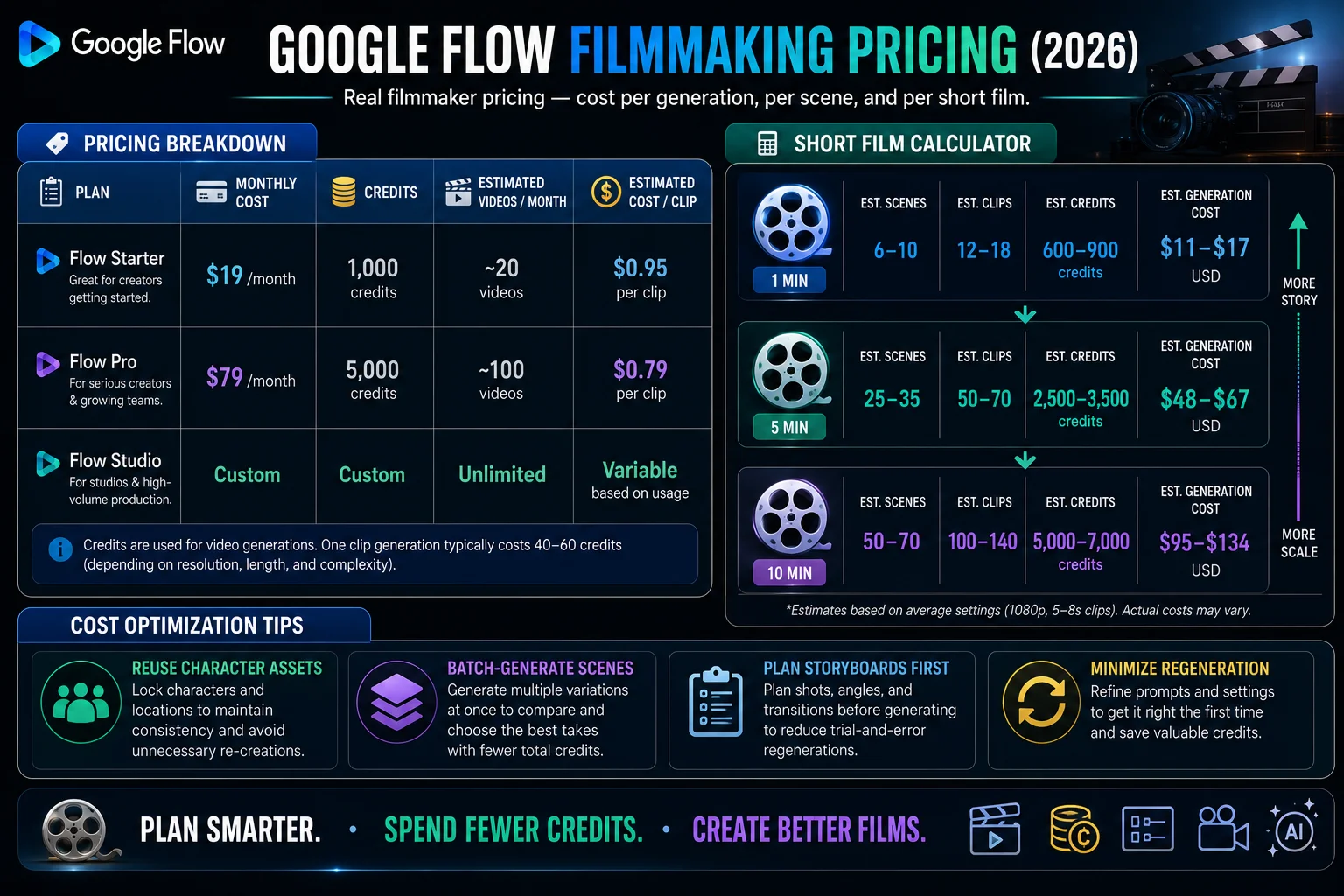
For Google Flow users, here is the pricing breakdown:
- Free / Plus / Pro plans: 10 credits per Veo 3.1 Lite generation
- Standard Veo 3.1 Fast: Higher credit cost
- AI Ultra: 25,000 monthly credits, 4K upscaling, advanced camera controls
Plan breakdown for filmmakers:
Google AI Pro gives you the key Flow features and 100 generations per month. Google AI Ultra gives you the highest usage limits and early access to Veo 3 with native audio generation, bringing environmental sounds and character dialogue directly into video creation.
Google AI Ultra costs $249.99/month ($124.99 for the first three months). Plans are currently available across 149+ regions.
Real-world filmmaker math:
A 3-minute short film with 8-second clips requires approximately 22-23 clips minimum. In practice, accounting for retakes and rejected generations, most filmmakers generate 3-5x the minimum — meaning 70-115 generations per short film. On the AI Plus plan (1,000 credits, ~50 credits per standard generation), this translates to roughly 20 standard Veo 3.1 Fast generations per month — enough for approximately 1-2 short films if you’re efficient, or more if you rely on Veo 3.1 Lite for test runs.
For professional short film production, Google AI Ultra’s 25,000 credits per month gives meaningful headroom.
In Pakistan, Google AI Plus is approximately Rs. 1,400/month. See our Pakistan access guide for payment details.
Real Films Made With Google Flow — What’s Actually Possible
.
The most useful proof of what Flow can do isn’t benchmarks or spec sheets — it’s what working filmmakers have actually produced.
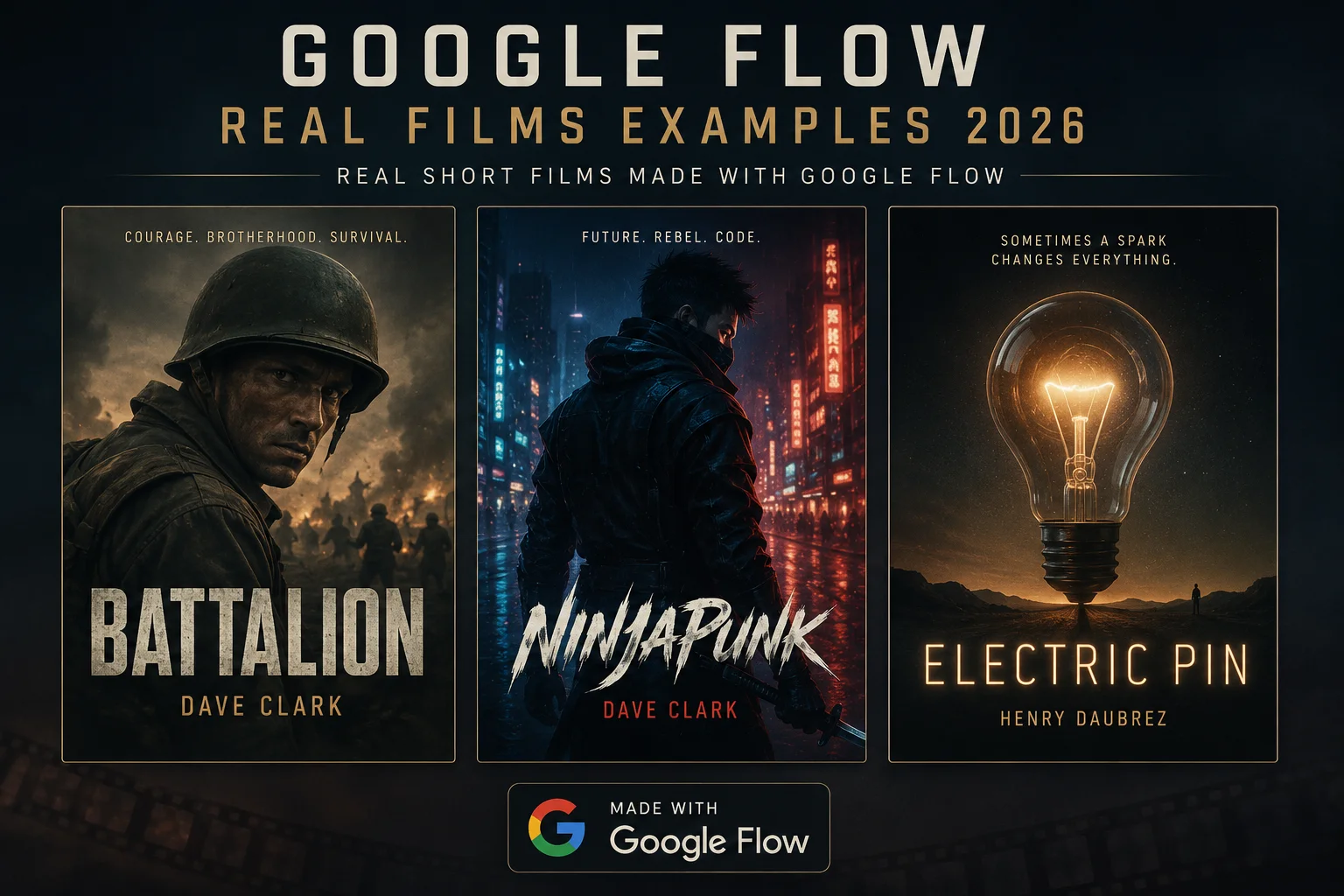
Dave Clark — ‘Battalion’, ‘NinjaPunk’, ‘Freelancers’ Dave Clark used Google AI tools across multiple short film productions, each exploring a different genre — war drama (Battalion), cyberpunk action (NinjaPunk), and character-driven narrative (Freelancers). His work demonstrates that AI-generated footage can hold up across genre-specific visual demands.
Henry Daubrez — ‘Kitsune’ and ‘Electric Pin’ Henry’s earlier work ‘Kitsune’ used Veo 2. ‘Electric Pin’ was made using the updated Flow platform and demonstrates how the Veo 3.1 audio system changes the experience of watching AI film — the synchronized sound makes scenes feel complete in a way that silent AI video simply doesn’t.
Flow TV is an ever-growing showcase of clips, channels, and content generated by Flow users worldwide. Every clip in Flow TV shows the exact prompt and techniques used — a direct learning resource for creators who want to understand what effective prompting looks like in practice.
Flow TV at flow.google is the single best resource for understanding what’s possible — real prompts, real outputs, from real creators using the same tools you have access to.
The Filmmaker’s Workflow in Google Flow — From Concept to Finished Film
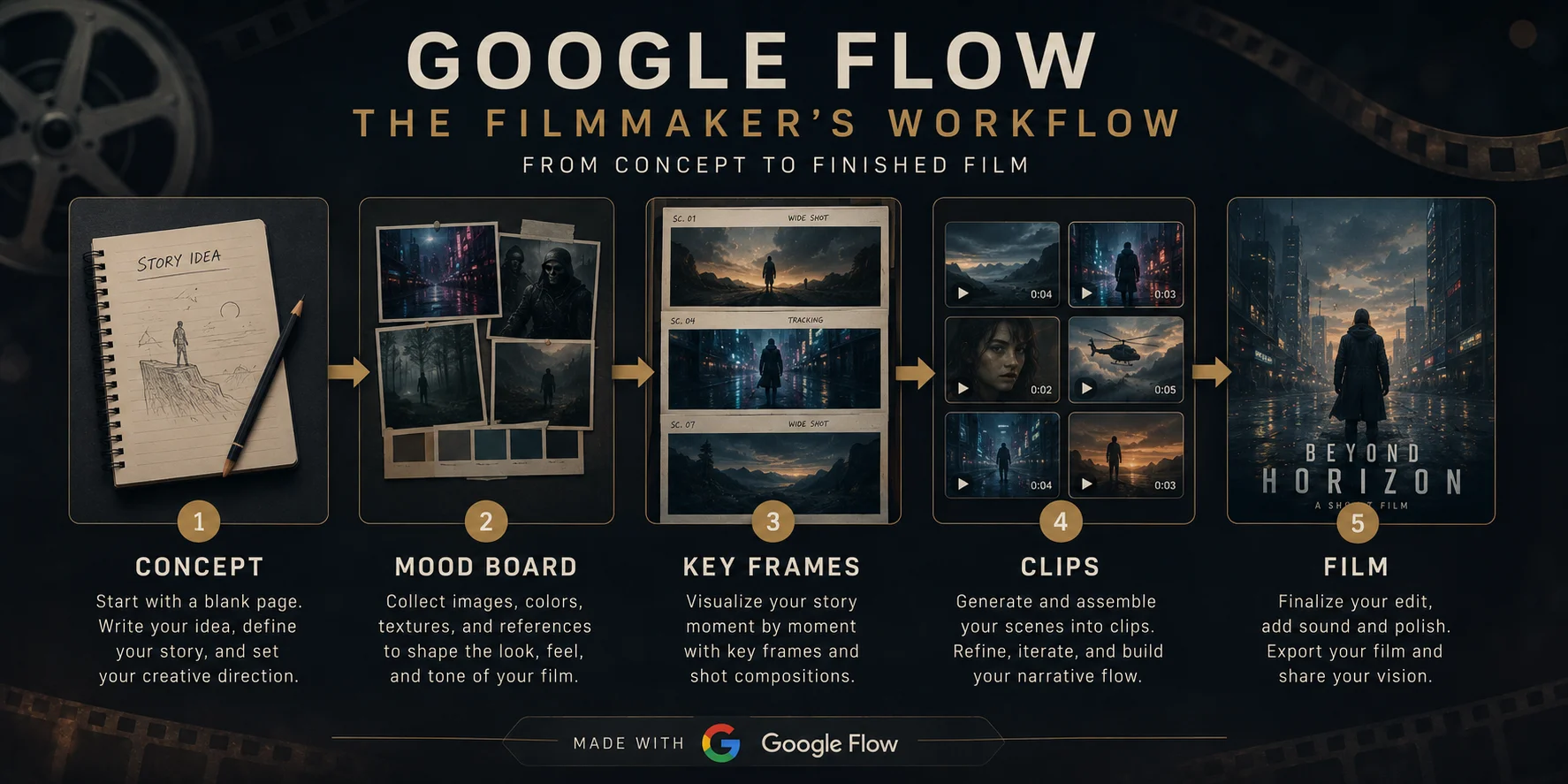
Typical time from blank project to finished short video: 30 to 90 minutes depending on number of generation iterations and project complexity.
Here is the complete filmmaker’s workflow inside Google Flow:
Stage 1 — Concept and Mood Board (15-20 minutes) Use the Whisk/Ingredients section of Flow to build a visual mood board. Generate reference images for your main character, key environments, and overall visual tone. This is where you establish your film’s look — before spending any video credits.
Stage 2 — Character and Asset Creation (20-30 minutes) Generate your main character reference image using Nano Banana. Test different lighting, wardrobe, and styling options using the free image tier. Save your finalized character reference as a Subject ingredient — this will be your consistency anchor throughout production.
Stage 3 — Key Frame Generation (20-30 minutes) Generate still frames for your major story beats — the key compositions that define your film’s visual structure. These frames will serve as First Frame / Last Frame references for your video generations.
Stage 4 — Video Clip Generation (30-90 minutes) Generate your video clips in scene order. Use your character reference in the Ingredients system for every clip featuring your main character. Use Camera Controls to specify shot types. Write clear audio direction in your prompts. Generate Veo 3.1 Lite versions first as tests, then commit credits to full Veo 3.1 Fast for final versions.
Stage 5 — SceneBuilder Assembly (15-30 minutes) Bring your clips into SceneBuilder. Arrange them in story order. Use Scene Extension to smooth transitions and extend any clips that feel too short. Preview the assembled sequence. Export your finished film.
Total time for a simple 60-second film: approximately 2-4 hours including iteration.
Filmmaking Prompts That Work in Veo 3.1
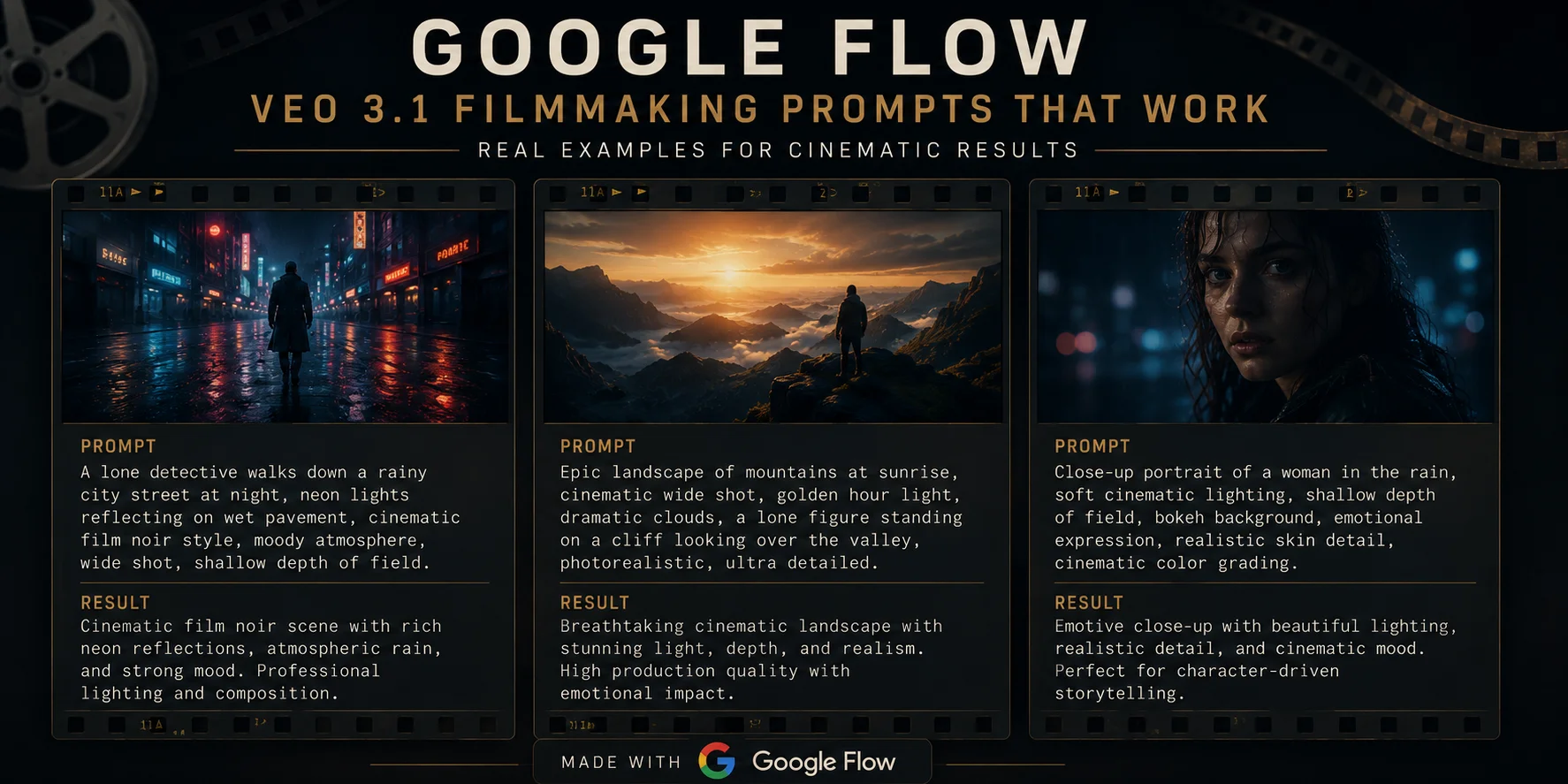
Here are proven prompt structures for cinematic Veo 3.1 results:
- “Sweeping drone shot of a lone hiker crossing a fog-covered mountain ridge at dawn, cinematic realism, shallow depth of field. Audio: wind, footsteps, ambient birdsong.”
- “Close-up of a barista pouring latte art in a warm café, slow motion, golden hour lighting. Audio: coffee machine, soft jazz.”
- “Product reveal shot, clean white background, smooth camera push-in, professional lighting. Audio: subtle ambient tone.”
The pattern in every strong filmmaking prompt:
Shot type + Subject + Setting + Lighting + Camera movement + Audio
For 100+ more prompts organized by genre, setting, and style — see our Best Google Flow AI Prompts guide.
Google Flow vs Traditional Filmmaking — What Changes and What Doesn’t
Say goodbye to needing a large production team, expensive equipment, or complex software. Flow is a cutting-edge AI-powered video creation platform that transforms textual descriptions into cinematic video clips.
That’s true — but it doesn’t mean filmmaking skills become irrelevant. What Flow actually changes for filmmakers:
What AI replaces or dramatically reduces:
- Camera equipment rental costs
- Location scouting and permits for standard environments
- Extras and background casting for crowd scenes
- Basic VFX and environmental effects
- Time to first draft — from weeks to hours
What still requires a human filmmaker:
- Story structure and narrative architecture
- Character development and emotional beats
- Directorial vision — knowing which shots to get
- Dialogue writing (even though Veo 3.1 can render it)
- Editing judgment — knowing which generated clip is the right one
- Music composition (though Google Flow Music handles this too)
As with any groundbreaking technology, we’re still understanding the full potential of AI in filmmaking. Google sees the emergence of these tools as an enabler, helping a new wave of filmmakers more easily tell their stories.
The filmmaker who knows story, character, and visual language now has access to a production pipeline that previously required a budget and a crew. That’s the real shift.
Frequently Asked Questions
Q: Is Google Flow AI actually designed for filmmakers?
Yes — explicitly. Flow is built by and for creatives, and it’s the only AI filmmaking tool custom-designed for Google’s most advanced models — Veo, Imagen and Gemini. Working filmmakers Dave Clark, Henry Daubrez, and Junie Lau all shaped its development.
Q: What is the difference between Veo 3.1 and Google Flow?
Veo 3.1 is the underlying AI model that generates video from text or image prompts. Google Flow is the full creative workspace that puts Veo to work as part of a multi-model production environment. You can access Veo directly through the API, but Flow is where the full professional filmmaking workflow lives.
Q: Can I make a complete short film with Google Flow?
Yes. Typical time from blank project to finished short video is 30 to 90 minutes depending on number of generation iterations and project complexity. Longer projects take proportionally more time.
Q: Is Google Flow good enough for professional filmmaking?
The quality ceiling set by Veo 3.1 with native audio is the highest in the consumer market. For social media, festival shorts, and experimental narrative work — yes. For broadcast-standard commercial production — it’s becoming competitive, with audio still needing professional polish in some cases.
Q: What plan do filmmakers need?
Google AI Pro gives you the key Flow features and 100 generations per month. Google AI Ultra gives you the highest usage limits and early access to Veo 3 with native audio generation. Most filmmakers start on AI Plus ($19.99/month) and upgrade to Ultra for serious production work.
Q: Does Google Flow work in Pakistan for filmmakers?
Yes — fully available. See our Pakistan access guide for subscription details.
Q: Where can I watch films made with Google Flow?
Flow TV is an ever-growing showcase of clips, channels, and content generated by Flow users worldwide. Available at flow.google. Also, Google’s official blog has featured films from Dave Clark, Henry Daubrez, and Junie Lau.
Final Thoughts — A New Era for Independent Filmmakers
1.5 billion images and videos have already been created inside Google Flow since launch. For filmmakers, content creators, marketers, and brands, this matters enormously.
The number tells you something about the scale of creative energy flowing through this platform. But the more important stat is that most of those 1.5 billion generations were made by people who couldn’t have produced them before — creators without production budgets, crews, or access to expensive equipment.
Google Workspace users already in the Gemini app, Flow, or Google Vids ecosystem will find Veo 3.1 deeply integrated. YouTube Shorts creators who want native portrait-mode video with synchronized audio without any format conversion get exactly what they need.
But the deeper opportunity is for narrative filmmakers — people with stories to tell who previously couldn’t tell them because the production cost was too high. Google Flow brings that cost to zero for the first draft, and $19.99/month for serious production work.
If you’ve been waiting to start a filmmaking project because you didn’t have a crew or a camera — you don’t need to wait anymore.
Start at flow.google. Read our Google Flow AI Tutorial if you’re new to the platform. Use our Best Prompts guide for filmmaking-specific prompt structures. And visit WhiskAILabs for every update as Google continues developing the most capable AI filmmaking tool available.
Related Articles on WhiskAILabs:
- Home — WhiskAILabs.net
- What Is Google Flow AI? Complete Guide
- Google Flow AI Tutorial — Step by Step
- Veo 3.1 Update 2026 — All New Features
- Ingredients to Video with Audio Guide
- Google Flow AI Lasso Tool Guide
- Best Google Flow AI Prompts 2026
- Google Flow AI Review 2026
- Best AI Video Generator 2026
- Google Flow AI vs Runway ML 2026
- Google Flow AI vs Kling AI 2026
- Google Flow Music — Lyria 3 Pro Guide
- Gemini Omni Explained 2026
- Pakistan Access Guide for Google AI
- News & Updates — WhiskAILabs
Official External Sources: