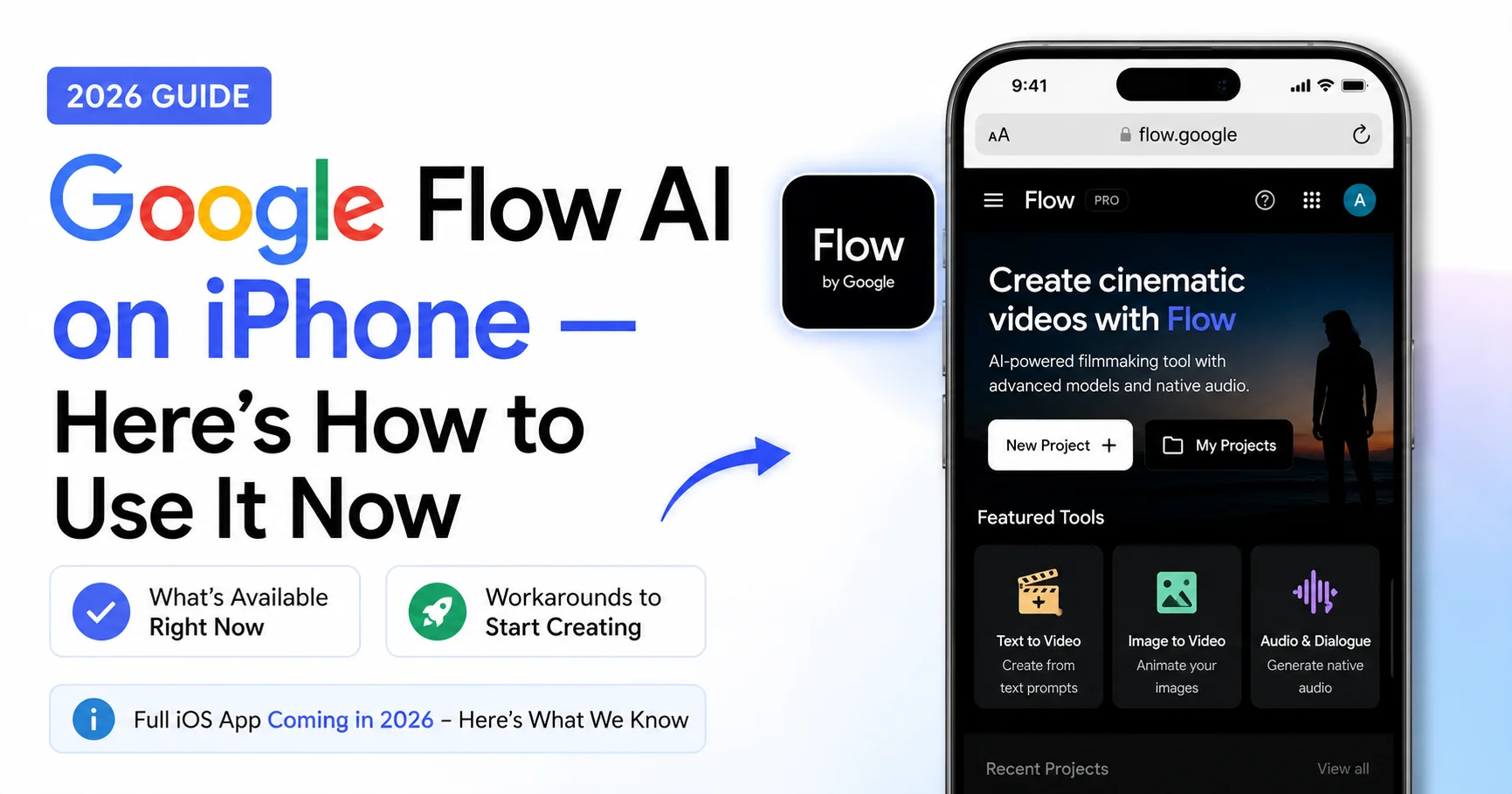
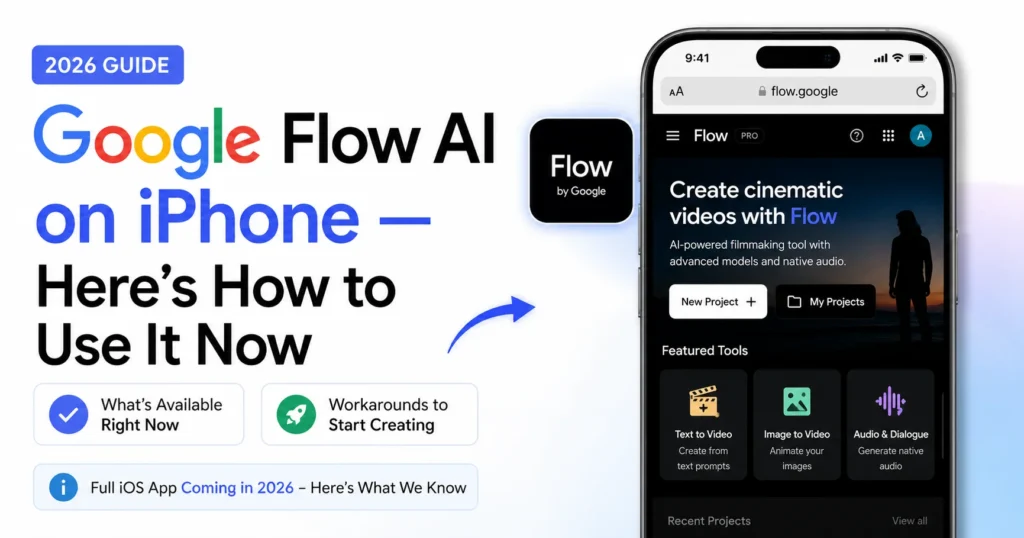
Google Flow AI on iPhone 2026 — iOS App Status, Release Date & How to Use It Now
You have an iPhone and you want to use Google Flow AI iPhone. You searched the App Store. You didn’t find it.
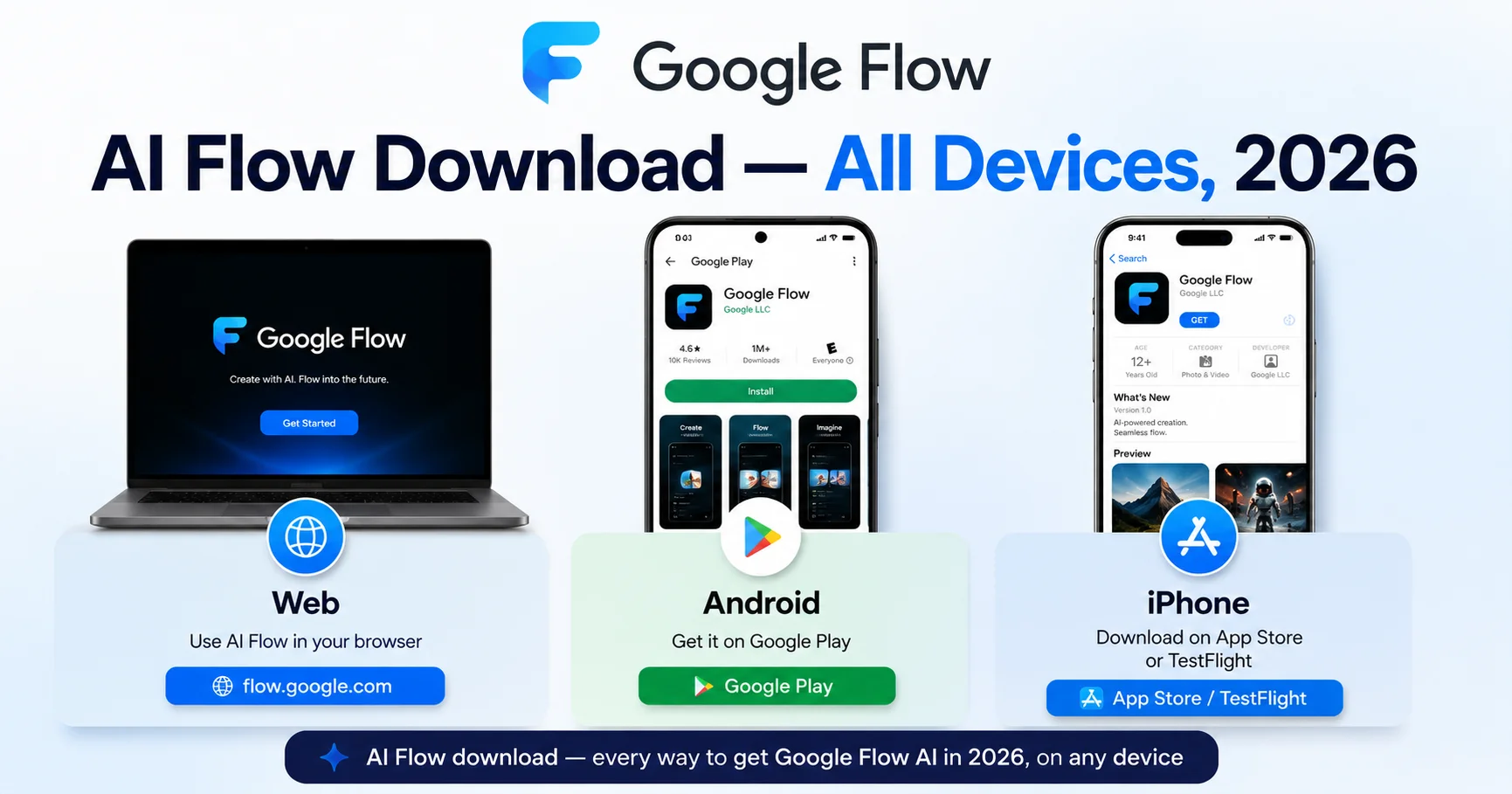
Here’s the honest answer: as of June 2026, there is no dedicated Google Flow AI app on the iOS App Store.
Google confirmed at I/O 2026 that an iOS app is coming — described as “coming soon” — but it hasn’t launched yet. The Android beta app is live on the Play Store, but iPhone users are still waiting.
This guide tells you exactly where things stand, when the iOS app is likely to arrive, and most importantly — how to use Google Flow AI on your iPhone right now, without waiting for the app.
Current Status Google Flow AI on iPhone June 2026
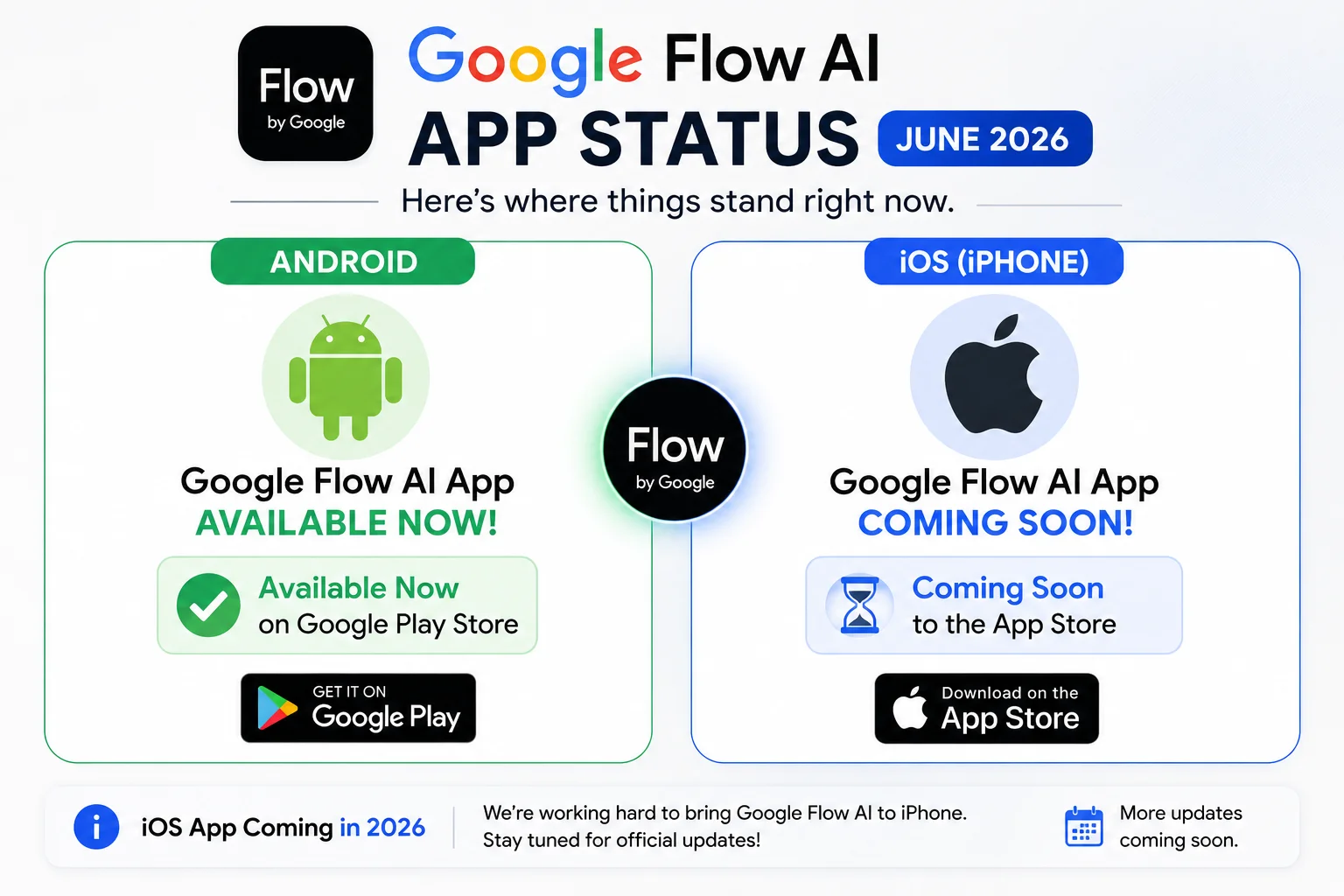
Here is the exact situation as of June 2026:
| Platform | Status |
|---|---|
| Web (flow.google) | ✅ Fully available — works on any browser |
| Android app | ✅ Live on Google Play Store (beta) |
| iPhone/iPad app | ⏳ Confirmed coming — not yet released |
| Google Flow Music (iOS) | ✅ Already available on App Store separately |
Google Flow AI’s Android app launched in beta alongside Google I/O 2026 in May 2026. iPhone support was described as “planned but no confirmed launch date yet” — and that remains the status today.
The good news: you don’t need to wait. There’s a fully working method to use Google Flow AI on your iPhone right now.
How to Use Google Flow AI on iPhone Right Now — Complete Guide
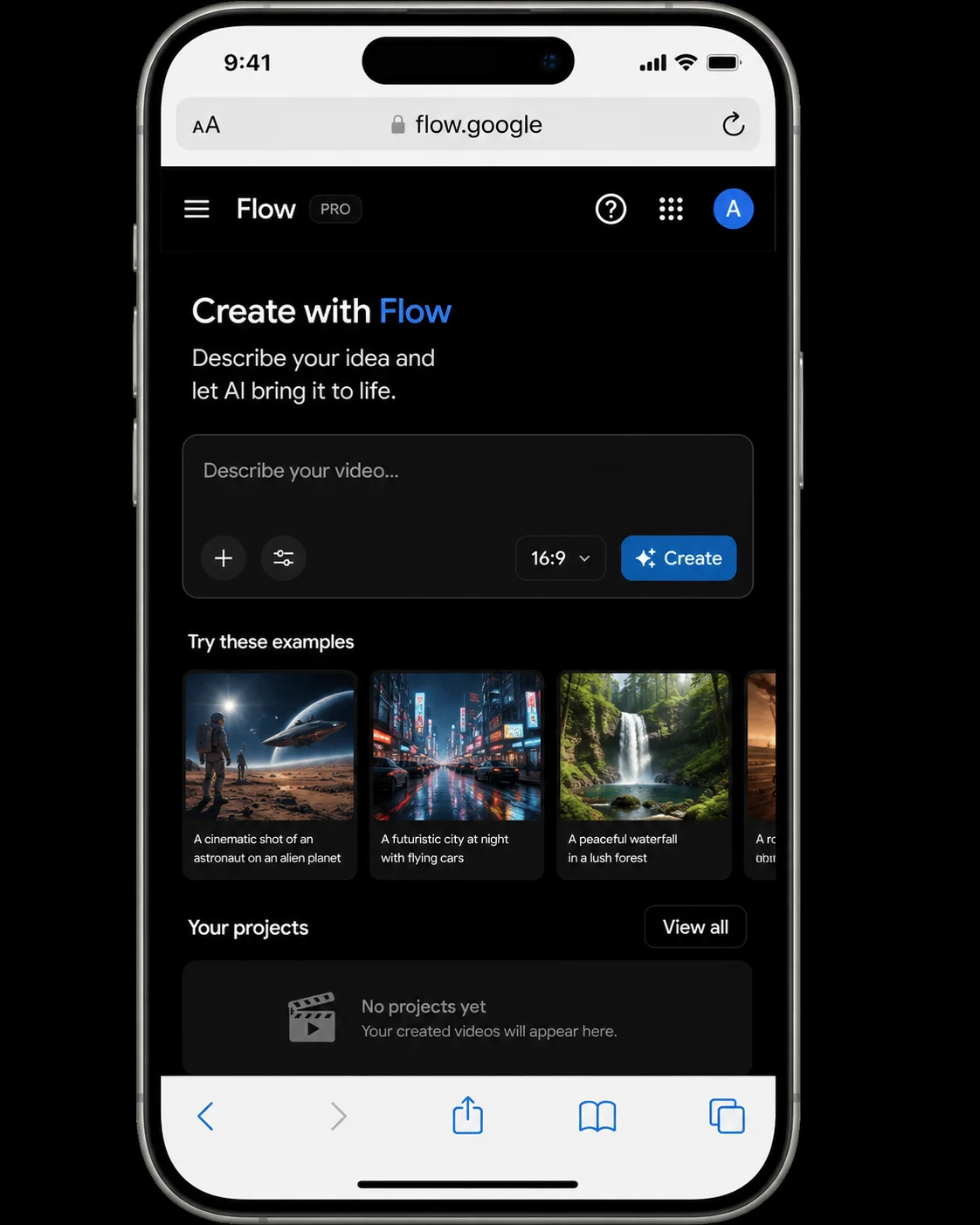
The most reliable way to use Google Flow AI on iPhone today is through Safari browser — Google’s mobile web version of Flow AI works well and gives you access to the core features.
Step 1: Open Safari on your iPhone
Tap Safari from your home screen. Don’t use Chrome on iPhone for this — Safari tends to render flow.google more consistently on iOS.
Step 2: Go to flow.google
Type flow.google directly in the address bar. Don’t search for it — type the URL directly to make sure you land on the official site.
Step 3: Sign in with your Google account
Tap “Sign In” and log in with your personal Gmail account. If you have multiple Google accounts, make sure you’re using a personal one — school and work accounts sometimes have restricted access.
Step 4: Add to Home Screen (recommended)
For easier access, save Flow AI as a home screen shortcut:
- Tap the Share button (the box with an arrow) at the bottom of Safari
- Scroll down and tap “Add to Home Screen”
- Name it “Flow AI” and tap “Add”
Now Flow AI will appear as an icon on your iPhone home screen — almost like a real app, opening directly in its own browser window without the Safari toolbar cluttering the screen.
Step 5: Start creating
Image generation works immediately and is free. For video generation, you need a Google AI Plus subscription — the same $19.99/month plan that works on desktop.
What Works on iPhone (Safari) vs What’s Missing
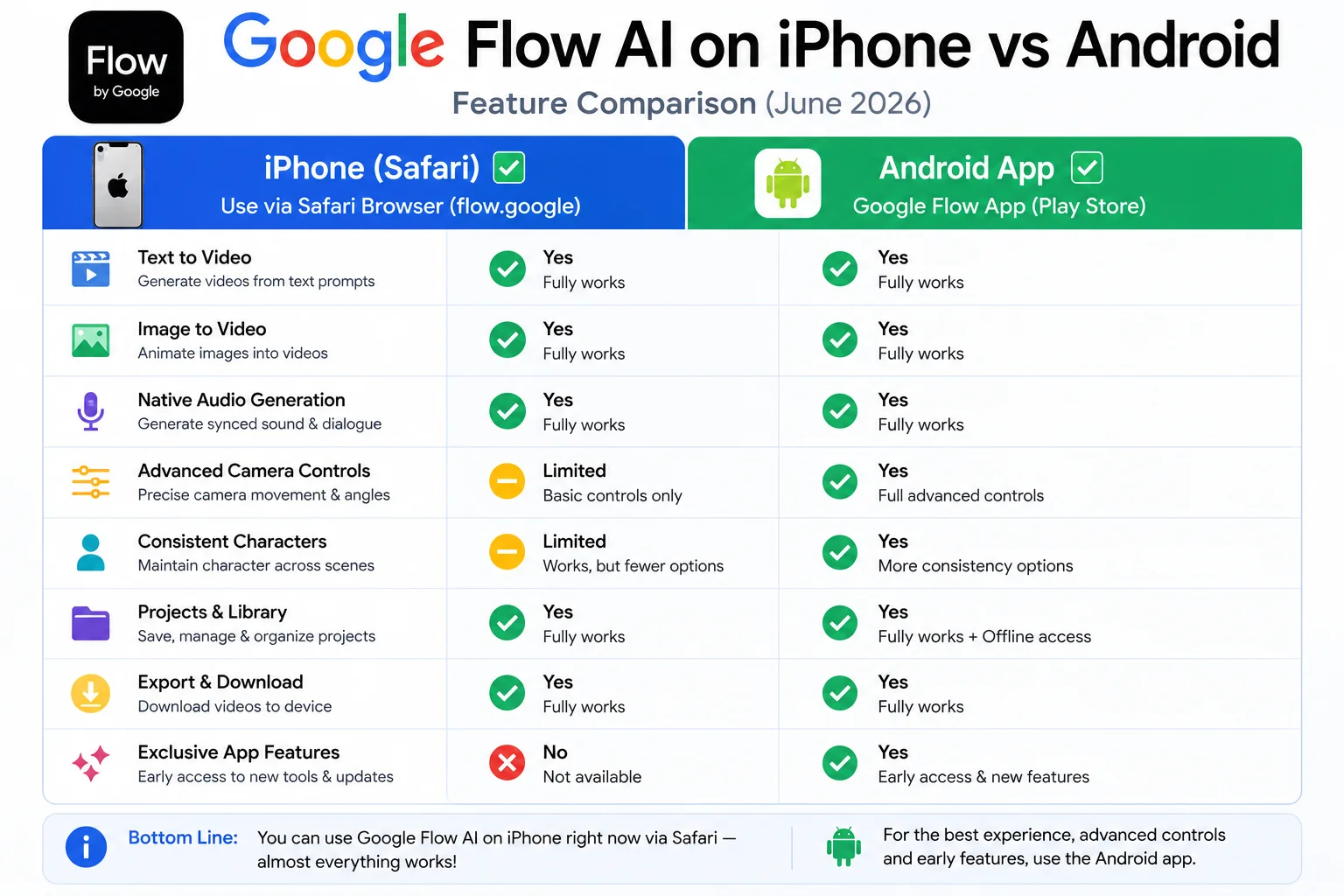
| Feature | iPhone (Safari) | Android App |
|---|---|---|
| Image generation | ✅ Full access | ✅ Full access |
| Video generation (Veo 3.1) | ✅ With AI Plus | ✅ With AI Plus |
| Ingredients to Video | ✅ | ✅ |
| Library access | ✅ | ✅ |
| Upload from camera roll | ✅ Works in Safari | ✅ Native integration |
| Live camera capture | ⚠️ Limited | ✅ Full integration |
| Background generation + notifications | ❌ | ✅ Push notifications |
| Gemini Avatar setup | ⚠️ Limited | ✅ Full face scan |
| Download to camera roll | ✅ Manual save | ✅ One-tap download |
| Offline access | ❌ | ❌ (both need internet) |
The biggest difference: The Android app has native camera roll integration and background generation with push notifications — so you can start a generation, close the app, and get notified when it’s done. On iPhone via Safari, you need to keep the browser tab open during generation.
For most use cases — image generation, video generation, browsing your library, uploading reference photos — the Safari method on iPhone gives you 80-90% of the Android app experience.
Google Flow Music — Already on iPhone App Store
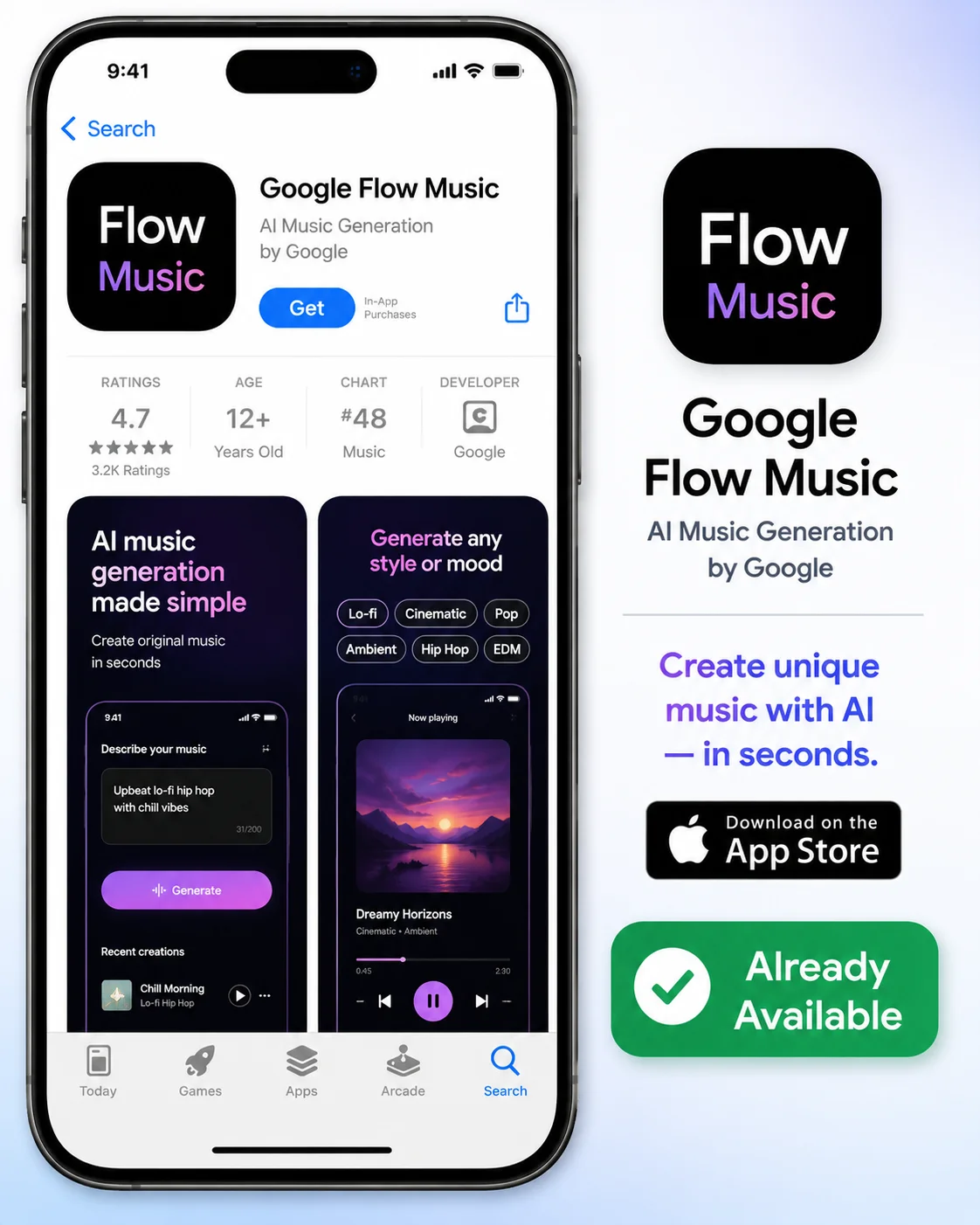
While the main Google Flow AI app (for images and video) hasn’t arrived on iOS yet, Google Flow Music is a different story.
Google Flow Music — powered by the Lyria 3 Pro model for AI music generation — is already available on the iPhone App Store. If you’re specifically interested in generating AI music to accompany your videos, you can download it right now.
Search “Google Flow Music” in the App Store, or ask Siri to open the App Store and search for it. It’s free to download and includes some free generation credits on signup.
For a complete guide to everything Google Flow Music can do, see our Google Flow Music and Lyria 3 Pro guide.
When Is the Google Flow AI iPhone App Coming?
This is the question everyone wants answered — and the honest answer is: Google hasn’t given a specific date.
What we know:
- Google confirmed at I/O 2026 (May 2026) that an iOS app is “coming soon”
- The Android app launched in beta at the same time as the I/O announcement
- Based on typical Google rollout patterns, iOS usually follows Android by 2-6 months for beta launches
Best estimate: Based on the Android beta launch in May 2026, an iOS beta is most likely to appear between August and November 2026.
We’ll update this article the moment any iOS release is confirmed or announced. For the latest Flow AI news, bookmark our WhiskAILabs News & Updates page — we cover every Google Flow AI announcement as it happens.
Why Is the iOS App Taking Longer Than Android?
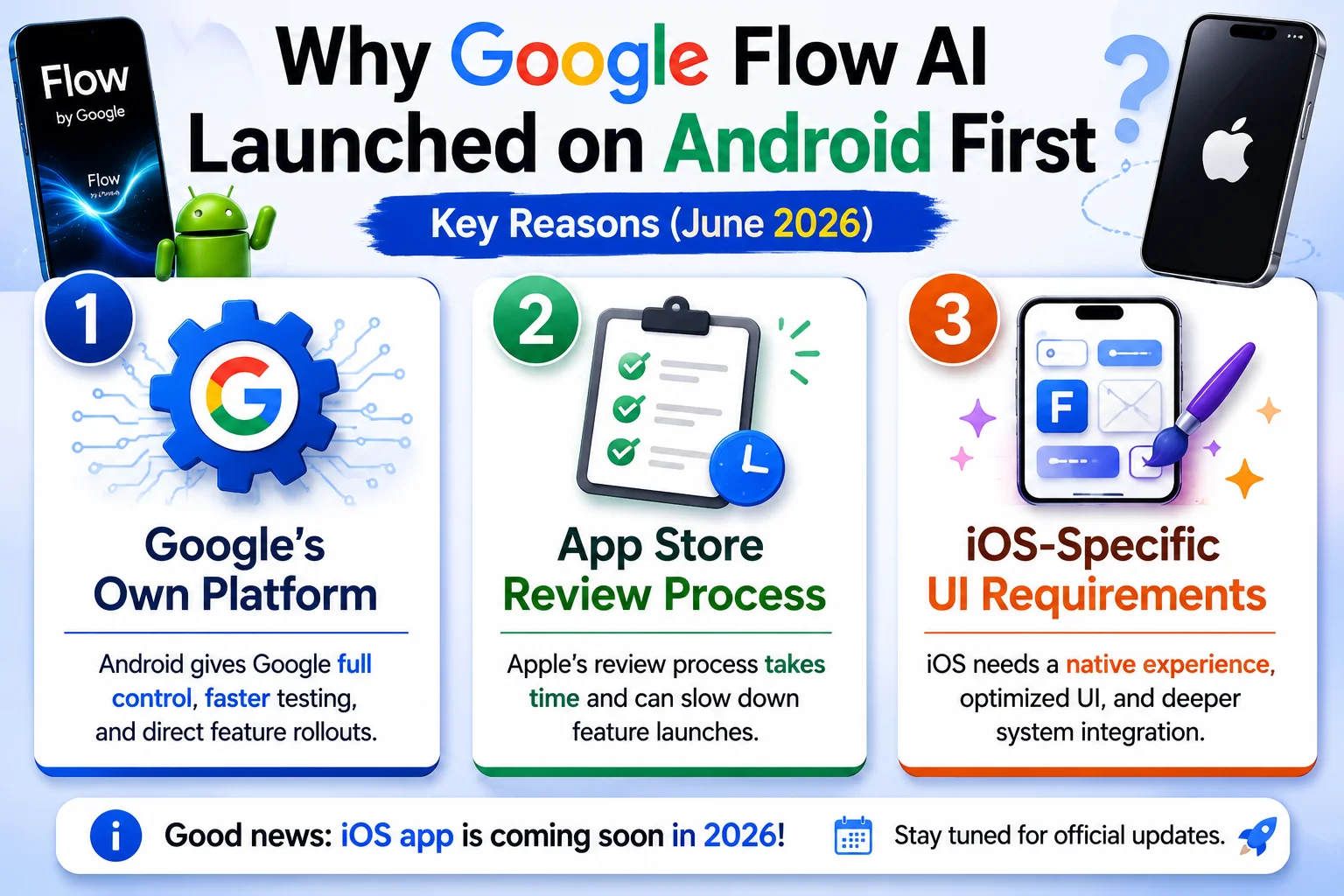
A few reasons explain why Android got the app first:
Google’s own platform. Android is Google’s operating system — they have more direct control over how apps behave and integrate. Testing new AI tools on Android first is standard Google practice.
App Store review timeline. Apple’s App Store review process adds time before any app can go live on iOS. Google needs to go through Apple’s approval, which typically takes 1-4 weeks after submission.
Platform-specific UI requirements. Apple has specific design guidelines that apps must follow for iOS. Adapting an interface built for Android to meet iOS standards takes additional development time.
None of these reasons suggest any problem with the iOS app — they’re just the standard mechanics of how multi-platform app releases work.
The Best iPhone Setup for Google Flow AI Right Now
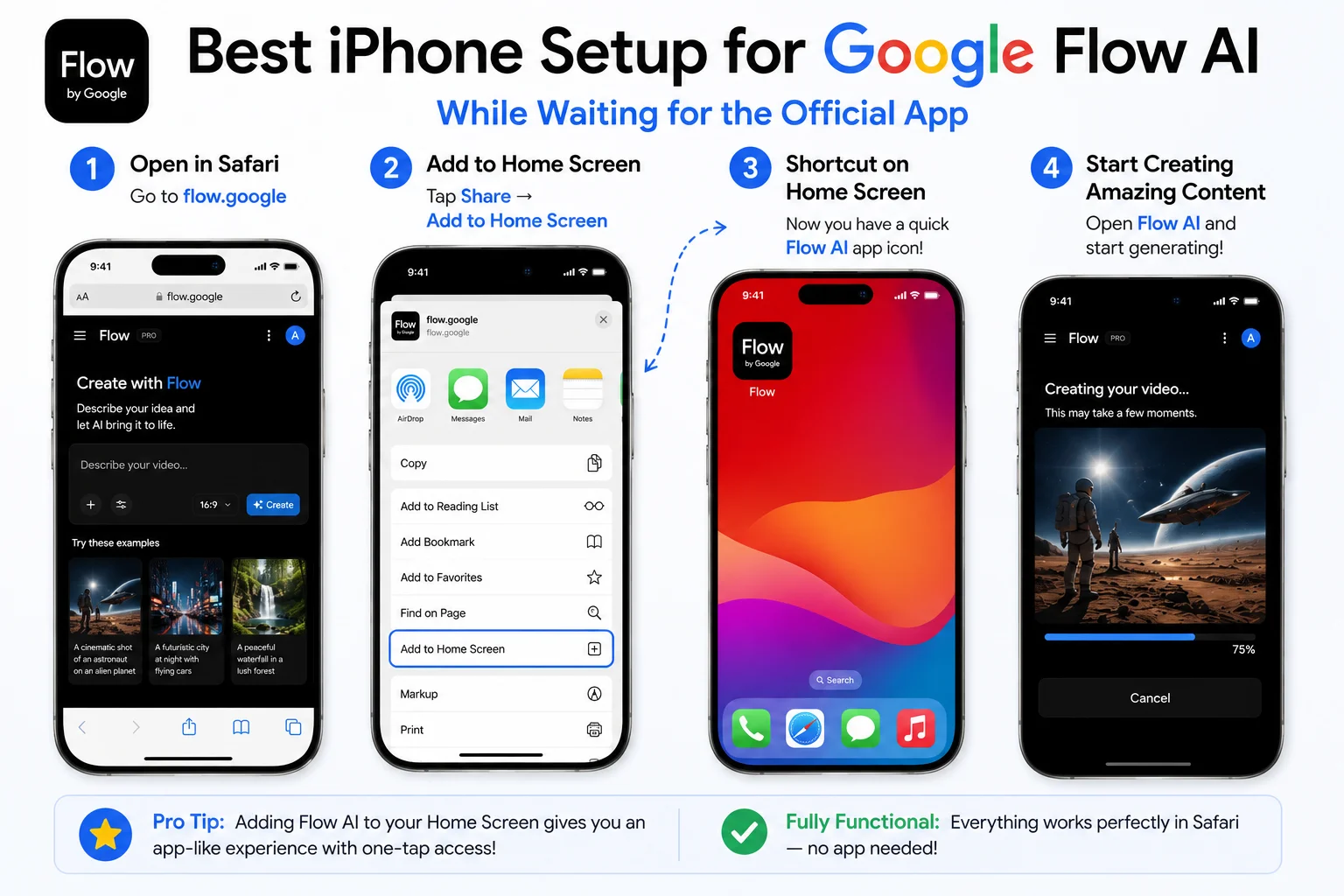
Until the dedicated iOS app arrives, here’s how to set up the best possible iPhone experience:
1. Bookmark flow.google in Safari Open Safari, go to flow.google, sign in, then tap the bookmark icon (flag icon) to save it. This puts it in your Safari bookmarks for one-tap access.
2. Add to Home Screen As described earlier — tap Share → Add to Home Screen. This gives you an app-like icon that opens Flow AI in a clean browser window without the full Safari interface.
3. Use iCloud Keychain for Google login If you regularly switch between devices, saving your Google credentials in iCloud Keychain means you’re always signed in when you open Flow AI on your iPhone.
4. Download videos via Share sheet When a video is ready in Flow AI on Safari, tap and hold the video, then tap “Share” or “Download” to save it to your iPhone’s Photos app.
5. Keep the tab open while generating Unlike the Android app which has background generation, Safari on iPhone requires the tab to stay active during video generation. Don’t switch to other apps or let your screen lock while waiting — set screen lock to “Never” temporarily during longer generation sessions.
Frequently Asked Questions
Q: Is there a Google Flow AI app for iPhone?
Not yet as of June 2026. The dedicated Google Flow AI app is only available on Android (Google Play Store). iPhone users can access Flow AI through Safari browser at flow.google.
Q: When will Google Flow AI be available on iPhone?
Google confirmed at I/O 2026 that an iOS app is “coming soon” but gave no specific date. Based on typical rollout patterns after the Android beta launch, expect sometime between August and November 2026. We’ll update this page when it’s announced.
Q: Can I use Google Flow AI on my iPhone right now?
Yes — open Safari and go to flow.google. The mobile web version works well and gives you access to image generation (free) and video generation (with AI Plus subscription).
Q: Why is the Android app available but not iPhone?
Android launched first because it’s Google’s own platform. The iOS App Store review process and iOS-specific design requirements add time to the iOS release.
Q: Is there any Google Flow AI app for iPhone at all?
Google Flow Music (for AI music generation) is already on the App Store. The main Flow AI app (images and video) hasn’t launched on iOS yet.
Q: Does the iPhone Safari version work as well as the Android app?
For core features — image generation, video generation, Ingredients workflow, library access — yes. The main things missing are background generation notifications, native camera integration, and the Gemini Avatar face scan (which works best on the Android app).
Q: Is Google Flow AI available in Pakistan on iPhone?
Yes. The Safari method works on Pakistani iPhones without any VPN requirement. Just go to flow.google in Safari and sign in. For any access issues, our Pakistan access guide has solutions.
Q: Can I download Google Flow AI from the App Store?
Not yet — the main Flow AI app isn’t on the App Store. Google Flow Music is on the App Store. Watch our News & Updates page for the App Store launch announcement.
Final Thoughts — Don’t Wait, Use It Now
The lack of a dedicated iPhone app is a real gap — one Google has acknowledged and is actively working to close. But it’s not a reason to wait.
The Safari method gives you genuine, full-featured access to everything Google Flow AI offers — image generation, video generation with Veo 3.1 audio, the Ingredients workflow, your full project library. The experience is slightly less convenient than a native app, but the creative output is identical.
Add flow.google to your iPhone home screen today. Start generating images for free. If you like what the tool does, the $19.99/month AI Plus subscription unlocks video on both iPhone (Safari) and eventually the dedicated iOS app when it arrives.
For everything about getting the most from Google Flow AI across all platforms — check our complete Flow AI tutorial and best prompts guide.
Related Articles on WhiskAILabs:
- Home — WhiskAILabs.net
- AI Flow Download — Complete Guide (Android + Web)
- Google Flow AI Mobile App Guide 2026
- Google Flow AI I/O 2026 Update
- Google Flow Music — Lyria 3 Pro Guide
- What Is Google Flow AI?
- Google Flow AI Tutorial — Step by Step
- Veo 3.1 Update 2026 — All New Features
- Ingredients to Video with Audio
- Google Flow AI Review 2026
- Best Google Flow AI Prompts 2026
- Pakistan Access Guide for Google AI
- News & Updates — WhiskAILabs
Official External Sources: