
You are in the middle of creating something. The ideas are flowing. You type another prompt into Google ImageFX, click Generate, and then — nothing.
A message appears. You have hit the limit for the day.
If that has happened to you, you are not alone. The Google ImageFX daily limit official policy is one of the most searched things about this tool right now — and for good reason. People want to know exactly how many images they can make, when the limit resets, and whether there is any way to get more.
Here is the honest truth: Google has never published a clean, official number. But we dug through the official Google Labs FAQ, real user experiences, and third-party testing so you do not have to.
This guide gives you everything — the real limit, why it exists, what happens when you hit it, and smart ways to make every generation count.
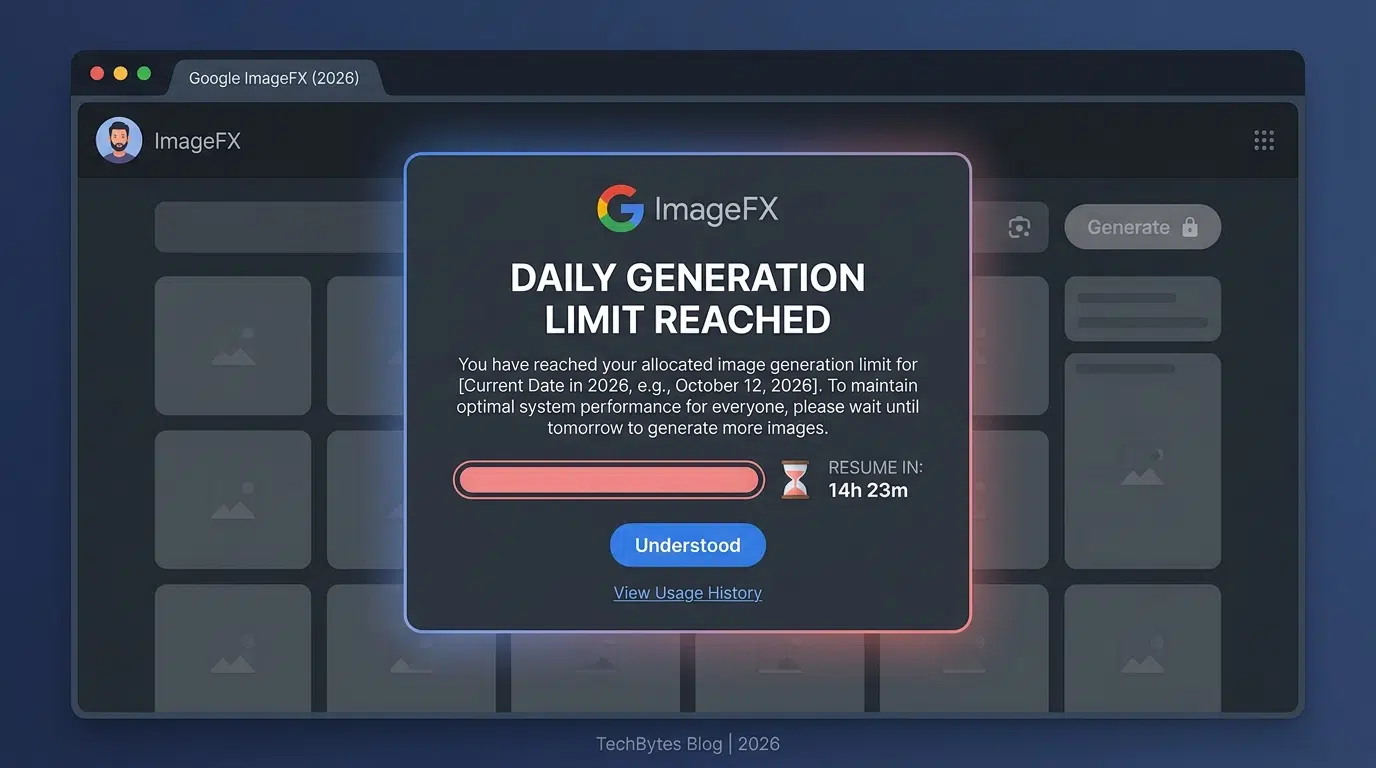
Google officially limits how many images each user can generate per day on ImageFX — here is everything you need to know for 2026.
What Is Google ImageFX? (Quick Background)
Before we get into the limit itself, a very quick recap for anyone new here.
Google ImageFX is a free AI image generator built by Google Labs. You type a description — called a prompt — and it turns your words into images in just a few seconds. It runs on Imagen 3, which is Google’s most advanced text-to-image model as of 2026.
It lives at labs.google/fx/tools/image-fx and is part of the same Google Labs family as Google ImageFX’s full guide on WhiskAILabs, Google Flow AI, and MusicFX.
It is completely free to use. No credit card. No monthly subscription. Just sign in with your Google account and start creating.
That is exactly why the daily limit question comes up so much — people love the tool and want to use it as much as possible.
Want to compare it to Whisk? We have a full breakdown here: Whisk AI vs ImageFX — Which One Should You Use?
The Official Google ImageFX Daily Limit — What Google Actually Says
Here is the most important thing to understand: Google has never publicly stated an exact daily image limit for ImageFX.
Not 20. Not 50. Not 100. No specific number anywhere on the official pages.
What the official Google Labs FAQ page does say — word for word — is this:
“To ensure everyone can try out our tools, each user is limited to a certain number of daily generations. If you’ve hit your limit, try out a different tool or come back the next day.”
That is it. “A certain number.” No figure. No breakdown. No mention of whether it differs by account type or region.
This is Google Labs being intentionally vague — and there are real reasons for that, which we explain below.
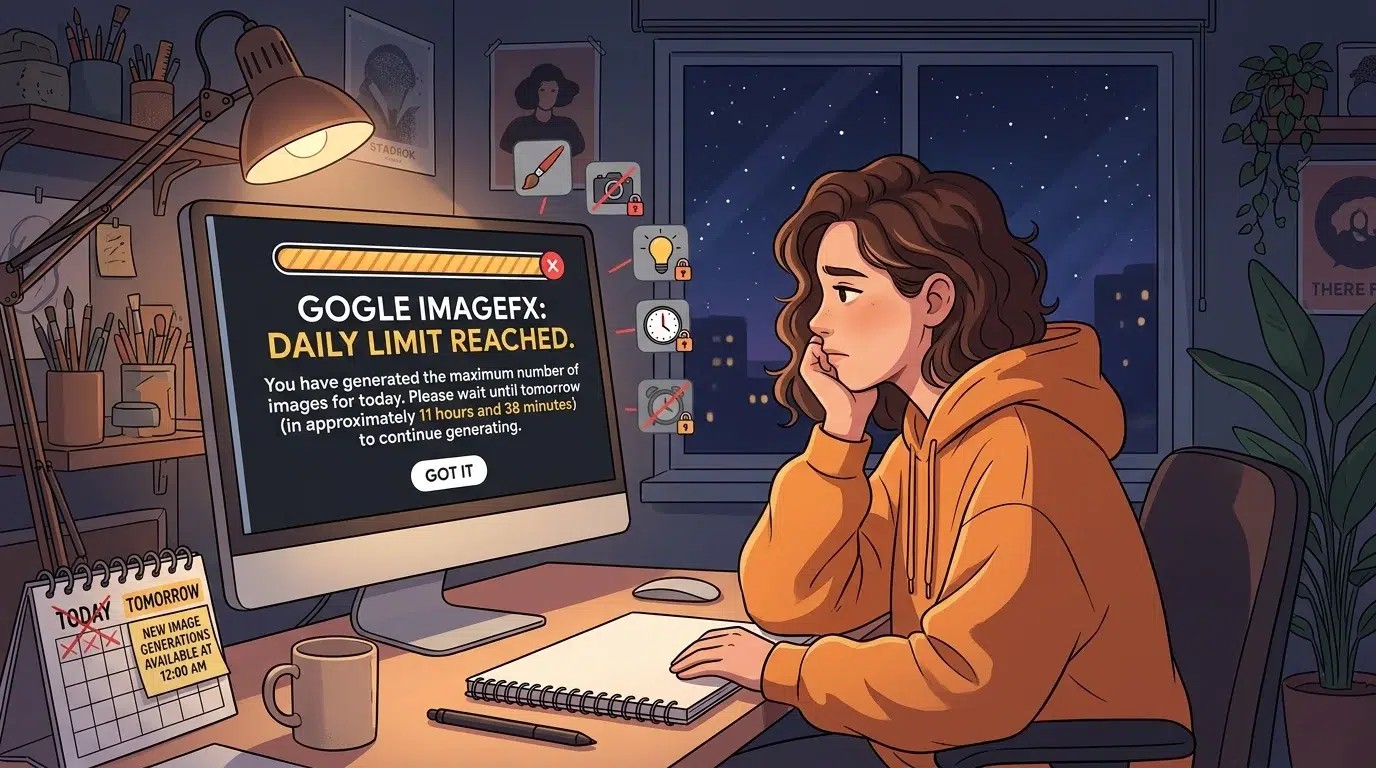
So What Is the Real Google ImageFX Daily Limit in 2026?
Based on consistent reports from users across Reddit, Twitter/X, and AI creator communities — as well as third-party testing — here is what we actually know about the Google ImageFX usage limits official situation in 2026:
- Most free users can generate approximately 20–30 images per day before hitting the cap
- Each prompt typically generates 4 images at once — so you get roughly 5 to 7 prompts before your limit is reached
- The limit appears to reset every 24 hours from your first generation of the day, not at a fixed midnight time
- The exact number can vary slightly by region and server load — this is why some users report hitting the limit at 20 images and others say they got 40 or more
- There is no paid tier within ImageFX itself to raise this cap
One important thing to understand: ImageFX generates 4 images per prompt by default. So if your limit is, say, 28 images — that is only 7 prompts. It goes faster than you might expect.
Why Does Google Set a Daily Limit on ImageFX?
A lot of people ask this question, and it is a fair one. If the tool is free, why not let everyone use it as much as they want?
The answer comes down to three real-world reasons.
1. Server Costs Are Enormous
Generating an AI image is not like loading a webpage. Each image requires powerful computers called GPUs to run complex calculations for several seconds. Multiply that by millions of users globally and you are talking about an infrastructure cost that would make even Google’s accountants nervous.
The daily limit is the simplest way to keep those costs predictable.
2. Fair Access for Everyone
Without a limit, one person or one automated script could theoretically use thousands of generations in a day — leaving everyone else with slower performance or no access at all. The official Google Labs FAQ confirms this directly: the limit exists “to ensure everyone can try out our tools.”
3. It Is an Experiment, Not a Finished Product
Google Labs tools are deliberately kept in an experimental state. They are not trying to compete with paid tools like Midjourney or Adobe Firefly — at least not directly. The limit helps Google keep the service sustainable while they collect user feedback and improve the model.
If you want a tool with no daily cap for image generation, you would typically need to look at a paid service or use the Google Gemini API directly with a developer account.
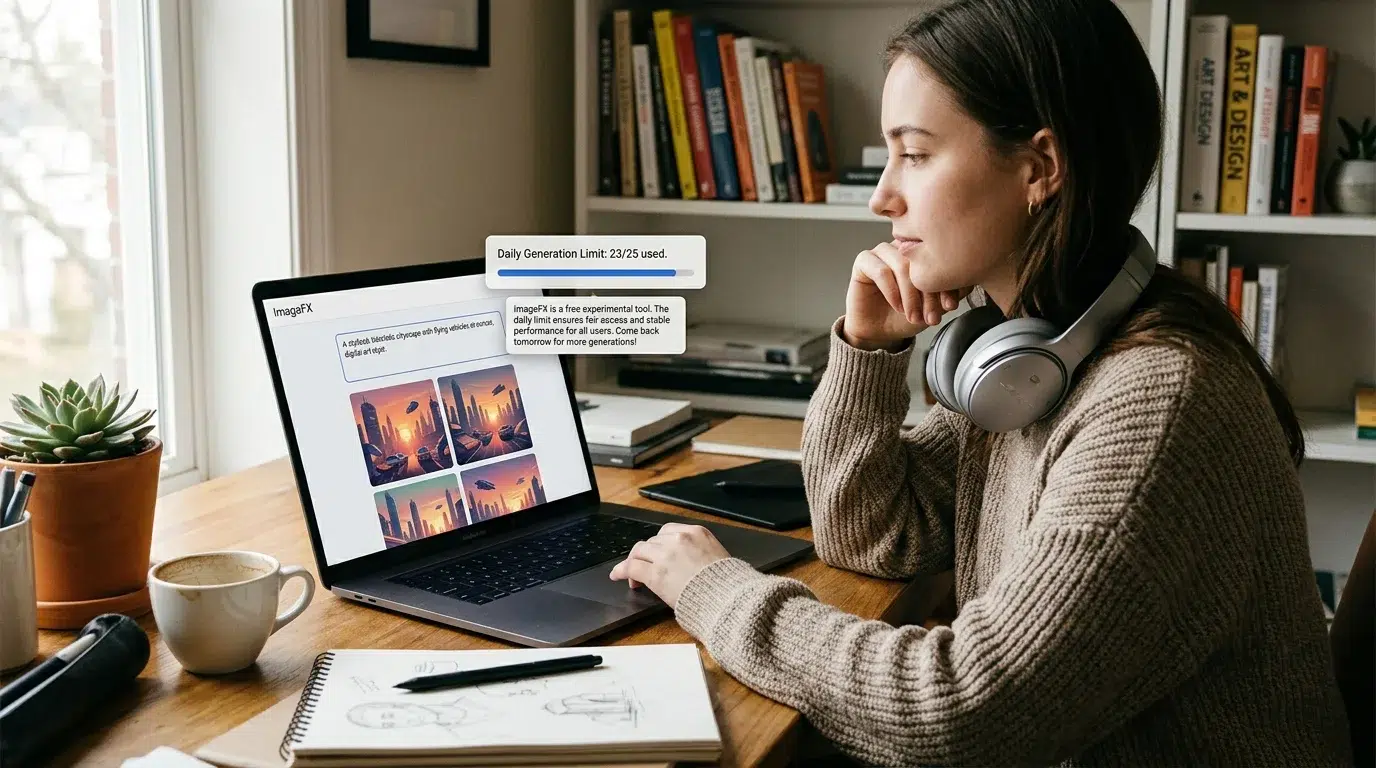
Google Labs runs ImageFX as a free experimental tool — the daily limit keeps the service fair and the servers stable for everyone using it around the world.
What Happens When You Hit the Google ImageFX Daily Limit?
When you reach your daily generation cap, a few things happen:
- The Generate button stops working — clicking it does nothing or shows an error message
- You may see a message saying you have reached your daily limit and should try again tomorrow
- You can still browse previously generated images in your session
- You cannot transfer unused generations to the next day — the quota does not roll over
- Logging out and back in does not reset the counter — the limit is tied to your Google account, not your session
The most common question after hitting the limit: “Can I use a different Google account?”
Technically, if you have another Google account, you could sign in with that. However, this goes against the spirit of Google’s usage policies. Google tracks behavior to ensure fair use, and repeated policy violations can result in account restrictions.
Google ImageFX Limit vs. Other Free AI Image Generators in 2026
How does the Google ImageFX free limit official stack up against other tools you might use instead?
| Tool | Free Daily Limit (Approx.) | Paid Option? |
|---|---|---|
| Google ImageFX | ~20–30 images/day (unconfirmed official number) | No paid tier in ImageFX itself |
| Google Gemini (App) | ~100 images/day (Imagen via Gemini) | Yes — Google One AI plans |
| Microsoft Copilot (DALL-E 3) | ~15 boosted images/day | Yes — Microsoft 365 |
| Adobe Firefly | 25 generative credits/month (free) | Yes — Adobe plans |
| Canva AI (Magic Media) | 50 images/month (free plan) | Yes — Canva Pro |
What this table shows: ImageFX is competitive but not the most generous free tool in terms of raw daily volume. The Google Gemini app actually gives you more images per day through Imagen — just in a different interface.
If you want to compare all your options in detail, our guide on the best Whisk AI and ImageFX alternatives in 2026 covers all of them side by side.
Smart Ways to Get More From ImageFX Within the Official Daily Limit
You cannot change the limit — but you can absolutely be smarter about how you use it. Here are the best ways to make every one of your daily generations count.
1. Write Better Prompts Before You Click Generate
This is the biggest one. Most people click Generate with a rough idea, see something they do not love, and burn a generation trying to fix it.
Instead, spend 2 extra minutes writing your prompt before you click. Add style details, lighting descriptions, mood words, and specific details about what you want. A well-written prompt on the first try saves you two or three regenerations.
Our guide on AI prompt engineering for better results will walk you through exactly how to do this.
2. Use Expressive Chips Instead of Regenerating
ImageFX has a feature called Expressive Chips — small clickable word variations that appear under your prompt. Instead of clicking Generate again from scratch, tap a chip to adjust a word or phrase. This often produces a much better result without using another full generation.
3. Download Every Image You Might Want
ImageFX generates 4 images per prompt. Before you click Generate again, look at all 4 carefully. Download any that are even slightly useful. You cannot come back to them later once the session ends.
4. Use Google Gemini for Higher-Volume Days
If you consistently need more than ImageFX’s daily limit, the Google Gemini app uses the same Imagen model and gives you around 100 images per day on the free tier — significantly more than ImageFX alone. These are separate quotas, so you can use both.
5. Try Google Flow AI for Video + Image Together
If you are working on a creative project that needs both images and video, Google Flow AI combines image and video generation in one place. It has its own separate generation quota and might stretch your creative capacity further.
6. Plan Your Prompts in Batches
Instead of opening ImageFX whenever inspiration strikes, try sitting down once a day with a list of 5–7 carefully planned prompts. You will use your daily limit more efficiently and get better results than a scattered approach.

Does the Google ImageFX Daily Limit Change With a Google One Subscription?
This is one of the most frequently asked questions — and the answer might surprise you.
A Google One subscription does NOT increase your Google ImageFX daily limit.
Google One (including the AI Premium plan) primarily enhances your experience in the Gemini app and other Google products. ImageFX at labs.google/fx is a separate experimental tool that operates independently of Google One benefits.
The only way to access Imagen 3 at higher volume without daily limits is through the Google Gemini API with a paid developer account — which is intended for developers and app builders, not casual creative use.
When Does the ImageFX Daily Limit Reset?
Google has not officially confirmed the exact reset schedule — but based on consistent user reports, here is what we know:
- The reset appears to happen approximately 24 hours after your first generation of that day — not at a fixed midnight or morning time
- Some users report the reset happening around midnight Pacific Time (PT) — which would suggest a fixed Google server reset time
- The safest approach: if you hit the limit, wait a full 24 hours before trying again
There is no countdown timer inside ImageFX telling you when your limit resets. Google does not show this information — another example of how intentionally non-specific the official limit policy is.
Is Google ImageFX Still Worth Using With a Daily Limit?
Yes — genuinely, yes.
Here is why the daily limit should not stop you from using ImageFX:
- It is completely free. No credit card. No subscription. No trial period.
- The image quality from Imagen 3 is genuinely outstanding — often better than tools that cost $30+ per month
- For most casual users, 20–30 images per day is more than enough for one creative session
- The Expressive Chips feature means you can explore many variations without burning through generations
- Your images are yours to use — Google does not claim ownership over what ImageFX creates from your prompts
If you are just getting started with AI image generation, ImageFX is one of the best first tools in 2026. To see exactly what it can do, check out our complete Google ImageFX guide for beginners and advanced users.
And if you are looking for more advanced creative control — like combining images or working with video — take a look at what Google Flow AI can do as a more powerful next step.
Frequently Asked Questions — Google ImageFX Daily Limit Official 2026
What is the official Google ImageFX daily limit in 2026?
Google has not published an exact number. The official labs.google/fx FAQ only states that “each user is limited to a certain number of daily generations.” Based on real user reports, most accounts can generate approximately 20–30 images per day (about 5–7 prompts, since each prompt produces 4 images) before hitting the cap.
Does the ImageFX daily limit reset every 24 hours?
Yes, it resets daily. The exact timing is not officially confirmed, but most users report the limit refreshing approximately 24 hours after their first generation or around midnight Pacific Time. If you have hit your limit, waiting a full day is the safest approach.
Can I pay to get more daily images on Google ImageFX?
No. There is no paid tier within ImageFX that increases your daily generation limit. A Google One subscription improves your experience in the Gemini app, but does not affect your ImageFX quota at labs.google/fx.
Why does Google not publish the exact ImageFX daily limit?
Google keeps the limit deliberately vague so they can adjust it based on server capacity, demand, and their own research needs without making a formal product commitment. As an experimental tool, the limits are more fluid than a finished commercial product.
Does using a VPN or different Google account bypass the daily limit?
Technically some users try this, but it is against Google’s usage policies. The official FAQ warns that “repeated violations of policy” can result in account suspension. It is not worth the risk for a free tool.
Is the ImageFX daily limit the same in all countries?
Google has not confirmed whether limits vary by region. The official availability list shows ImageFX is available in over 60 countries, but whether each country gets the same daily quota is unknown. Some user reports suggest slight variations, possibly due to server load differences.
What should I do when I hit the Google ImageFX daily limit?
Google’s own FAQ suggests trying a different tool while you wait. Good options: the Google Gemini app (uses the same Imagen model with a separate, more generous quota), Google Flow AI for video and image work, or any of the ImageFX alternatives we have covered on WhiskAILabs.
How many prompts do I get per day on Google ImageFX?
Since each prompt generates 4 images, and the daily limit is roughly 20–30 images, you get approximately 5 to 7 prompts per day before hitting the cap. This is why writing carefully planned prompts matters more than rushing through them.
Final Thoughts — Google ImageFX Daily Limit Official 2026
Here is the honest summary of everything we know.
Google does not tell you the exact number. The official statement is simply that limits exist to give everyone fair access. Based on what real users report in 2026, you can reasonably expect around 20–30 images per day — which works out to about 5–7 prompts.
The limit is not Google being stingy. It is Google keeping a genuinely powerful free tool alive and accessible for everyone — including you.
Work with it, not against it. Plan your prompts. Use the Expressive Chips feature. Download everything you might want before closing the tab. And on the days when you need more, the Google Gemini app gives you a separate, more generous quota using the same underlying Imagen model.
Google ImageFX is still one of the best free AI image generators in the world in 2026. A daily limit does not change that.
If you want to learn everything about how to use ImageFX well — not just how many images you can make but how to make great ones — start here: Complete Google ImageFX Guide 2026.
And if you are curious about what Google has built beyond ImageFX, our guide on What Is Google Whisk AI? and the new What Is Google Flow AI? will show you the full picture of where Google’s creative AI tools are headed in 2026.
Disclaimer: WhiskAILabs.net is an independent educational resource and is not affiliated with or endorsed by Google LLC, Alphabet Inc., or Google Labs in any way. Daily limit figures cited in this article are based on publicly reported user experiences and third-party testing, not official Google disclosures. Limits may change at any time without notice. Always refer to the official Google Labs FAQ for the most current information.















