
Best Free AI Image Generator in 2026 — I Tested 8 Tools So You Don’t Have To
Let me save you a couple of hours right now.
Every week, someone spends an afternoon bouncing between AI image tools — signing up, hitting a paywall, getting frustrated, signing up somewhere else. It’s a loop. And it usually ends with either paying for something you’re not sure you need, or giving up on the whole idea.
This page breaks that loop. I tested eight of the most talked-about free AI image generators in 2026 using the same prompts on each one. Same description, same goal, eight different results. What you’ll find here is what actually came out — not what the marketing pages promise.
A quick note on what “free” means here: every tool on this list has a genuinely usable free tier. Not a three-day trial. Not a credit card trial that auto-charges. You can start creating without spending anything. Some have daily limits. Some are truly unlimited. I’ll tell you exactly what you get.
Let’s go through them.
Table of Contents
- Why Free AI Image Generators Got So Good in 2026
- Google Gemini — The Free Tier That Surprises Everyone
- ChatGPT Image Generator — Best for Conversations, Not Just Prompts
- Microsoft Designer — Genuinely Unlimited, Genuinely Free
- Ideogram — The Only One That Handles Text Properly
- Adobe Firefly — Best for Commercial Use
- Playground AI — 100 Free Images Daily
- Leonardo AI — Best for Stylized and Artistic Output
- Google Flow — Built on Google Whisk AI, Now Better
- Side-by-Side Comparison Table
- Which Free AI Image Generator Should You Pick?
- Frequently Asked Questions
Why Free AI Image Generators Got So Much Better in 2026 {#why-2026}
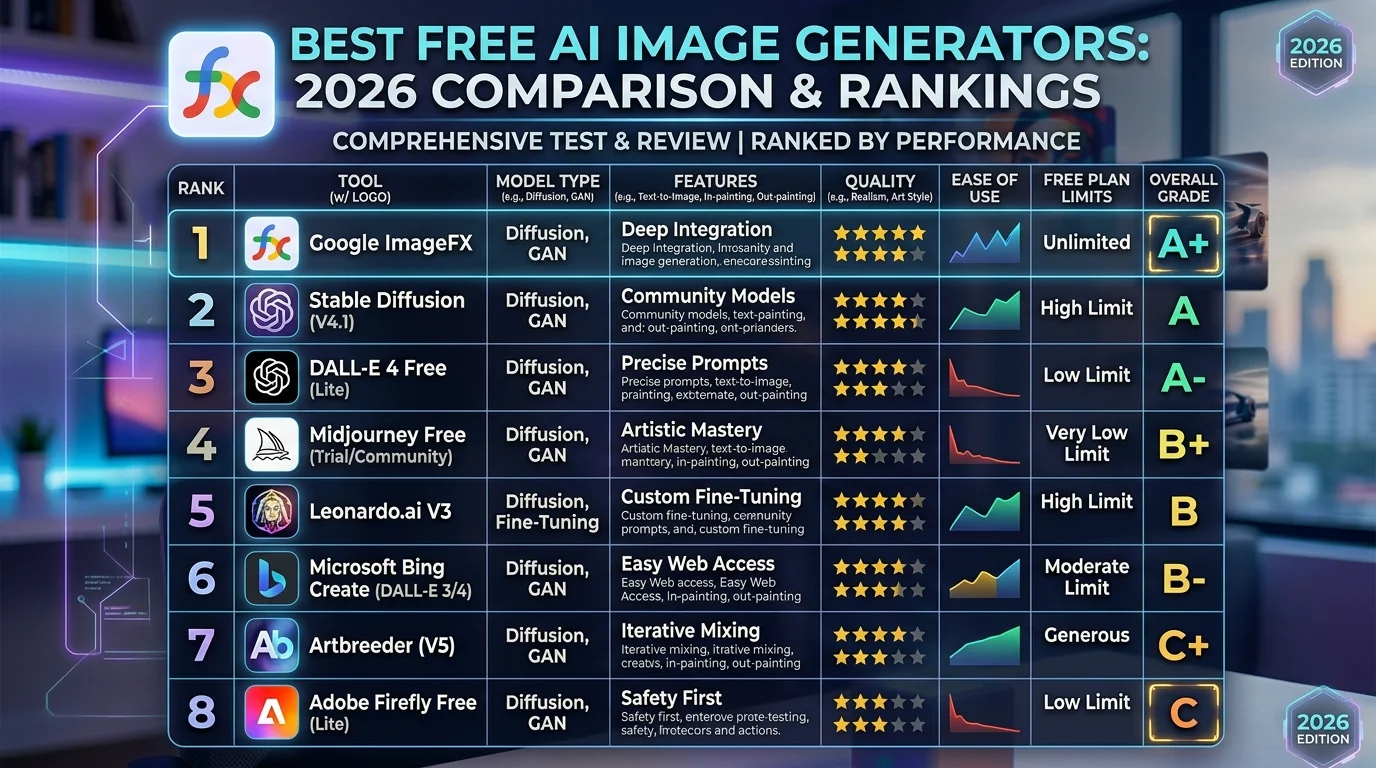
Two years ago, “free AI image generator” meant blurry outputs, watermarks on everything, and maybe five tries before hitting a paywall. That’s changed.
The main reason is competition. When Google launched Nano Banana 2 — the image model that now powers Google Gemini — in February 2026, it generated 200 million images in its first week. That kind of adoption forced every other major tool to respond. The result for users: free tiers got more generous, quality got higher, and the gap between free and paid narrowed significantly.
At the same time, OpenAI upgraded ChatGPT’s image generation to GPT Image 2, which handles complex prompts and text-inside-images far better than what came before. Microsoft continued offering essentially unlimited free image generation through Designer. And tools like Ideogram kept doing what they do best — making text inside images actually readable, which sounds simple but is genuinely rare.
The honest state of free AI image generation in 2026: you can create professional-quality images without paying. The main limitations are daily generation limits, occasional watermarks on free tiers, and some commercial licensing restrictions. This guide tells you exactly where each tool lands on all three.
1. Google Gemini (Nano Banana 2) — The Free Tier That Surprises Everyone {#gemini}
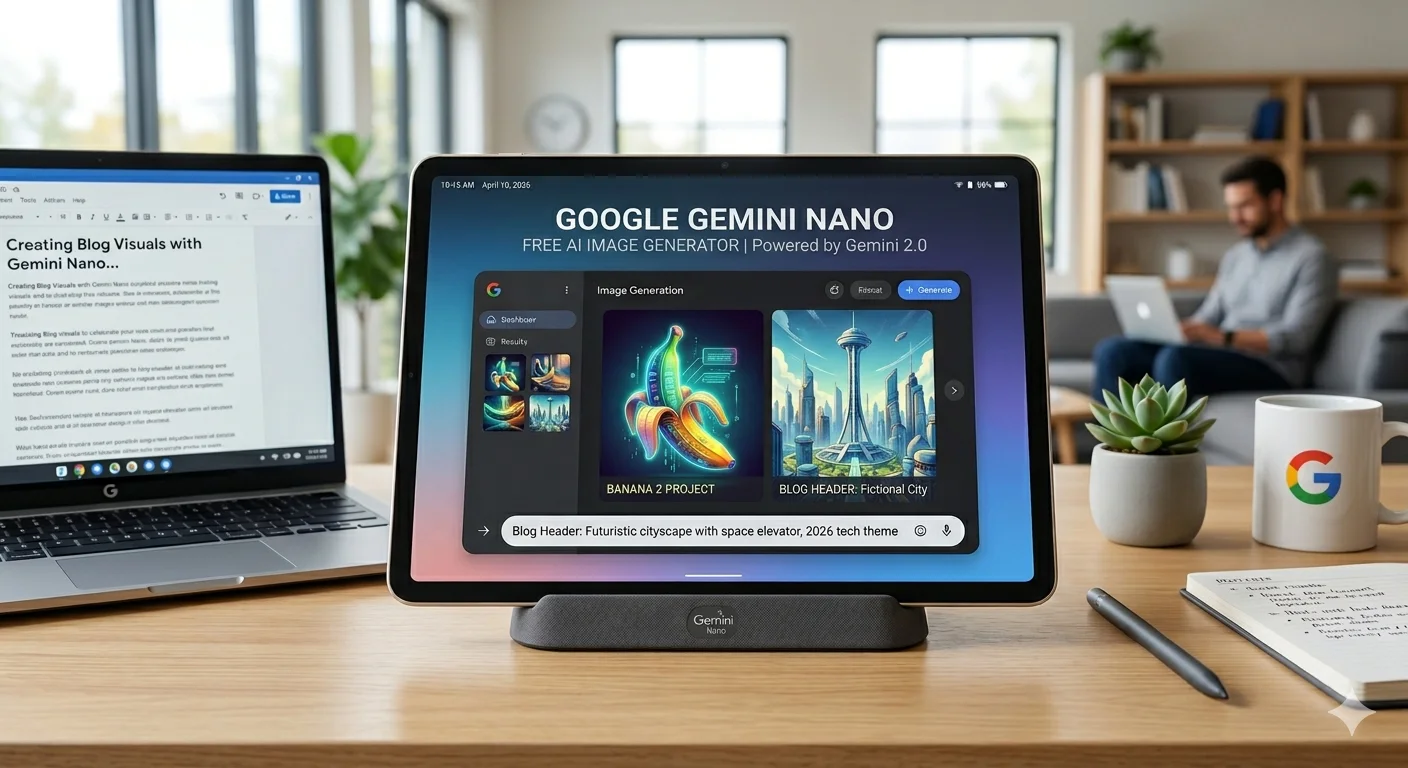
Free limit: 100 images per day via the Gemini app. Up to 500 per day via API. Watermark: Yes — a small visible Gemini watermark on free tier outputs. Commercial use: Limited on free tier. Review Google’s current terms. Best for: Speed, photorealism, text inside images, high daily volume.
Google Gemini’s free image generation runs on Nano Banana 2 — Google’s latest image model, built on the Gemini 3.1 Flash architecture. Despite the playful name, this is a serious tool. In testing, it produced the most consistent, prompt-accurate results of any free image generator I tried.
What stood out most was how it handles detail-heavy prompts. When I asked for a specific scene — a tea shop on a rainy street with a metal kettle, steam rising, glass cups, wet pavement reflections — Gemini included almost every element. Other tools missed a few. Gemini got them all, arranged in a way that felt visually coherent rather than just technically complete.
The other thing that separates Nano Banana 2 from the pack: it integrates Google’s world knowledge. If you describe a famous landmark, a specific cultural setting, or a historical event, it knows what those things actually look like. You don’t have to describe every visual detail from scratch. That’s a meaningful time-saver in real creative work.
Speed is another genuine advantage. Nano Banana 2 generates images in 1–3 seconds. For a tool with this quality level, that’s fast.
The catch: The visible watermark on free tier images limits how you can use them professionally. And Google’s terms for commercial use of free-tier outputs are worth reading carefully before you publish anything with one.
How to access it free: Go to gemini.google.com and sign in with any personal Gmail account. No payment required. The image generation works through the Gemini app with a simple request in your message.
Related: Our Google Flow and Nano Banana 2 guide covers the full Google AI creative ecosystem if you want to dig deeper into what Google’s image tools can do.
2. ChatGPT Image Generator (GPT Image 2) — Best for Conversations, Not Just Prompts {#chatgpt}
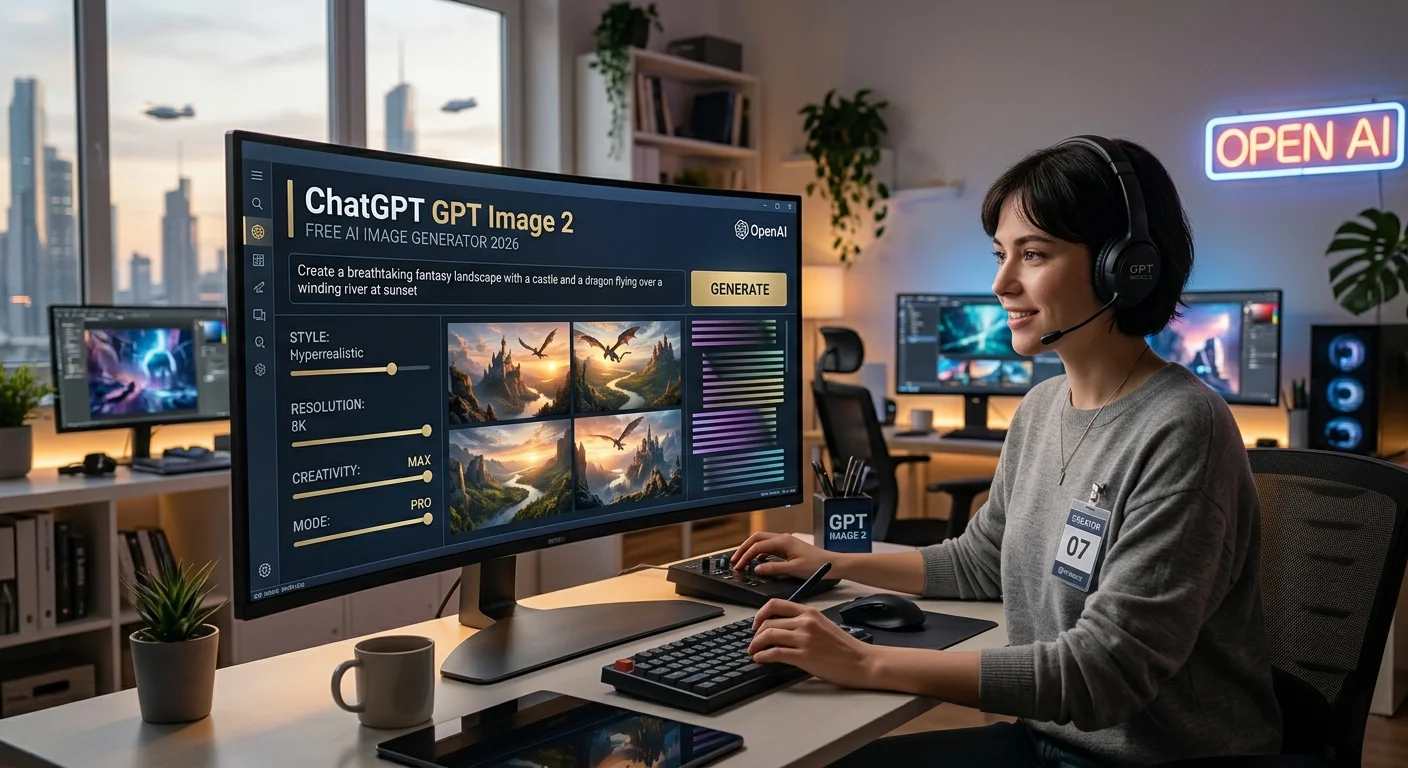
Free limit: Approximately 10 images per day on the free ChatGPT tier. Watermark: No watermarks on free tier. Commercial use: Check OpenAI’s current terms — generally permitted on paid tiers. Best for: Conversational editing, text-in-image, people who don’t want to write long prompts.
ChatGPT’s image generation is genuinely different from every other tool on this list — not in terms of output quality alone, but in how you work with it. Every other generator asks you to write a complete prompt, hit generate, and start over if you don’t like something. ChatGPT lets you iterate through conversation.
You generate an image, then say “change the jacket to red” or “make the background a beach instead” or “add a coffee cup on the table.” The model understands the context of what already exists in the image and modifies it accordingly without losing the overall composition. That conversational loop is genuinely useful for people who know what they want but find it hard to describe everything in one shot.
GPT Image 2 — the current model inside ChatGPT — is particularly strong at rendering text inside images. Banners, poster headlines, labels with specific wording — it handles these more reliably than most tools that aren’t specifically built for text rendering. That makes it practical for thumbnails, social graphics, and any image that needs readable words in it.
The catch: The free tier limits you to roughly 10 images per day, which is lower than Gemini or Microsoft Designer. If you’re generating at volume, you’ll hit that ceiling quickly.
How to access it free: Go to chatgpt.com and sign up for a free account. Ask ChatGPT to create an image in the conversation — it’ll use GPT Image 2 automatically.
3. Microsoft Designer — Genuinely Unlimited, Genuinely Free {#designer}
Free limit: Unlimited standard-speed generations. 15 priority boosts per day. Watermark: No watermarks. Commercial use: Generally permitted — review Microsoft’s current terms. Best for: Volume, social media, quick everyday image creation.
Microsoft Designer is the underrated option on this list. It runs on DALL-E technology and is available free through your Microsoft account — meaning any Outlook, Hotmail, or Microsoft email gives you access, no new signup required for most people.
What makes it worth paying attention to: there are no daily image limits at standard speed. You can generate as many images as you want. The 15 daily “priority boosts” are for faster generation — after those run out, images just take a bit longer. But you don’t stop generating. For anyone who needs consistent daily output, that unlimited access is genuinely valuable.
Quality sits comfortably in the “solid and reliable” category. It won’t produce the most artistically striking output you’ve ever seen, but it follows prompts accurately, handles a wide range of styles, and doesn’t produce the anatomical errors (weird hands, strange faces) that used to be common across AI image tools.
It also integrates with Canva-style layout tools, so you can take your generated image and drop text overlays, resize for different platforms, or build it into a social media post — all in the same workflow.
The catch: The output has less distinctive visual personality than Midjourney or even Gemini. For purely functional image creation, that doesn’t matter. For creative projects where the aesthetic itself is the goal, it might.
How to access it free: Go to designer.microsoft.com. Sign in with a Microsoft account.
4. Ideogram — The One That Actually Handles Text {#ideogram}
Free limit: 10 slow-queue generations per day, refreshed daily. Watermark: No watermarks on free tier outputs. Commercial use: Permitted on free tier — check current terms at ideogram.ai. Best for: Images that need readable text, posters, social graphics with headlines.
Ideogram has one specific skill that no other free tool matches: making text inside images readable.
Every other AI image generator struggles with this. Ask for a poster with the words “Summer Sale 50% Off” and you’ll get something that looks approximately like words, arranged approximately in the right place, with letters that are approximately correct. Sometimes. Ideogram actually renders the text legibly, consistently, across most prompts.
That sounds like a small thing until you need it. If you make YouTube thumbnails with text, Instagram quote graphics, product banners, presentation slides, social media headers — readable text inside the image is non-negotiable. Ideogram is the only free tool I tested where I trusted the text output enough to use it directly.
Beyond text, Ideogram is strong for design-oriented compositions — clean layout, good color relationships, posters and cards that feel intentional rather than randomly assembled. For editorial-style photography or highly stylized art, it’s not the strongest. But for graphic design work where both visual quality and legible text matter, it’s the best free option.
The catch: 10 generations per day is the lowest daily limit on this list. The free tier slow queue adds some waiting time. Heavy users will find this limiting quickly.
How to access it free: Go to ideogram.ai. Free account with Google or email sign-in. No payment required.
5. Adobe Firefly — Best Free Option for Commercial Projects {#firefly}
Free limit: 25 generative credits per month (each credit produces 4 variations = 100 images/month total). Watermark: No watermarks on free outputs. Commercial use: Explicitly permitted — this is Firefly’s main advantage. Best for: Commercial work, client projects, brand assets, marketing materials.
Adobe Firefly has one thing none of the other tools on this list can fully match: commercial safety backed by how it was trained. Firefly was built exclusively on Adobe Stock images and openly licensed content. That means images generated in Firefly don’t carry the same copyright questions that follow tools trained on scraped web data.
For professional use — client deliverables, ad campaigns, product images, anything that will appear in paid media — that licensing clarity has real business value. It’s the reason agencies and marketing teams that care about IP risk often choose Firefly over better-known tools.
Quality is genuinely strong, particularly for clean photorealistic product shots, editorial imagery, and corporate photography styles. The outputs look polished and professional, with accurate anatomy and good composition. Where it’s weaker is expressive or experimental art — Firefly’s training data skews toward stock photography aesthetics, and that shows in the output.
The catch: 25 credits per month (producing 100 images) sounds fine until you’re generating daily. For light creative work, it’s adequate. For anything more than occasional use, you’ll run dry before the month is out. Adobe removed their previously more generous free tier in early 2026.
How to access it free: Go to firefly.adobe.com. Create a free Adobe account. No Creative Cloud subscription required for the free tier.
6. Playground AI — 100 Free Images Daily {#playground}
Free limit: 100 images per day. Watermark: No watermarks. Commercial use: Permitted — review current terms at playgroundai.com. Best for: Daily creative work, multiple styles, experimentation without commitment.
Playground AI sits in the middle of this list in the best possible way — it’s not the best at any single thing, but it’s consistently good at most things and gives you 100 free images per day without a watermark. That combination makes it genuinely practical for regular daily use.
The interface is cleaner than most AI image tools, with a real-time canvas where you can drag elements, composite images together, and edit specific regions. That editing capability is more developed than what you get from Gemini or Designer on the free tier. If you want to make targeted adjustments — remove an object, change a background, swap a colour — Playground’s editing tools let you do it without starting over entirely.
Style variety is another strength. Playground AI supports multiple different aesthetic modes, from photorealistic to artistic to anime, and the quality within each mode is reliable. It’s a good exploratory tool for someone still figuring out what visual style they want for a project.
The catch: 100 images per day is generous, but generation speed on the free tier is slower during peak hours. Some advanced features are locked behind the paid plan.
How to access it free: Go to playgroundai.com. Sign up with Google or email.
7. Leonardo AI — Best Free Tool for Stylized and Artistic Output {#leonardo}
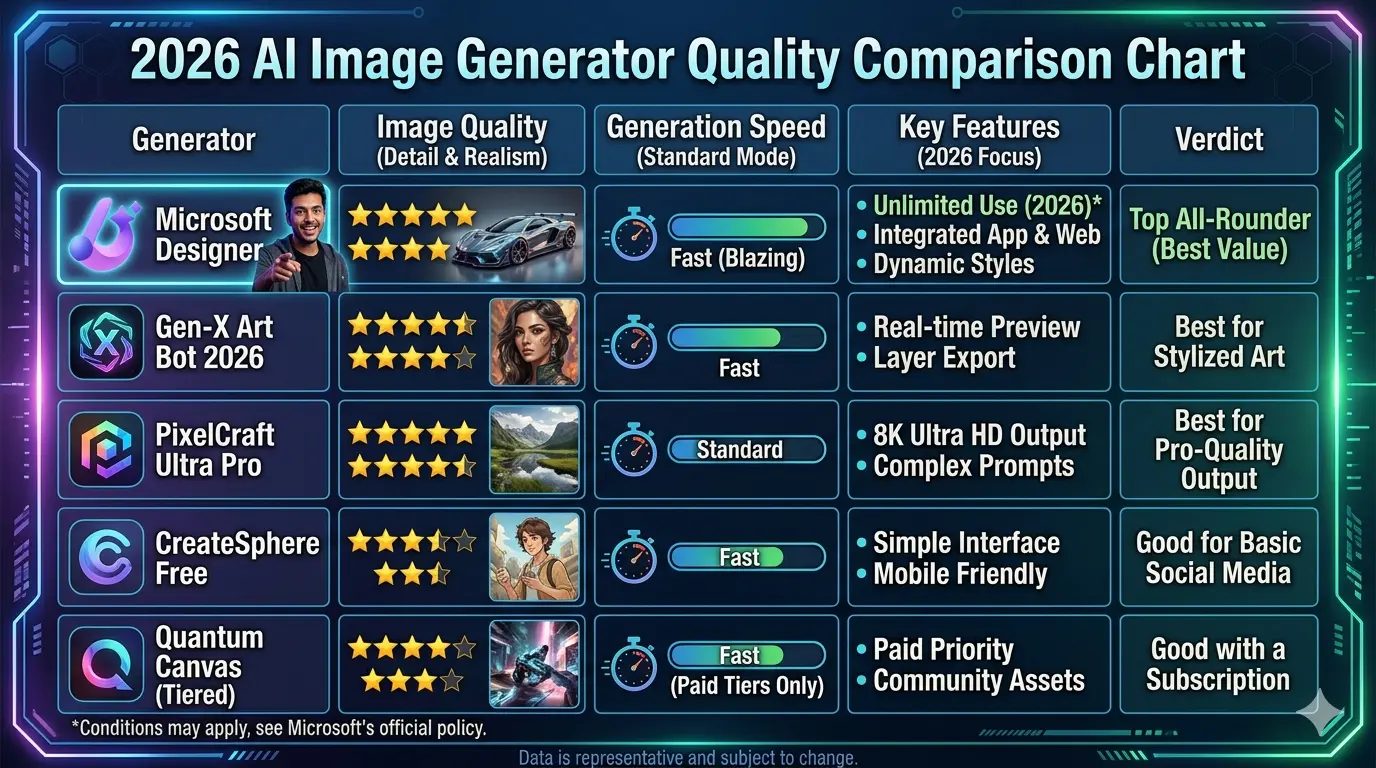
Free limit: 150 tokens per day (approximately 4–12 images depending on settings). Watermark: No watermarks. Commercial use: Permitted on free tier — verify current terms at leonardo.ai. Best for: Artistic styles, game art, anime, concept art, stylized illustration.
Leonardo AI gives you access to multiple different image models through one interface, and that model variety is its clearest advantage over most tools on this list. If you want a photorealistic image, there is a model tuned for that. If you want anime-style illustration, there is a model for that. If you want concept art or game asset style, same.
The community model library is particularly useful — thousands of fine-tuned models created by the Leonardo community, targeting specific aesthetics (Studio Ghibli style, DnD character art, vintage film photography, and so on). For creators who know the exact aesthetic they want, this depth of choice is hard to find elsewhere for free.
Anime and stylized illustration specifically — Leonardo outperforms every other free tool on this list. For realistic photography, Gemini or Microsoft Designer are stronger. But for artistic, expressive, illustrated output, Leonardo’s free tier is the best option available.
The catch: The daily token limit is low by comparison — 150 tokens translates to roughly 4–12 images depending on which model and settings you use. That’s the most restrictive free tier on this list in terms of daily volume. Users who need to generate large numbers of images will find Leonardo limiting without a paid plan.
How to access it free: Go to leonardo.ai. Sign up with Google or email. 150 daily tokens reset every day.
8. Google Flow — Built on Google Whisk AI, Now More Powerful {#google-flow}
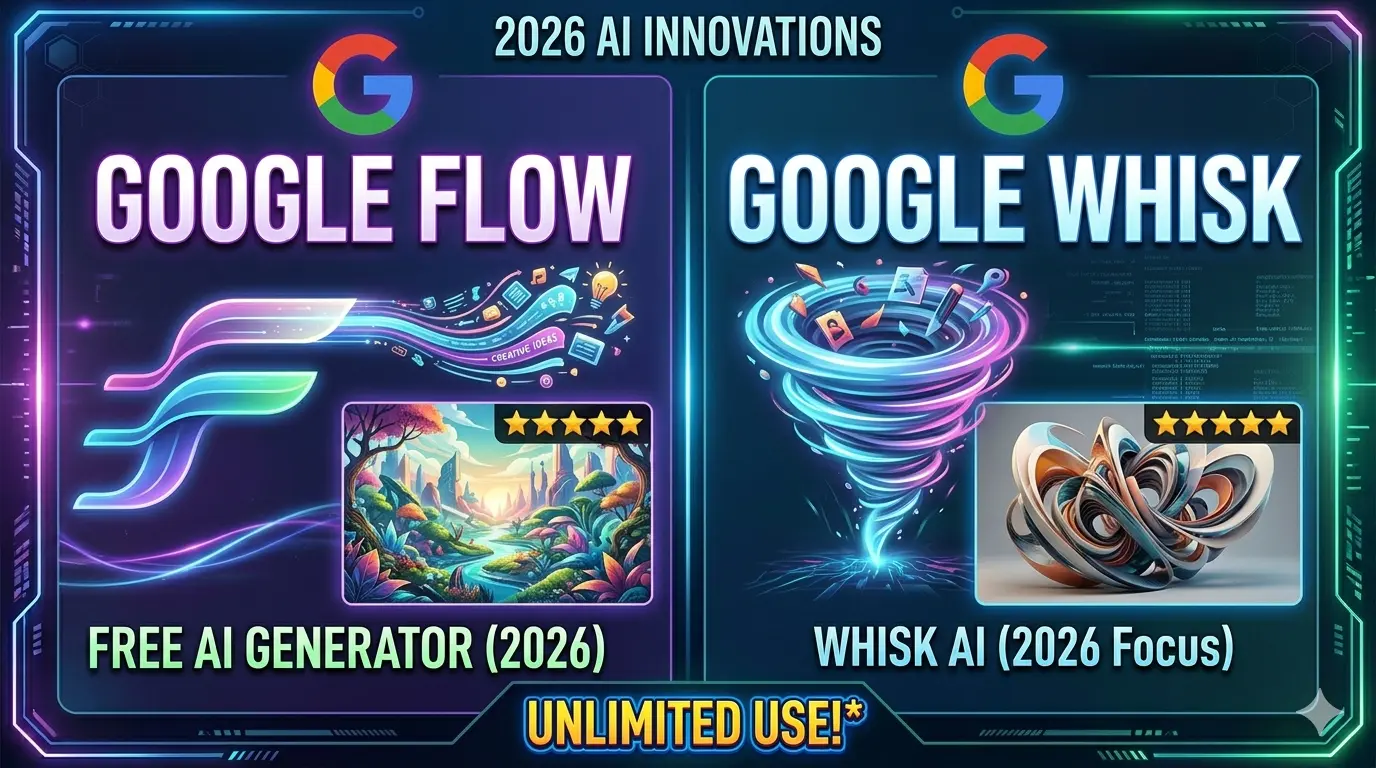
Free limit: Unlimited image generation with Nano Banana 2 (zero credits). 10 free Veo 3.1 videos per month. Watermark: Yes — visible Gemini watermark on free tier image outputs. Commercial use: Limited on free tier. Full rights with paid plans. Best for: Image AND video in one workspace, content creators, filmmakers.
Google Flow deserves its own section even though its image model (Nano Banana 2) is the same one that powers Google Gemini above. The reason: Flow adds something no other free tool on this list has — video generation.
If you are a content creator who makes YouTube videos, Instagram Reels, TikTok content, or short films — Flow gives you free image generation AND 10 free cinematic video clips per month through Veo 3.1, Google’s video model. Those video clips include native audio — dialogue, ambient sound, music generated alongside the video. No other free tool offers this.
Google Flow is also the successor to Google Whisk AI, which shut down on April 30, 2026. The old Whisk workflow — where you uploaded three reference photos (Subject + Scene + Style) and let Google’s AI blend them into something new — now lives in Flow’s Ingredients panel. Same concept, better model, more features.
For still image generation, Flow and Gemini produce identical quality since they share the same underlying model. The difference is the workspace: Gemini is a conversational interface; Flow is a dedicated creative studio with project management, asset organisation, Scenebuilder for video sequences, and the Ingredients panel for reference-based generation.
How to access it free: Go to labs.google/fx/tools/flow. Sign in with a personal Gmail account. No payment required.
Our complete guide: Google Whisk AI to Google Flow — Full Migration and User Guide
Side-by-Side Comparison — All 8 Free AI Image Generators {#comparison}
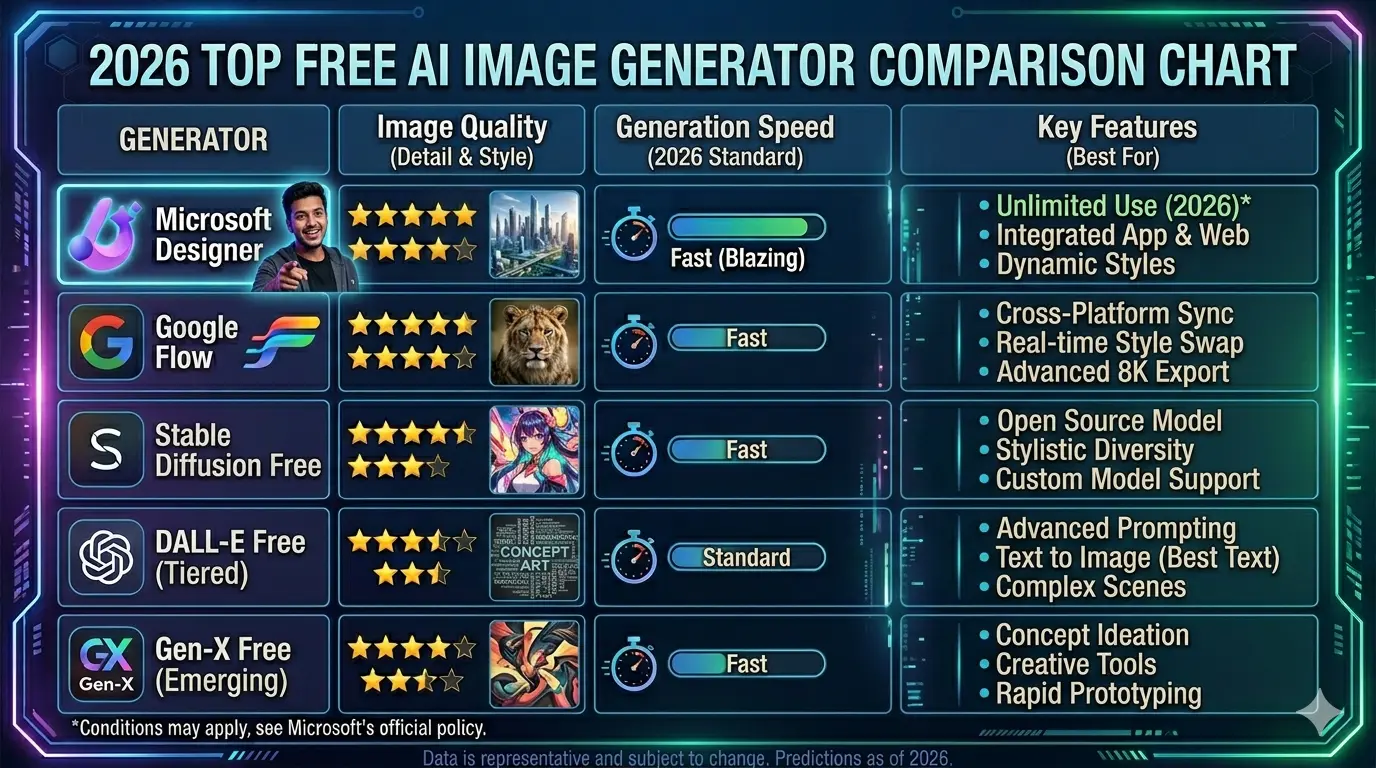
| Tool | Daily Free Limit | Watermark | Commercial Use | Best For |
|---|---|---|---|---|
| Google Gemini | 100 images/day | Yes | Limited on free | Speed, photorealism, volume |
| ChatGPT | ~10 images/day | No | Check terms | Conversational editing, text-in-image |
| Microsoft Designer | Unlimited | No | Yes | Daily volume, social media |
| Ideogram | 10/day (slow) | No | Yes | Text inside images, posters |
| Adobe Firefly | 25 credits/month | No | Yes (safest) | Commercial projects, brands |
| Playground AI | 100/day | No | Yes | Editing, style variety |
| Leonardo AI | 150 tokens/day | No | Yes | Anime, stylized art, game assets |
| Google Flow | Unlimited images + 10 videos/month | Yes (images) | Limited on free | Image + video, content creators |
Which Free AI Image Generator Should You Actually Use? {#pick}
The answer depends on what you’re making. Here’s the honest breakdown:
If you need volume (lots of images every day): Microsoft Designer is the only genuinely unlimited option. Gemini gives 100/day which is generous. Playground AI gives 100/day. Any of these three works.
If you’re making social media graphics with text: Ideogram. Nothing else handles text rendering as reliably on the free tier. If your image needs readable words — headlines, quotes, labels — use Ideogram.
If you want to iterate and edit through conversation: ChatGPT. The conversational editing loop — generate, then refine by talking — is unique and genuinely useful for people who find it hard to write complete prompts from scratch.
If you’re doing commercial work for clients: Adobe Firefly. The commercial licensing clarity is worth the lower monthly credit limit. For anything going into paid advertising or client deliverables, the IP safety matters.
If you want artistic, illustrated, or anime-style output: Leonardo AI. The model variety and community fine-tunes make it the strongest free option for stylized creative work.
If you also want video generation: Google Flow. It’s the only free tool that generates both professional-quality images and cinematic video with audio in one workspace. For content creators who use both, nothing else comes close.
If you’re in Pakistan or another country where some tools are geo-restricted: Google Gemini and Google Flow are both confirmed available in Pakistan via a personal Gmail account. Microsoft Designer works broadly. Ideogram and Leonardo also work internationally. See our regional access guide for specific fixes if you’re hitting restrictions.
What Is Google Whisk AI and How Does It Connect to All This? {#whisk}
Several people land on this page looking for Google Whisk AI, which was a free image generator from Google Labs that worked differently from every other tool on this list.
Instead of typing a text description, Whisk AI let you upload three reference photos — one for the Subject (what you wanted in the image), one for the Scene (the environment), and one for the Style (the visual look). Google’s Imagen 3 model blended all three together into something new. No long prompts. Just pictures pointing to pictures.
It launched in December 2024 and quickly became one of the most-used tools on Google Labs. It ran on Google’s Imagen 3 model and was free for users with a daily credit allowance.
On April 30, 2026, Google Whisk AI shut down. The tool merged into Google Flow, where the same three-slot system now lives inside the Ingredients panel. Nano Banana 2 replaced Imagen 3 as the underlying image model — same idea, significantly better results.
If you used Whisk AI and are looking for it now, Google Flow is where to go. Our full explanation of what changed and how to use the new system is at whiskailabs.net.
How Whisk AI’s Image Blending Actually Worked {#how-whisk-worked}
Understanding how Whisk AI worked helps explain why Google Flow’s Ingredients panel is so useful — and why it’s different from regular text-to-image tools.
Most AI image generators are text-to-image: you describe what you want in words, and the model tries to visualise your description. The better your words, the better the result. This works well if you’re good at describing things precisely. It’s harder if you have a clear visual idea but struggle to put it into words.
Whisk AI’s approach was visual-to-visual. You showed the AI pictures rather than describing them in text.
Subject slot: You uploaded any photo of the main element you wanted — a person, an object, a character, an animal. Whisk AI extracted the visual identity of that subject and carried it forward into the generated image. If you uploaded a photo of your cat, your cat would appear in the generated image — same colouring, same face, recognisable as the same animal.
Scene slot: You uploaded a photo of any environment — a forest, a city street, a studio, a fantasy landscape. Whisk AI placed your subject naturally inside that setting, adjusting scale, lighting, and perspective to make it feel believable rather than composited.
Style slot: You uploaded any image that captured the visual feel you were going for — an oil painting for a painterly look, a photograph for photorealism, an anime illustration for that aesthetic. Whisk AI applied that visual style across the entire generated output.
Google’s Gemini model looked at all three uploads and automatically wrote a text description of what you were trying to create. Then Imagen 3 (now Nano Banana 2 in Flow) generated the final image from that description.
The result was that people who had no experience with prompt engineering could make genuinely good AI images — because they were communicating visually, in a language they already understood.
The same system works today in Google Flow’s Ingredients panel. Upload your three reference images, let Gemini describe them, generate with Nano Banana 2. Faster, better quality, with video generation added on top.
Is Free AI Image Generation Good Enough for Professional Use?
Short answer: it depends on the use case.
For social media content, blog post illustrations, YouTube thumbnails, personal projects, concept art, and creative exploration — yes, the free tiers on most tools here are good enough to produce professional-looking results.
For client work, paid advertising, print materials, and commercially sensitive projects — the quality is often there, but the licensing question matters more than the output quality. Adobe Firefly’s training on licensed content makes it the safest choice for commercial use. Google’s paid tiers (Gemini Advanced or Google AI Pro for Flow) remove the watermark and clarify commercial rights.
The practical reality in 2026: the gap between free and paid AI image generation is smaller than it’s ever been. The most significant remaining difference is not quality — it’s daily limits, watermarks, and commercial licensing clarity.
Frequently Asked Questions {#faq}
What is the best completely free AI image generator in 2026?
For daily volume with no watermark: Microsoft Designer (unlimited). For the highest image quality on a free tier: Google Gemini (100/day). For text inside images: Ideogram (10/day, no watermark). For both images and video: Google Flow (unlimited images, 10 videos/month). The “best” depends on what you’re making.
Which free AI image generator has no daily limit?
Microsoft Designer offers genuinely unlimited standard-speed image generation on the free tier, with 15 priority boosts per day. Google Flow’s image generation with Nano Banana 2 also costs zero credits and is essentially unlimited.
Can I use free AI generated images commercially?
It depends on the tool. Adobe Firefly’s free tier explicitly permits commercial use. Microsoft Designer generally permits it. Ideogram permits it on the free tier. Google Gemini and Google Flow have restrictions on commercial use for free tier outputs — watermarked images have additional limitations. Always check the specific tool’s current terms before publishing AI-generated images in any paid or commercial context.
Which free AI image generator works in Pakistan?
Google Gemini, Google Flow, Microsoft Designer, Ideogram, and Leonardo AI all work in Pakistan. Google’s tools require a personal @gmail.com account (not a Workspace or school account). For any access issues, our regional access troubleshooting guide covers working solutions for Pakistan and other regions.
What happened to Google Whisk AI?
Google Whisk AI shut down as a standalone tool on April 30, 2026. All its features — including the Subject + Scene + Style image blending system — moved into Google Flow. The underlying image model was upgraded from Imagen 3 to Nano Banana 2. Our full guide: What Is Google Whisk AI and What Replaced It.
Is Midjourney free in 2026?
No. Midjourney removed its free trial tier and now requires a paid subscription starting at $10/month (Basic plan) or $30/month (Standard plan). For a free alternative with comparable output quality for photorealistic work, Google Gemini’s free tier is the closest available option. For artistic style, Leonardo AI’s free tier is a strong alternative.
Which free AI image generator is best for YouTube thumbnails?
Ideogram for thumbnails with text (readable headline text is its specialty). ChatGPT for conversational iteration on a design. Microsoft Designer for unlimited volume when you need to test many options. All three produce quality sufficient for YouTube thumbnails on their free tiers.
What is Nano Banana 2?
Nano Banana 2 is Google’s current AI image generation model, released February 26, 2026. It powers both Google Gemini’s image generation and Google Flow’s image creation. Despite the memorable name, it is a serious production model — it generates images at 1–3 seconds, reaches up to 4K resolution, handles character consistency across multiple images, and renders text inside images legibly. It is free to use via the Gemini app (100 images/day) or Google Flow (zero credits, essentially unlimited). Full breakdown: Google Labs AI Tools 2026.
The Bottom Line
Free AI image generation in 2026 is genuinely useful. Not just as a demo or a toy — as a real tool for creating content, building ideas, and producing images that would have taken hours or significant budget to get two years ago.
The choice between tools is not really about which one is “best.” It’s about which one fits how you actually work. If you generate images every day: use Microsoft Designer’s unlimited free tier or Google Gemini’s 100/day. If your images need readable text: use Ideogram. If you’re doing client work: use Adobe Firefly. If you want image and video together: use Google Flow.
All of them are free to start. All of them produce results that are usable right now.
The best move is to pick two or three from this list, spend an hour with each one, and see which output looks closest to what you had in mind. That hour will tell you more than any review.
Explore more on WhiskAILabs:
- Google Whisk AI Complete Guide — What It Was and What Replaced It
- Google Flow vs Midjourney — Honest 2026 Comparison
- 100 Best AI Image Prompts for Google Flow
- Whisk AI Not Working? Every Fix for 2026
- Google Labs AI Tools — The Full Ecosystem
Official sources used in this article:
- Google Gemini: gemini.google.com
- Google Flow: labs.google/fx/tools/flow
- Google AI Plans & Pricing: one.google.com/intl/en/about/google-ai-plans
- Microsoft Designer: designer.microsoft.com
- Ideogram: ideogram.ai
- Adobe Firefly: firefly.adobe.com
- Playground AI: playgroundai.com
- Leonardo AI: leonardo.ai
- ChatGPT: chatgpt.com
- Midjourney Plans: docs.midjourney.com
© WhiskAILabs.net — All content is original and may not be reproduced without permission.















