
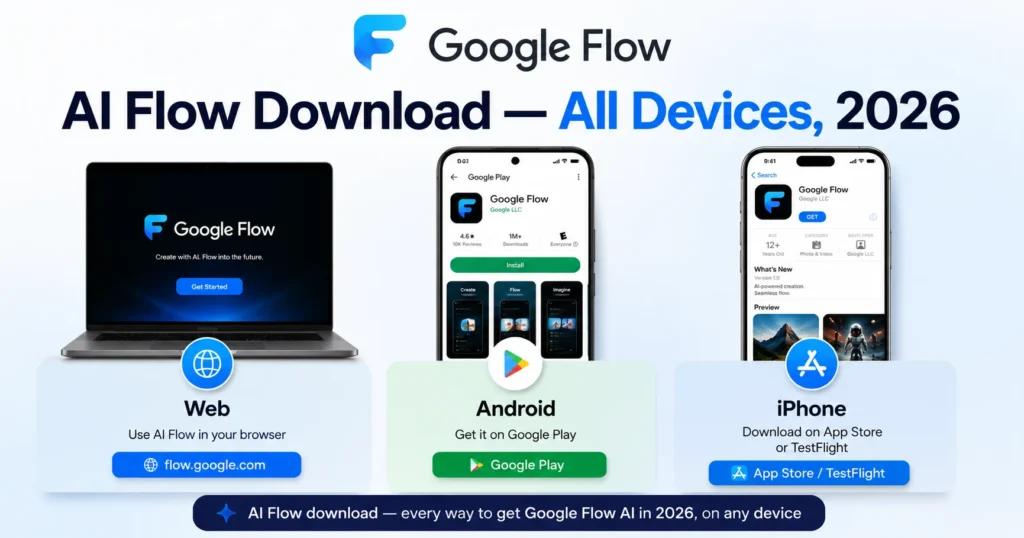
AI Flow Download — Complete 2026 Guide for Web, Android, and iPhone
If you searched “AI Flow download” — you’re looking for Google Flow AI, the AI creative studio that generates images and videos using Google’s most advanced models, including Veo 3.1 and Imagen 4.
This guide gives you every legitimate way to download and access Google Flow AI in 2026 — whether you want it on your laptop, your Android phone, or your iPhone. No confusion, no outdated links, no third-party APK risk. Just the official paths, explained clearly.
What Is “AI Flow”? Quick Clarification
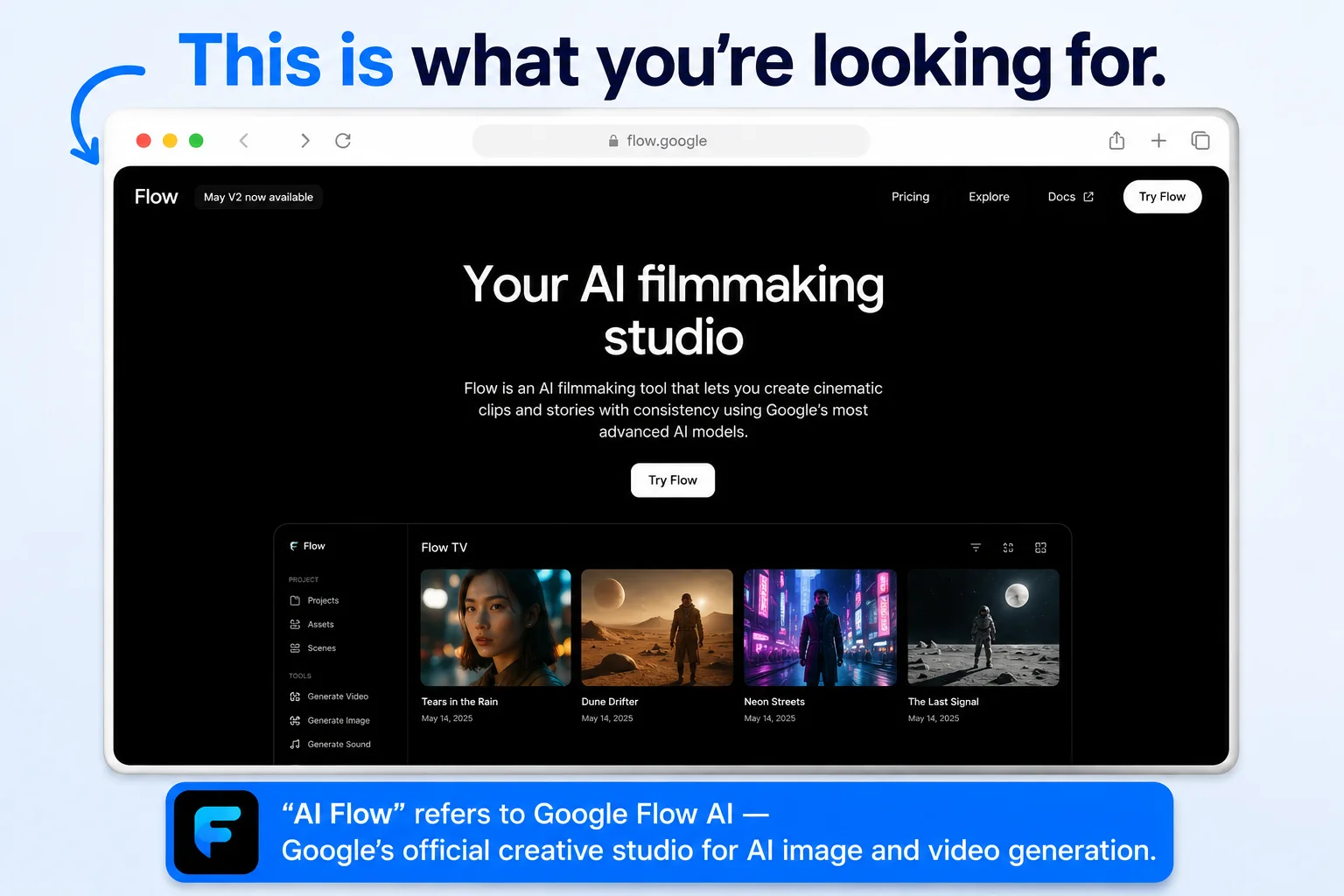
People search “AI Flow,” “Flow AI,” “Google AI Flow,” and “AI Flow Google” interchangeably — they’re all referring to the same product: Google Flow AI, found officially at flow.google.
It’s important to know this because there are unrelated apps and tools online using similar-sounding names. The official Google product is developed by Google Labs and Google DeepMind, and it’s the only one that gives you access to Veo 3.1 (video generation with native audio) and Imagen 4 (image generation).
If you’ve also seen Google Whisk AI mentioned — that was an earlier Google tool that has since been folded into Google Flow AI. Everything Whisk AI could do is now inside Flow AI, plus much more.
Method 1 — AI Flow Download on Web (No Download Needed)
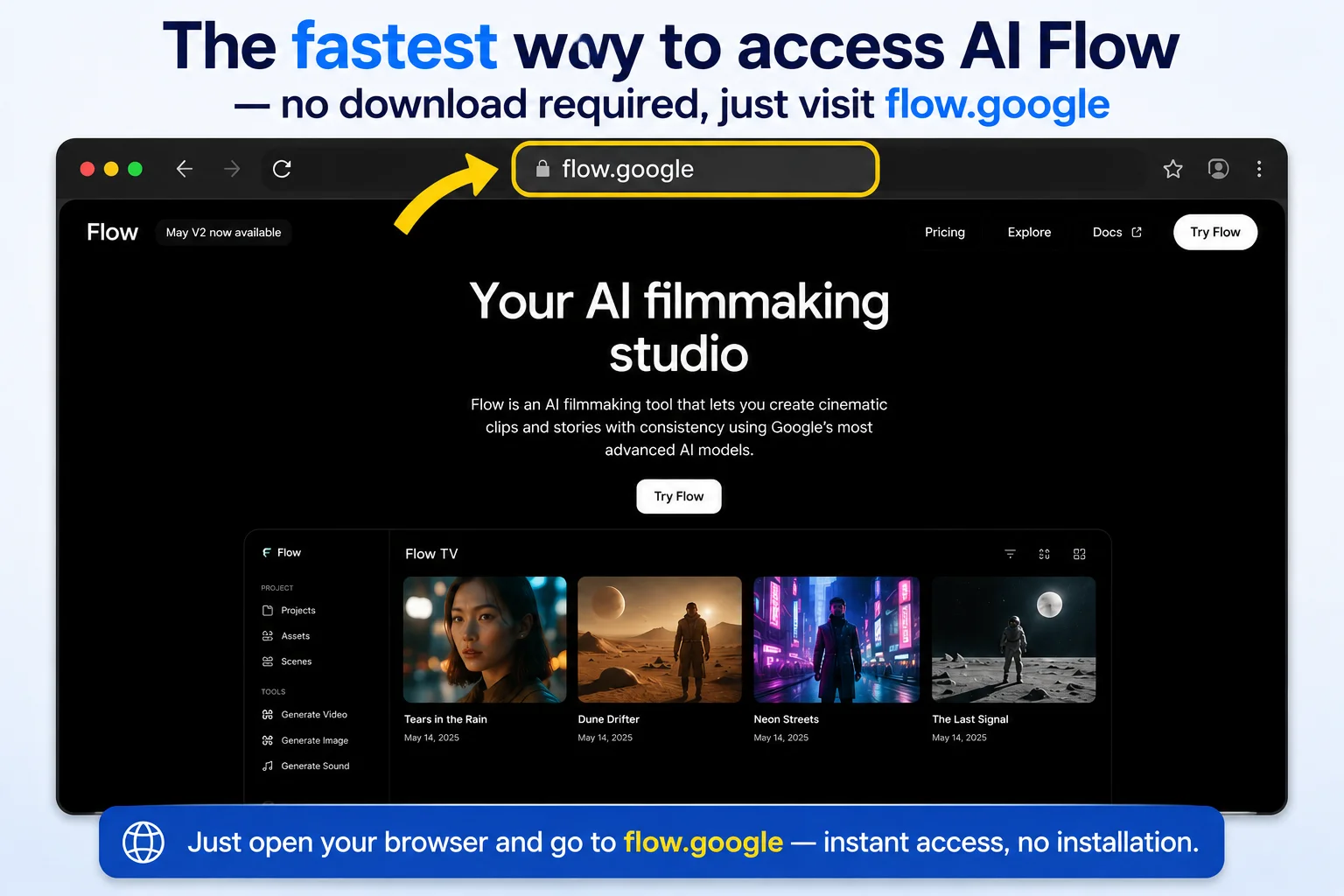
This is the easiest and fastest way to start using Google Flow AI — and technically, it requires no “download” at all.
Step 1: Open any modern browser — Google Chrome works best, though Edge and Brave also work well.
Step 2: Go directly to flow.google
Step 3: Sign in with your personal Google Gmail account. Avoid using a school or work Google Workspace account, as those sometimes have restricted access.
Step 4: You’re in. Start generating images immediately — this is free with no daily limit.
Why this is the recommended starting point: The web version at flow.google has the most complete feature set of any access method — full editing tools, the Ingredients system, Gemini Avatar setup, and the complete video timeline editor. Most serious creative work happens here.
For a complete walkthrough of every feature once you’re in, see our Google Flow AI Tutorial.
Method 2 — AI Flow Download on Android
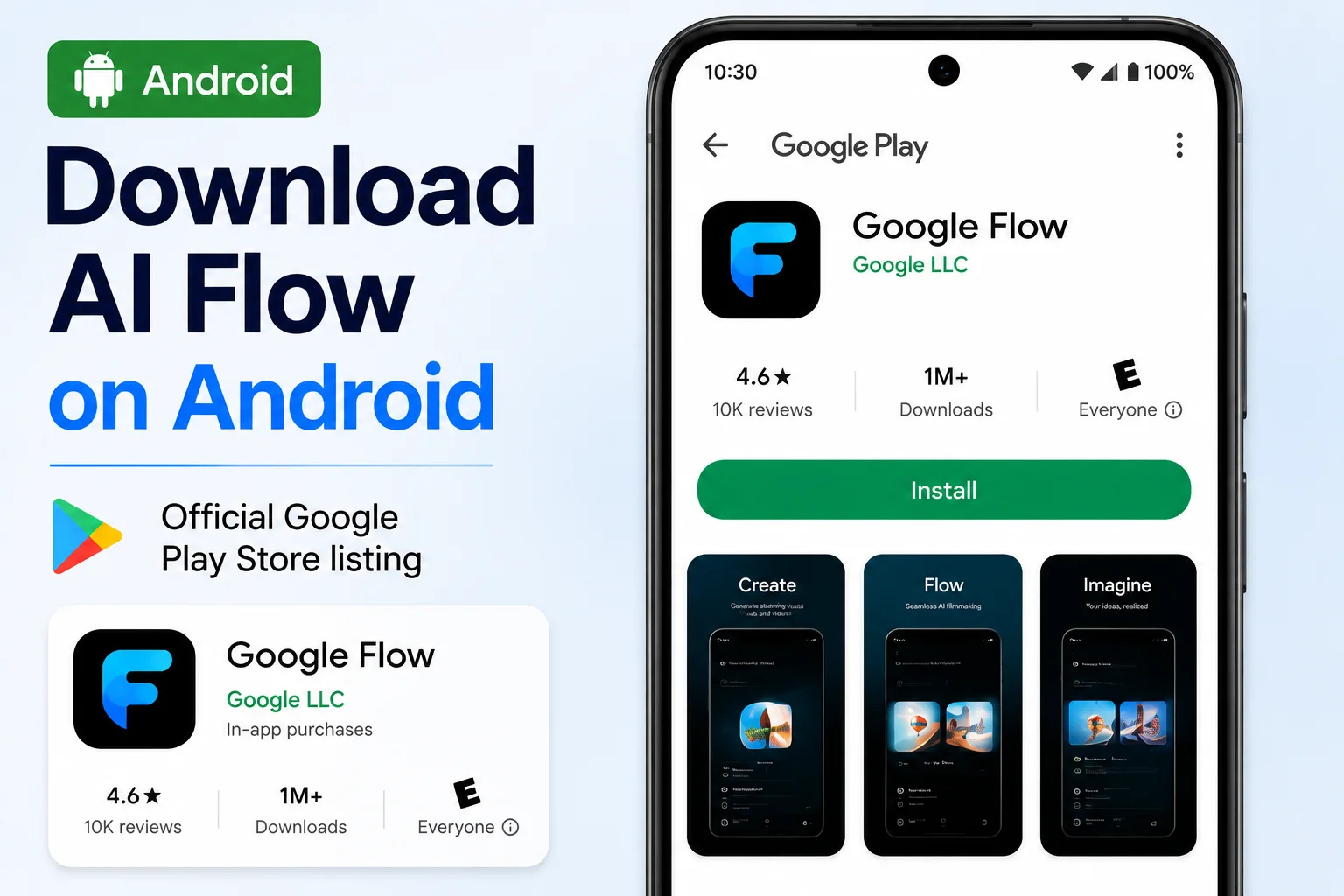
Google launched a dedicated Android app for Flow AI at Google I/O 2026, currently available as a beta release.
Step-by-step:
Step 1: Open the Google Play Store on your Android device.
Step 2: Tap the search icon and type “Google Flow.”
Step 3: Look for the app published by Google LLC — this is the official listing. The icon shows the Google Flow logo.
Step 4: Tap Install. The app is a small download and installs in seconds.
Step 5: Open the app and sign in with your personal Google account.
System requirements for AI Flow download on Android:
- Android 12 or higher recommended (Android 9.0 is the technical minimum, but many features require 12+)
- You must be 18 years or older — age verification is required through your Google account
- A Google AI Plus, Pro, or Ultra subscription unlocks the full mobile experience, including Gemini Omni Flash
Pakistan users: The app downloads normally in Pakistan with no VPN required. Search and install directly from the Play Store.
What you get on mobile that you don’t get on web: Direct camera roll uploads and live camera capture — meaning you can take a photo right inside the app and use it immediately as a generation reference. Background generation with push notifications means you don’t have to wait around watching a loading bar.
For the complete Android and iOS breakdown including troubleshooting, see our Google Flow AI Mobile App guide.
Method 3 — AI Flow Download on iPhone and iPad
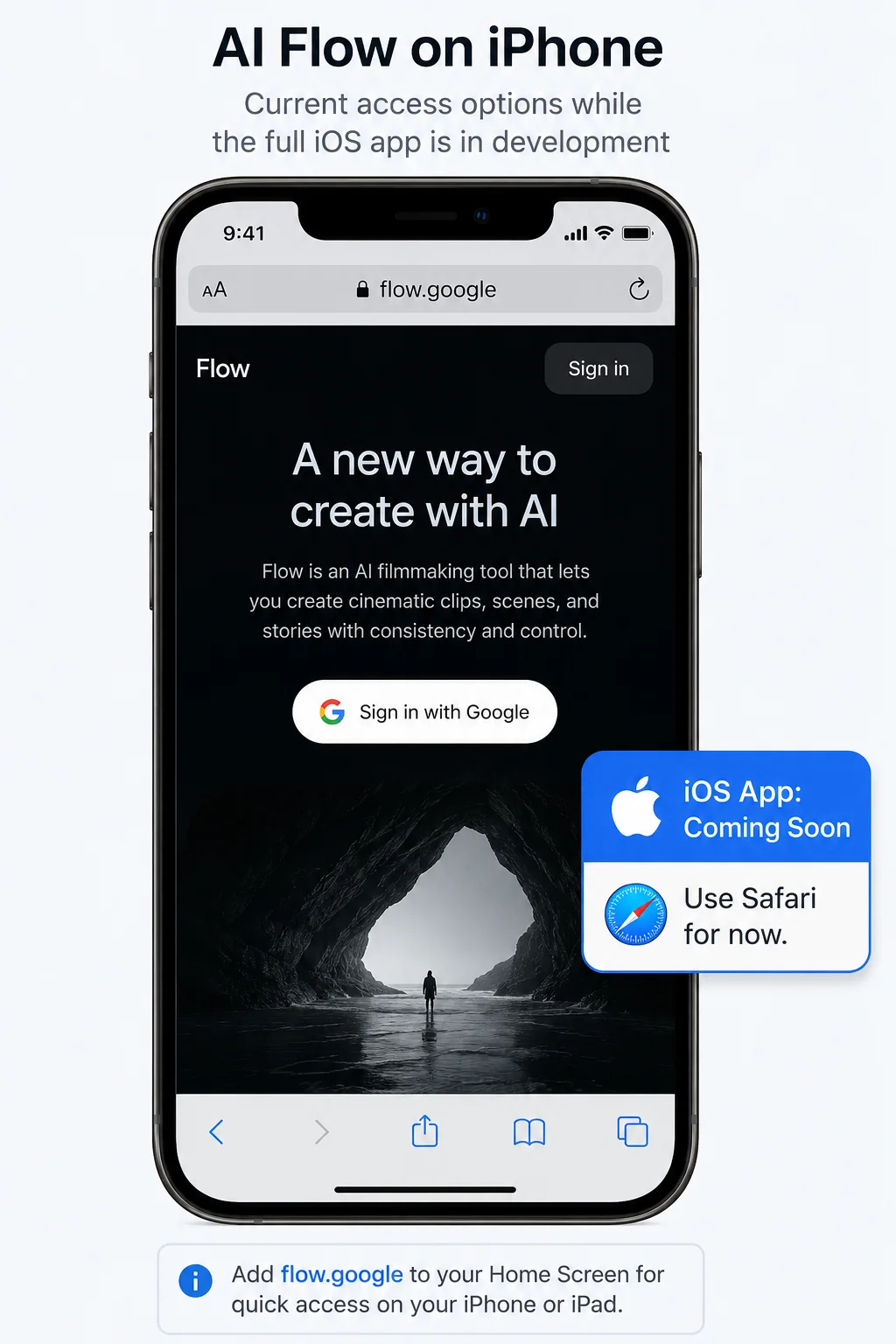
As of June 2026, the dedicated Google Flow app for iOS is confirmed but not yet fully released — Google announced at I/O 2026 that the iOS version is actively in development with no specific release date yet.
What iPhone and iPad users can do right now:
Option A — Use Safari (fully functional): Open Safari on your iPhone or iPad and go to flow.google. Sign in with your personal Google account. The mobile web version works well and gives you access to the same Imagen 4 and Veo 3.1 models as the desktop version.
Option B — Google Flow Music (already available on iOS): If you’re specifically interested in AI music generation, Google Flow Music — powered by the Lyria 3 Pro model — is already available as a dedicated app on the iOS App Store right now, ahead of the main Flow video/image app.
Option C — Watch for the official iOS app: Google has confirmed the iOS app is coming. We’ll update our Google Flow AI Mobile App guide the moment it becomes available, and you can check our News & Updates page for the latest.
What You Get for Free After Downloading AI Flow
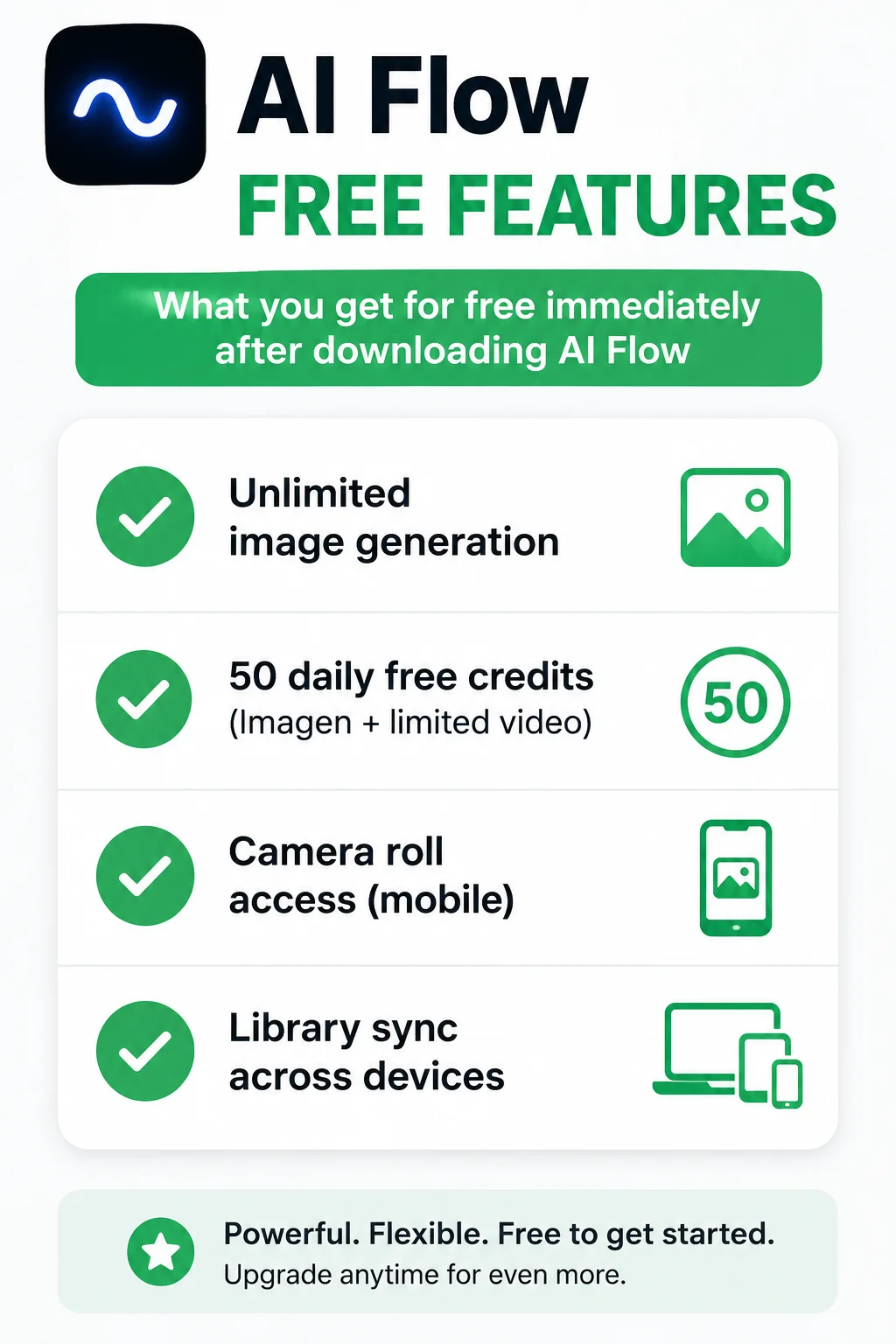
Once you’ve downloaded or accessed Google Flow AI through any method above, here’s what’s available immediately at no cost:
- Unlimited image generation using Imagen 4 — no daily cap
- 50 daily free credits — usable across image and limited video generation, refreshed daily, available to every Google account holder
- Camera roll and live camera access (mobile app)
- Library sync — your work follows you between web, Android, and (eventually) iOS
- Access to existing Flow Tools created by the community — custom workflows shared by other creators
What requires a paid Google AI subscription:
| Feature | Free | Google AI Plus / Pro / Ultra |
|---|---|---|
| Image generation | ✅ Unlimited | ✅ |
| 50 daily credits | ✅ | ✅ Plus additional allocation |
| Veo 3.1 full video | Limited (Lite model) | ✅ Full access |
| Gemini Omni Flash | ❌ | ✅ |
| Gemini Avatar | ❌ | ✅ |
| Creating custom Flow Tools | ❌ | ✅ |
Google AI Plus starts at $19.99/month — approximately Rs. 1,400/month in Pakistan. For the full pricing breakdown, see our Google Flow AI Pricing guide.
Is It Safe to Download AI Flow? Avoiding Fake Versions
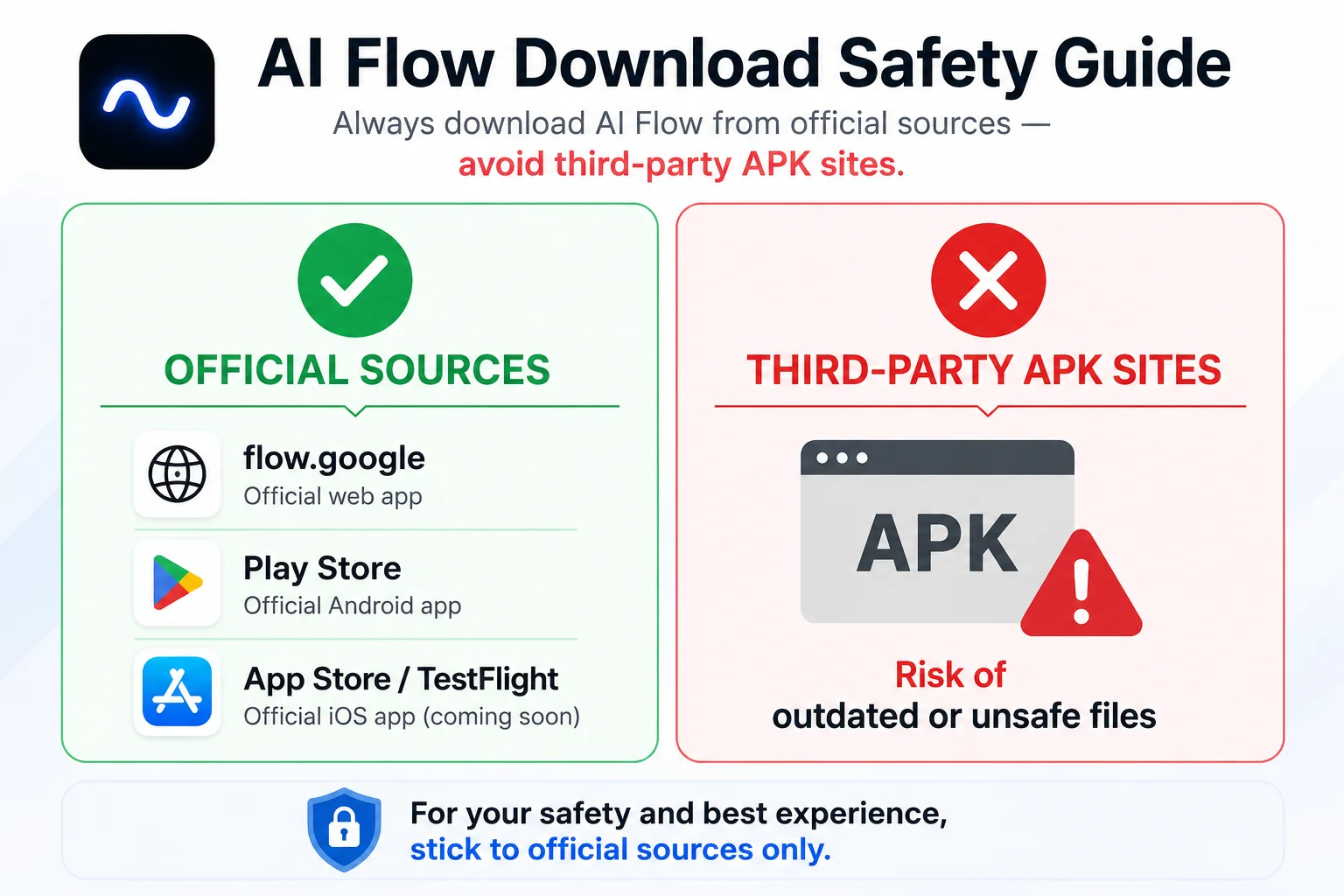
Because “AI Flow download” is such a commonly searched term, there are third-party websites offering APK files claiming to be Google Flow. We strongly recommend avoiding these.
Always download from official sources only:
- Web: flow.google — type this directly into your browser
- Android: Google Play Store search “Google Flow” — published by Google LLC
- iOS: App Store (for Flow Music) or wait for the official Flow app, currently in development
Third-party APK download sites are frequently outdated compared to the official Play Store version, and installing apps from unverified sources always carries security risk. There’s no benefit to using an unofficial download — the official app is free and updates automatically.
Troubleshooting AI Flow Download Problems
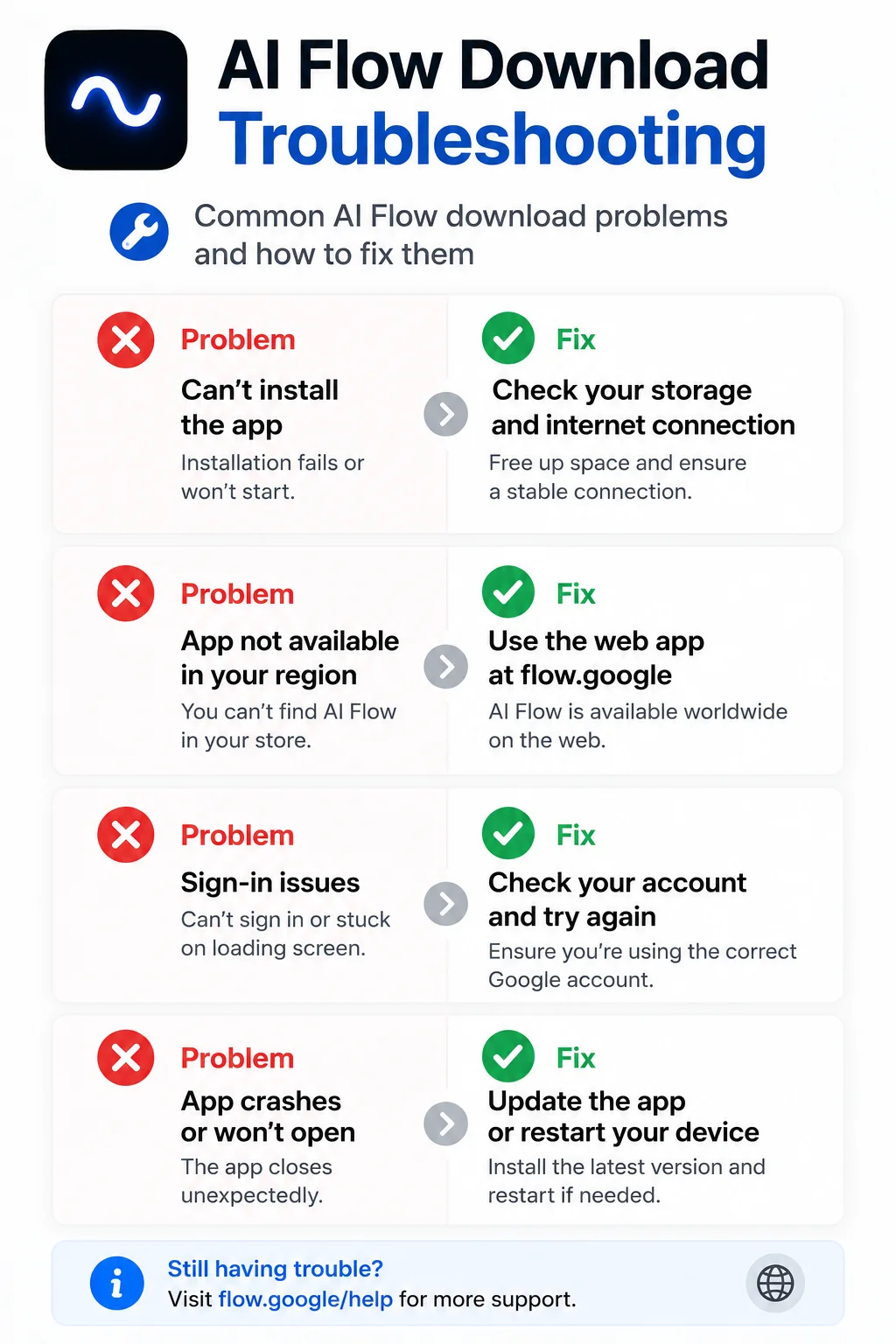
“AI Flow” doesn’t show up in my Play Store search Search for “Google Flow” instead — the official listing uses Google’s branding, not generic “AI Flow” wording. Make sure your Android version meets the minimum requirement (Android 9.0, with 12+ recommended).
“Flow is not available in your country yet” message This means a geographic restriction or, more commonly, an active VPN conflict. See our complete Google Flow not available in your country fix guide for every working solution.
App installed but won’t open / crashes immediately Confirm your Android version is 12 or higher for full stability. Also confirm you’re signed in with a personal Gmail account rather than a restricted Workspace account.
Can’t find an iOS app to download This is expected as of June 2026 — the dedicated iOS app for Flow AI (video and image) hasn’t launched yet. Use Safari at flow.google in the meantime, or download Google Flow Music separately if music generation is what you need.
Downloaded but can’t generate anything Check that you’re signed in correctly and that your account has verified your age as 18+ (required by Google for Flow AI access). Go to myaccount.google.com → Personal Info → Birthday to confirm. For generation-specific errors, see our Google Flow generation failed fix guide.
AI Flow Download — Quick Comparison Table
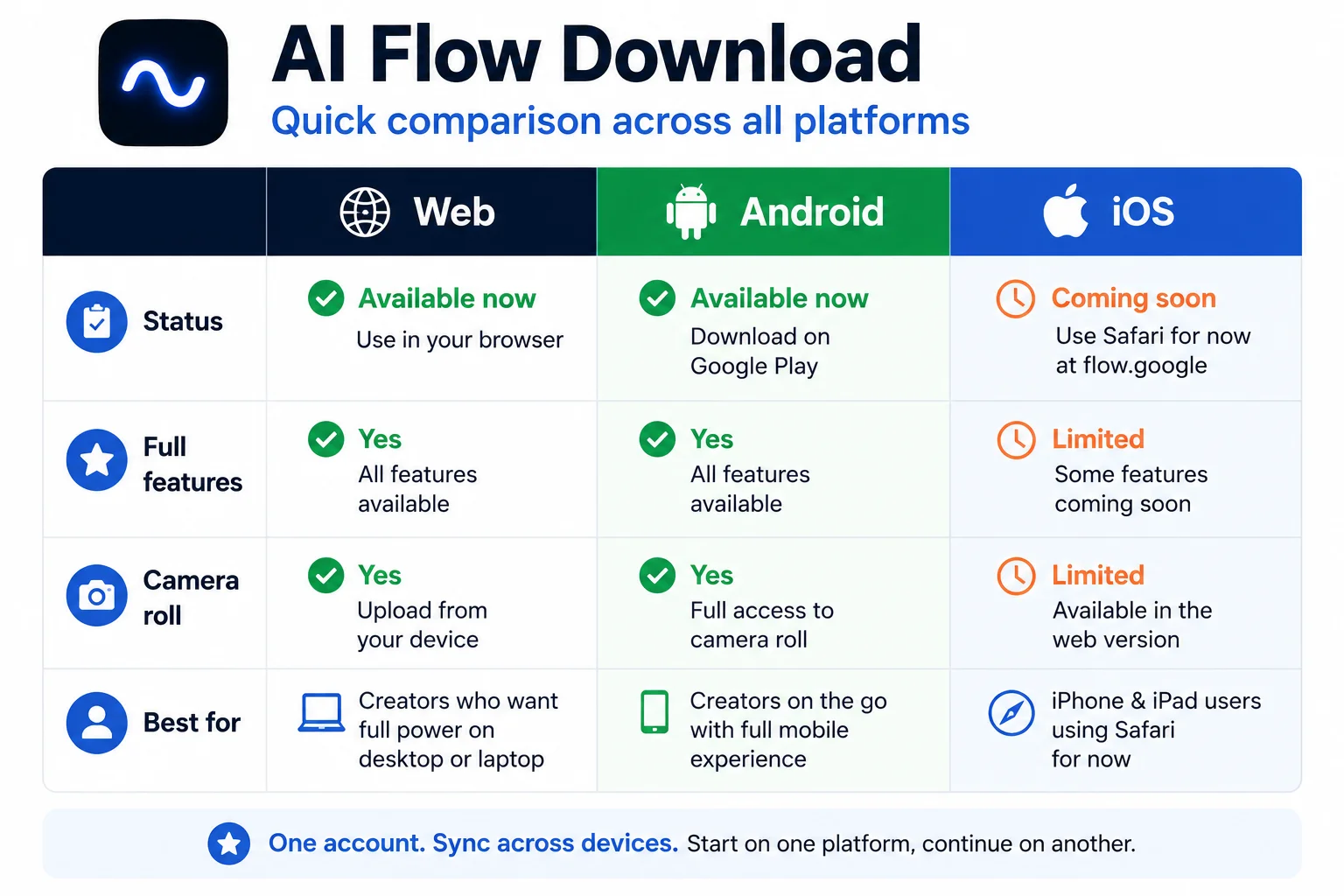
| Web (flow.google) | Android App | iOS | |
|---|---|---|---|
| Status | ✅ Fully available | ✅ Beta, live now | ⏳ Coming soon |
| Download required | ❌ None | ✅ Play Store | Safari workaround for now |
| Full editing features | ✅ Complete | Most features | Most features (via Safari) |
| Camera roll integration | ❌ | ✅ | N/A yet |
| Best for | Serious creative projects | On-the-go creation | Browser-based access |
Frequently Asked Questions
Q: What exactly is “AI Flow”?
“AI Flow” is how many people refer to Google Flow AI — Google’s official creative studio for AI image and video generation, available at flow.google, powered by Imagen 4 and Veo 3.1.
Q: Is AI Flow download free?
Yes. Downloading and accessing Google Flow AI is completely free across all platforms. Image generation is unlimited at no cost. Full video generation with Veo 3.1 and advanced features like Gemini Omni Flash require a Google AI Plus subscription ($19.99/month).
Q: How do I download AI Flow on my phone?
On Android, search “Google Flow” in the Google Play Store and install the official app by Google LLC. On iPhone, the dedicated app is still in development — use Safari to access flow.google directly in the meantime.
Q: Is AI Flow available in Pakistan?
Yes, fully available in Pakistan on web and Android, with no VPN required. If you see a “not available” message, it’s typically a fixable issue — see our Google Flow country access fix guide.
Q: Do I need to download anything to use AI Flow on my computer?
No. Simply go to flow.google in any modern browser and sign in with your Google account. No download or installation needed for the web version.
Q: Is there an age requirement to download AI Flow?
Yes. Google requires users to be 18 years or older, verified through your Google account’s date of birth setting.
Q: What’s the difference between AI Flow and the old Whisk AI?
Whisk AI was an earlier Google tool that has been fully integrated into Google Flow AI. Everything Whisk AI offered — including the Ingredients system — is now part of Flow AI, alongside video generation, audio, and many additional features. Read the full story in our Whisk AI shutdown guide.
Q: Should I download AI Flow from a third-party APK site?
No. Always use the official Google Play Store for Android, or flow.google directly for web access. Third-party APK sites carry security risks and are often outdated.
Final Thoughts — Get Started in Under a Minute
There’s no complicated download process standing between you and Google Flow AI. If you’re on a computer, just open flow.google and sign in — you’ll be generating your first image within a minute. If you’re on Android, the official Play Store app gives you a smoother mobile-first experience with camera integration. If you’re on iPhone, Safari gets you full access right now while the dedicated app finishes development.
Whichever path you choose, the free tier gives you genuine, unlimited image generation to start exploring immediately — no credit card required.
For everything else once you’re in — from writing effective prompts to using Veo 3.1’s native audio to setting up your Gemini Avatar — visit WhiskAILabs for the complete guide library.
Related Articles on WhiskAILabs:
- Home — WhiskAILabs.net
- Google Flow AI Mobile App — Complete Guide
- What Is Google Flow AI?
- Google Flow AI Tutorial — Step by Step
- Google Flow AI Pricing 2026
- Google Flow Not Available In Your Country Fix
- Google Flow Generation Failed Fix
- What Is Google Whisk AI?
- Whisk AI Shutdown — Full Story
- Veo 3.1 Update 2026 — All New Features
- Gemini Avatar in Google Flow AI
- Pakistan Access Guide for Google AI
- News & Updates — WhiskAILabs
Official External Sources:















