
Google Whisk AI: The Complete 2026 Guide for Creators
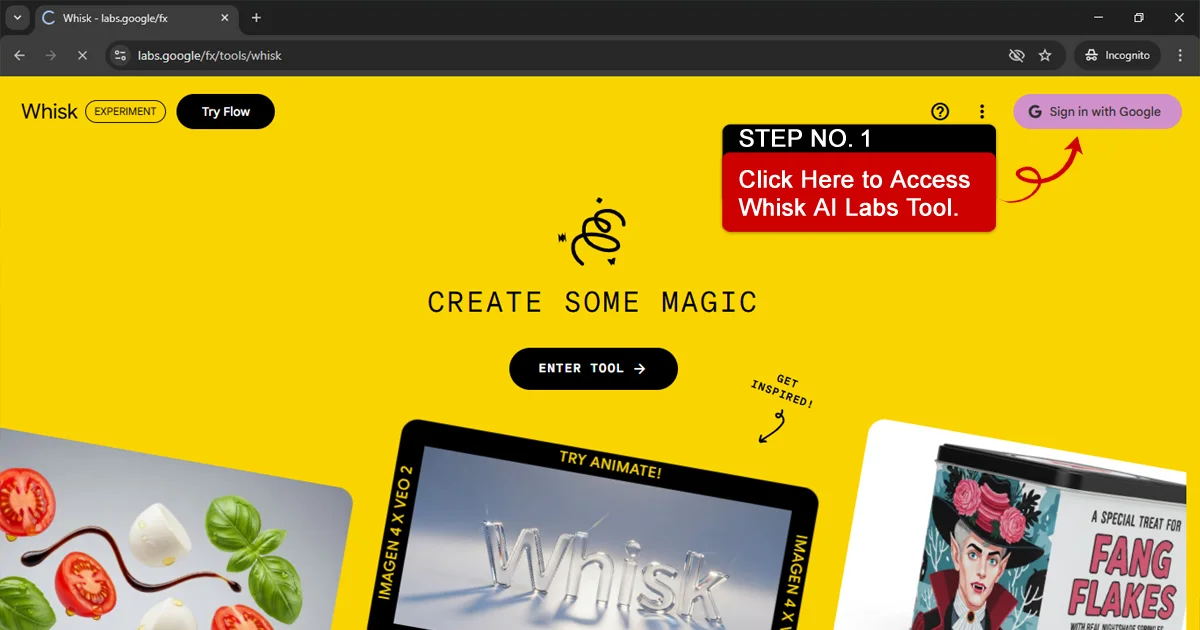
What is Google Whisk AI?
Google Whisk AI
is an experimental AI-powered image generation platform built using advanced Google AI technology.
Unlike traditional text-to-image tools that rely heavily on long written prompts, Google Whisk AI emphasizes visual creativity. Users can combine reference images, experiment with style blending, and generate original visuals with less technical effort.
The goal of the platform is simple: make AI image creation more intuitive and accessible for everyday creators.
It is especially useful for:
• Bloggers
• Social media creators
• Digital marketers
• Small business owners
• Students and hobby designers
How Google Whisk AI Works
At its core, Google Whisk AI uses machine learning models trained to understand visual patterns.
Here’s how the process typically works:
1. Input Stage
Users provide either text instructions, visual references, or a mix of both.
2. Pattern Analysis
The AI analyzes structure, lighting, textures, shapes, and artistic style.
3. Image Generation
The system generates a new image that blends the requested elements into a unique output.
Instead of copying visuals, the model interprets patterns and recreates them in a new composition.
This makes the process feel more collaborative than mechanical.
For deeper explanation, see:
How Google Whisk AI Works
Features of Google Whisk AI (2026)
Google Whisk AI includes several features that make it practical for real-world use:
• Multi-image blending capability
• Style transfer and remix options
• High-resolution output generation
• Beginner-friendly user interface
• Fast processing speed
• Creative flexibility without heavy prompt dependency
These features reduce the learning curve and make experimentation easier.
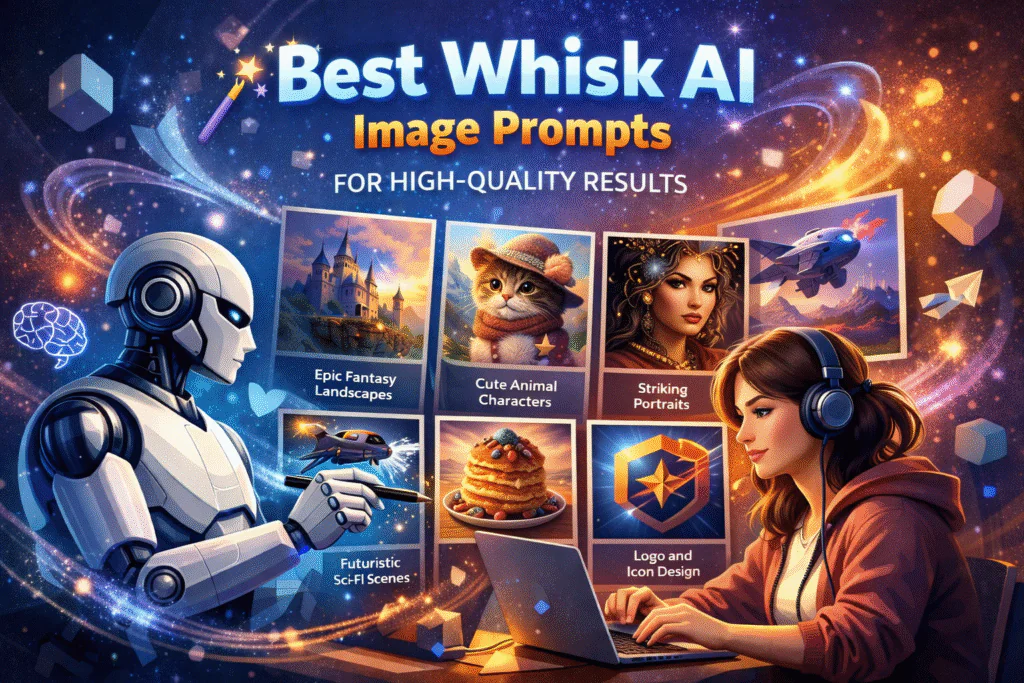
Writing Prompts for Google Whisk AI
While visual blending plays a major role, prompts still guide the final result.
The most effective prompts are clear and structured.
A recommended format:
Subject + Environment + Style + Lighting + Detail
Example:
“Minimalist home office, Scandinavian interior design, soft natural daylight, realistic textures, high detail”
Avoid overloading prompts with too many adjectives. Specific direction works better than vague descriptions.
You can explore more structured examples here:
Writing Prompts for Whisk AI
Google Whisk AI Templates
Templates help creators maintain consistency and speed up production.
Common template uses include:
• Blog featured images
• YouTube thumbnails
• Instagram and social media graphics
• Product mockups
• Marketing creatives
• AI portrait layouts
Instead of designing from scratch every time, templates allow you to reuse proven visual structures.
This improves brand consistency and saves time.
Explore our collection of
Google Whisk AI Templates
to boost your creative workflow with Whisk AI.
Use Cases of Google Whisk AI
Google Whisk AI supports a wide range of creative workflows:
Bloggers
Generate original blog header images to improve user engagement.
E-commerce Businesses
Create product visuals and promotional banners.
YouTubers
Design thumbnail concepts quickly before final production.
Digital Marketers
Test multiple creative variations for ad campaigns.
Students and Hobby Creators
Experiment with design ideas without professional software.
It does not replace professional designers, but it makes visual experimentation more accessible.
Google Whisk AI Comparison
Many users compare it with ImageFX.
Here’s a practical comparison:
• Google Whisk AI focuses more on creative blending and flexibility.
• ImageFX emphasizes structured prompt control.
If you prefer experimentation and remixing, Whisk AI feels more open.
If you prefer precise prompt-based control, ImageFX may feel more predictable.
For detailed breakdown:
Whisk AI vs ImageFX
Frequently Asked Questions About Google Whisk AI
Is there a Google Whisk AI Labs APK available?
Currently, there is no official Google Whisk AI Labs APK released for public Android installation.If a mobile version becomes available, it would likely be accessible through official Google platforms. Users should avoid downloading unofficial APK files from third-party websites to prevent security risks.
Is Whisk Lab AI free to use?
Many users search for
Whisk Lab AI free
to understand pricing.
As an experimental tool, access may be free during testing phases. However, usage limits or changes in pricing structure could apply in the future depending on platform policy.
Always check official announcements for the latest access details.
How does Whisk AI login work?
The
Whisk AI login
process generally requires signing in with a Google account.
Since it is connected to Google’s ecosystem, users typically authenticate using standard Google credentials. Access permissions may depend on availability or beta program participation.
How is Whisk AI different from ImageFX?
Both tools come from Google Labs, but they serve different purposes:
• Whisk AI is best for idea exploration and visual brainstorming.
• ImageFX is better for generating more polished, final-style images.
In simple terms, Whisk helps you think, while ImageFX helps you produce.
Do I need advanced prompt-writing skills to use Whisk AI?
No. Whisk AI is designed to work with simple, natural language prompts. You don’t need technical prompt engineering skills. The tool encourages experimentation and iteration rather than perfect instructions.
Can Whisk AI replace professional design tools?
No. Whisk AI should not be seen as a replacement for professional design or image editing software. It works best as a creative assistant for early ideas, inspiration, and concept development.
Who should use Whisk AI?
Whisk AI is ideal for:
Designers exploring early visual ideas
• Content creators and bloggers
• Writers looking for inspiration
• Educators demonstrating AI creativity
It may not suit users who need consistent, production-ready outputs.
Are Whisk AI results random?
Whisk AI results are experimental, not random. Because it is a Labs tool, outputs may vary, but clearer ideas and better descriptions usually lead to more useful results.
Is Whisk AI available in all countries?
Availability may vary by region and Google account. Since Whisk AI is experimental, access can change at any time without notice.
For more detailed answers, visit: Click this Whisk AI FAQ

Content on WhiskAILabs is created and reviewed by people who actively test AI image tools in real creative workflows.
Get Started free All tools with WhiskAILabs.
- © 2025 WhiskAILabs.net Independent educational resource. Not affiliated with Google or Google Labs.