
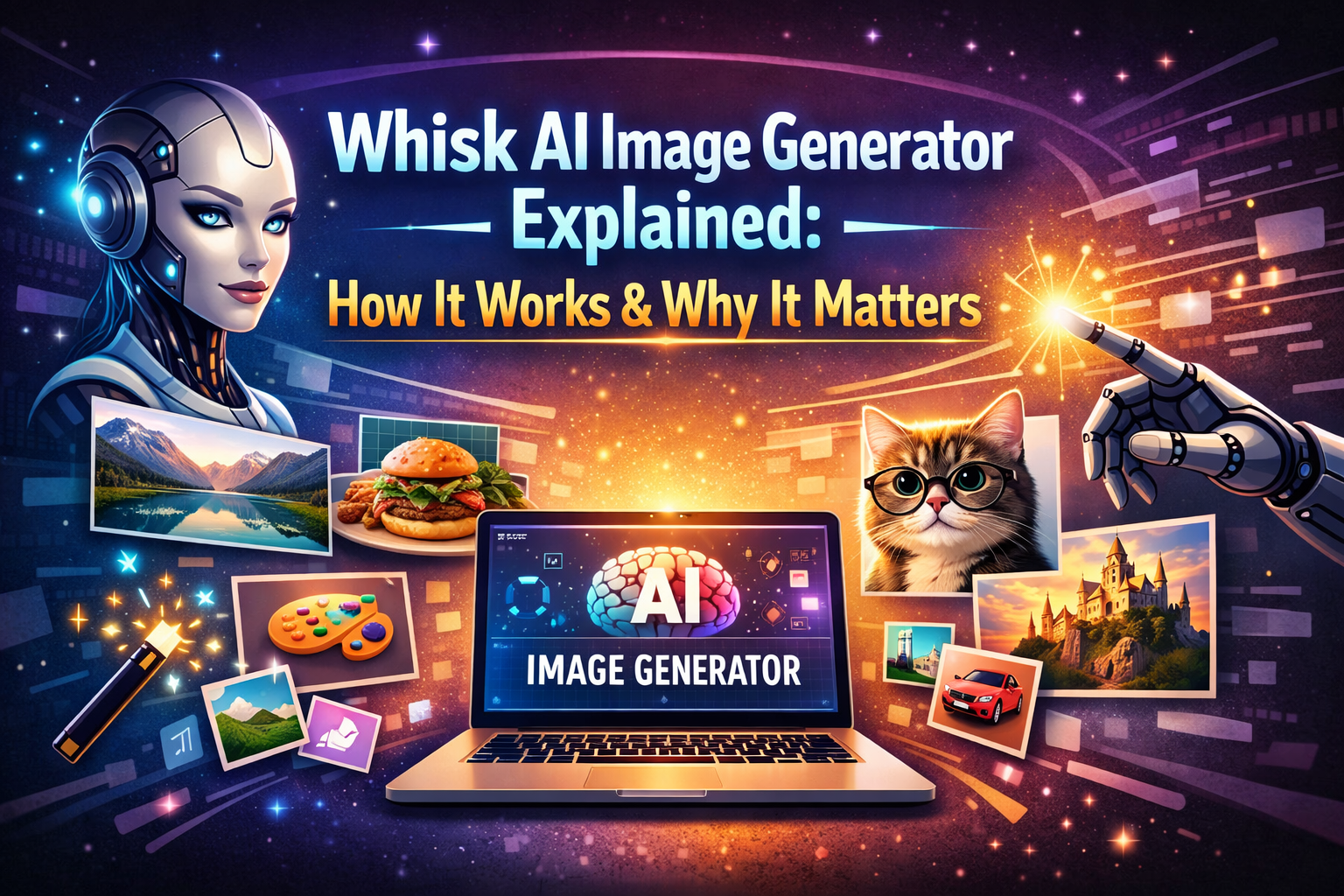
Whisk AI Image Generator Explained: How It Works & Why It Matters
AI image generation is no longer a “future concept.” It’s already shaping how content is created today. From blogs and social media to marketing and creative projects, visuals play a major role — and tools like Whisk AI Image Generator are making this process easier than ever.
But many beginners still ask the same questions:
-
How does the Whisk AI image generator actually work?
-
Is it just another AI tool, or does it really matter?
-
Why are so many creators starting to use it?
This article answers those questions in a clear, practical, and honest way — no hype, no technical overload, just real explanation based on how the tool is used in real life.
What Is the Whisk AI Image Generator?
The Whisk AI image generator is an AI-powered system that creates images from text descriptions. Instead of designing visuals manually, you describe what you want to see, and the AI generates an image based on your words.
For example, you might write:
-
“A modern workspace with soft lighting and minimal design”
-
“A peaceful forest path in early morning fog”
Whisk AI reads these descriptions and turns them into visuals.
No drawing skills. No design software. No complex commands.
That simplicity is exactly why beginners feel comfortable using it.
How the Whisk AI Image Generator Works (Simple Breakdown)
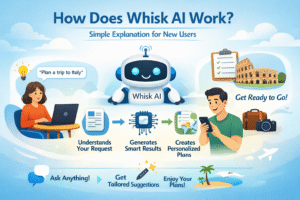
Understanding how Whisk AI works doesn’t require technical knowledge. Let’s explain it step by step.
Step 1: Text Input (Your Idea)
Everything starts with your description. This usually includes:
-
The main subject (what should appear)
-
The environment or scene
-
The mood or feeling
-
Optional style preference
Clear ideas work better than complicated wording.
Step 2: AI Interpretation
The Whisk AI image generator analyzes your text and looks for:
-
Objects (people, places, items)
-
Relationships between objects
-
Visual patterns
-
Emotional cues (calm, dramatic, warm, dark)
The AI doesn’t “think” like a human. It predicts what an image should look like based on patterns it learned during training.
Step 3: Image Generation
Once interpretation is complete, Whisk AI generates an image that best matches your description.
Important to understand:
The result is not a perfect copy of reality — it’s a creative interpretation.
That’s why small changes in wording can produce very different images.
Why the Whisk AI Image Generator Feels Beginner-Friendly
Many AI tools feel overwhelming. Whisk AI doesn’t.
Here’s why beginners usually find it easier to use:
-
You can write prompts in normal language
-
You don’t need prompt engineering knowledge
-
The interface focuses on clarity, not complexity
-
You learn by experimenting, not memorizing rules
Instead of feeling judged by the tool, users feel encouraged to try again.
Key Features of the Whisk AI Image Generator
Style-Based Image Creation
Whisk AI allows you to generate images in different visual styles, such as:
-
Realistic – close to photography
-
Illustrated / Cartoon – clean and creative
-
Fantasy / Surreal – imaginative and expressive
This helps users understand how style changes the story an image tells, not just how it looks.
Template Support for Faster Results
Templates give users a structured starting point. They’re especially useful when you don’t know how to phrase your idea.
Templates help with:
-
Character visuals
-
Landscapes
-
Concept and product visuals
Whisk AI Templates: Complete Guide to Image Generation, Styles & Creative Workflows
Mood, Lighting, and Atmosphere Control
The Whisk AI image generator responds strongly to emotional words like:
-
Soft lighting
-
Moody shadows
-
Warm tones
-
Cinematic atmosphere
These details shape how the final image feels, not just what it shows.
Real Use Cases: Why the Whisk AI Image Generator Matters
Understanding why Whisk AI matters becomes easier when you look at real usage.
Content Creators & Bloggers
-
Custom blog images instead of stock photos
-
Visuals that match article tone
-
Faster publishing workflows
Social Media Creators
-
Eye-catching posts
-
Story visuals
-
Brand-consistent imagery
Marketers & Small Businesses
-
Ad concept visuals
-
Campaign testing
-
Idea visualization before design investment
Whisk AI Examples: Practical Guide to Image Generation, Styles & Creative Results
Why the Whisk AI Image Generator Matters in 2026
In 2026, three things matter more than ever:
-
Speed
-
Originality
-
Visual clarity
The Whisk AI image generator matters because it:
-
Reduces dependence on stock images
-
Speeds up content creation
-
Helps non-designers compete visually
-
Encourages creative experimentation
For solo creators and small teams, this is a big advantage.
Limitations You Should Be Aware Of
To keep things honest and transparent:
-
Some details may look slightly incorrect
-
Complex scenes may need multiple attempts
-
It doesn’t replace professional photography or design
However, as a creative support tool, Whisk AI performs exactly as expected.
Best Practices for Using the Whisk AI Image Generator
If you want better results, keep these tips in mind:
-
Start with a clear subject
-
Add mood before adding details
-
Change one element at a time
-
Compare results instead of guessing
The best learning comes from observation, not overthinking.
How Whisk AI Fits Into the Bigger AI Ecosystem
Whisk AI is part of a broader movement toward accessible AI tools. Platforms backed by companies like Google continue to push AI in more responsible and user-friendly directions.
For broader context, you can explore:
(These are authority-building external resources.)
Final Thoughts: Does the Whisk AI Image Generator Really Matter?
Yes — but not because it’s “magic.”
The Whisk AI image generator matters because it:
-
Lowers creative barriers
-
Saves time
-
Makes visual thinking accessible
It doesn’t replace human creativity.
It supports it.
If you’re a beginner trying to turn ideas into visuals without stress, Whisk AI is a practical and realistic tool to explore.